Sometimes you'll want to look at everything on the disk, instead
of
one directory
at a time. You can use the DlR command with one
of
its options:
DIROPT
A
which lists all directories and sub-directories on the disk.
To get a closer look at it, you might redirect the output to a
file:
DIR MyDiskDir> OPT A
Notice that the redirect-the-output character came before the list
of
options for
the DlR command.
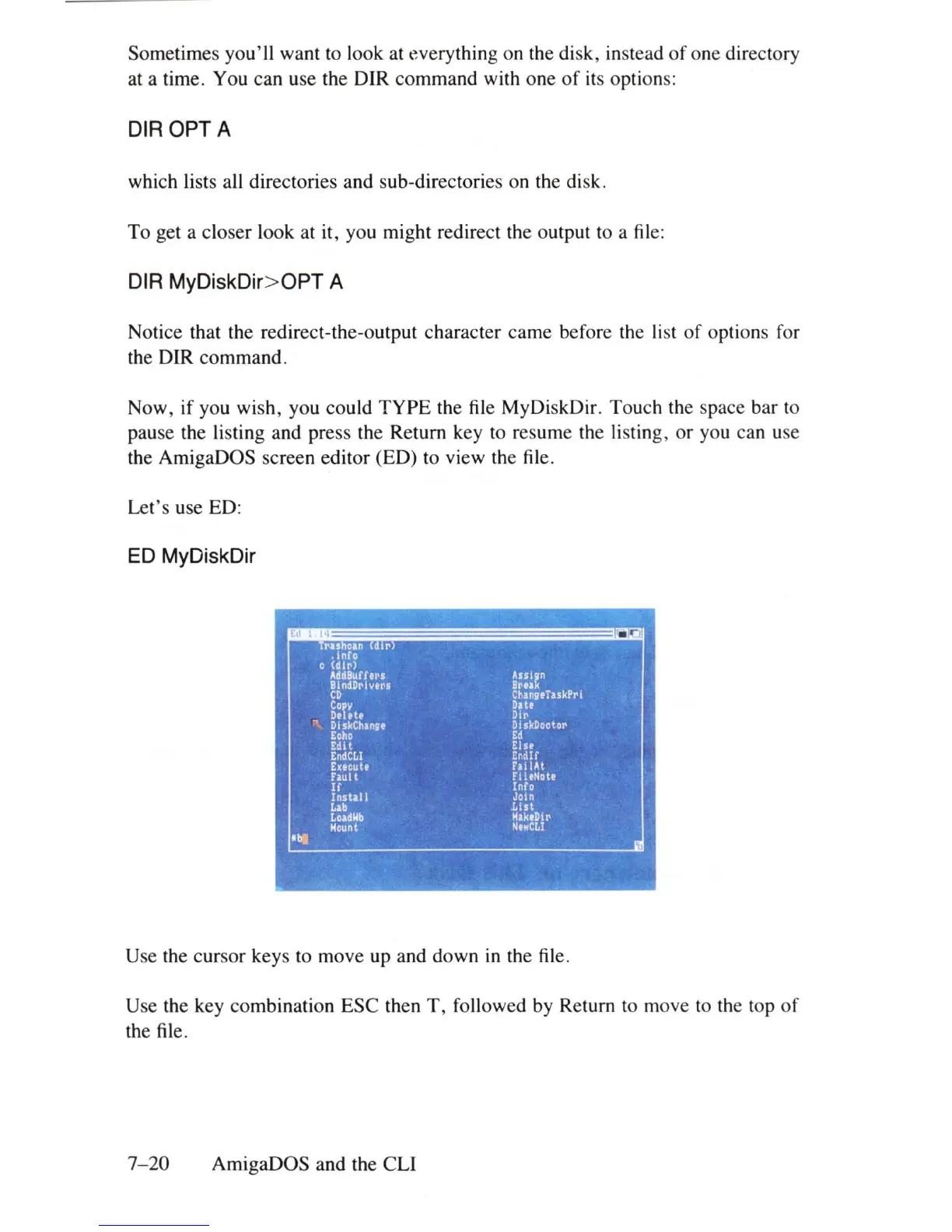
Now, if you wish, you could TYPE the file MyDiskDir. Touch the space bar to
pause the listing and press the Return key to resume the listing, or you can use
the AmigaDOS screen editor (ED) to view the file.
Let's use ED:
ED
MyDiskDir
Use the cursor keys to move up and down
in
the file.
Use the key combination ESC then
T,
followed by Return to move to the top
of
the file.
7-20
AmigaDOS and the CLI















 To Next Page