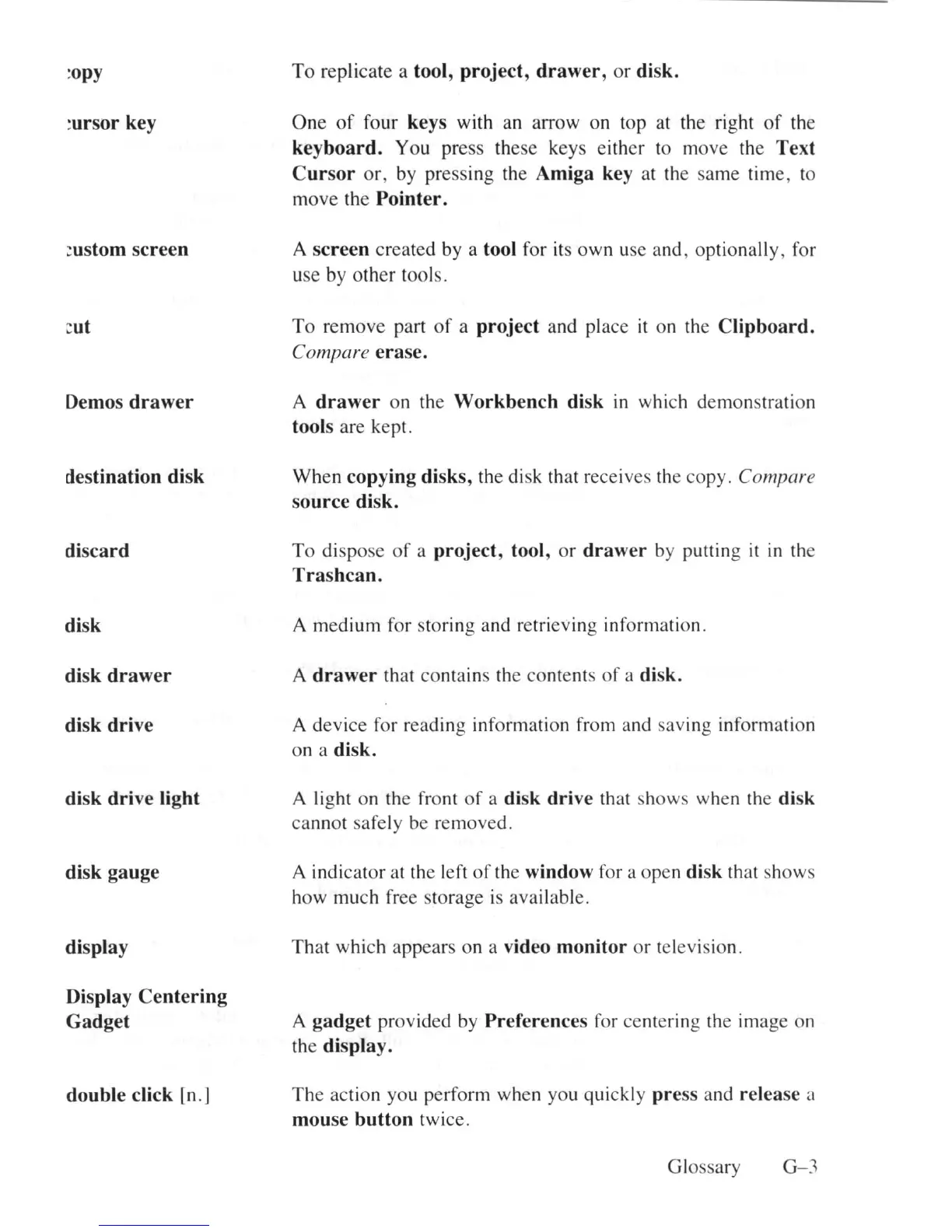
:opy
:ursOr key
~
ustom
screen
mt
Demos
drawer
destination disk
discard
disk
disk
drawer
disk drive
disk
dri
ve light
disk gauge
display
Display Centering
Gadget
double click
[n
.]
To
replicate a tool, project,
drawer
, or disk.
One
of
four keys with an arrow on top at the right
of
the
keyboard. You press th
ese
keys either to move the Text
Cursor
or,
by pressing the Amiga key at the sa
me
tim
e,
to
m
ove
the Pointer.
A screen
crea
ted by a tool for its
ow
n use and , optionally, for
u
se
by
ot
her tools.
To
remove part
of
a project and
pl
ace
it
on the Clipboard.
Compare erase.
A
drawer
on the Workbench disk in which demonstration
tools are k
ep
t.
When copying disks, the disk that receives the copy. Compare
source disk.
To
dispose
of
a project, tool,
or
draw
er by putting
it
in
the
Trashcan.
A me
dium
for storing and retrieving inf
or
mation.
A
drawer
that
co
nta
in
s the
co
ntents
of
a disk.
A
dev
i
ce
for r
ea
ding inf
or
ma
ti
on from and sav
in
g
inf
or
ma
ti
on
on
a disk.
A
li
ght on the front
of
a disk drive that sh
ows
when the disk
ca
nnot safely be removed.
A indi
ca
tor at the le
ft
of
the window for a
ope
n disk that sh
ows
h
ow
much free storage is ava
il
a
bl
e.
Tha
t which app
ea
rs on a video monitor
or
television.
A gadget provided by Preferences for
ce
ntering
th
e image on
the
displa
y.
The
ac
ti
on you perform when you quickly
pr
ess and release a
mouse button
twice.
Glossary
G- 3















 To Next Page