main
unit
memory
memory
meter
menu
Menu
Bar
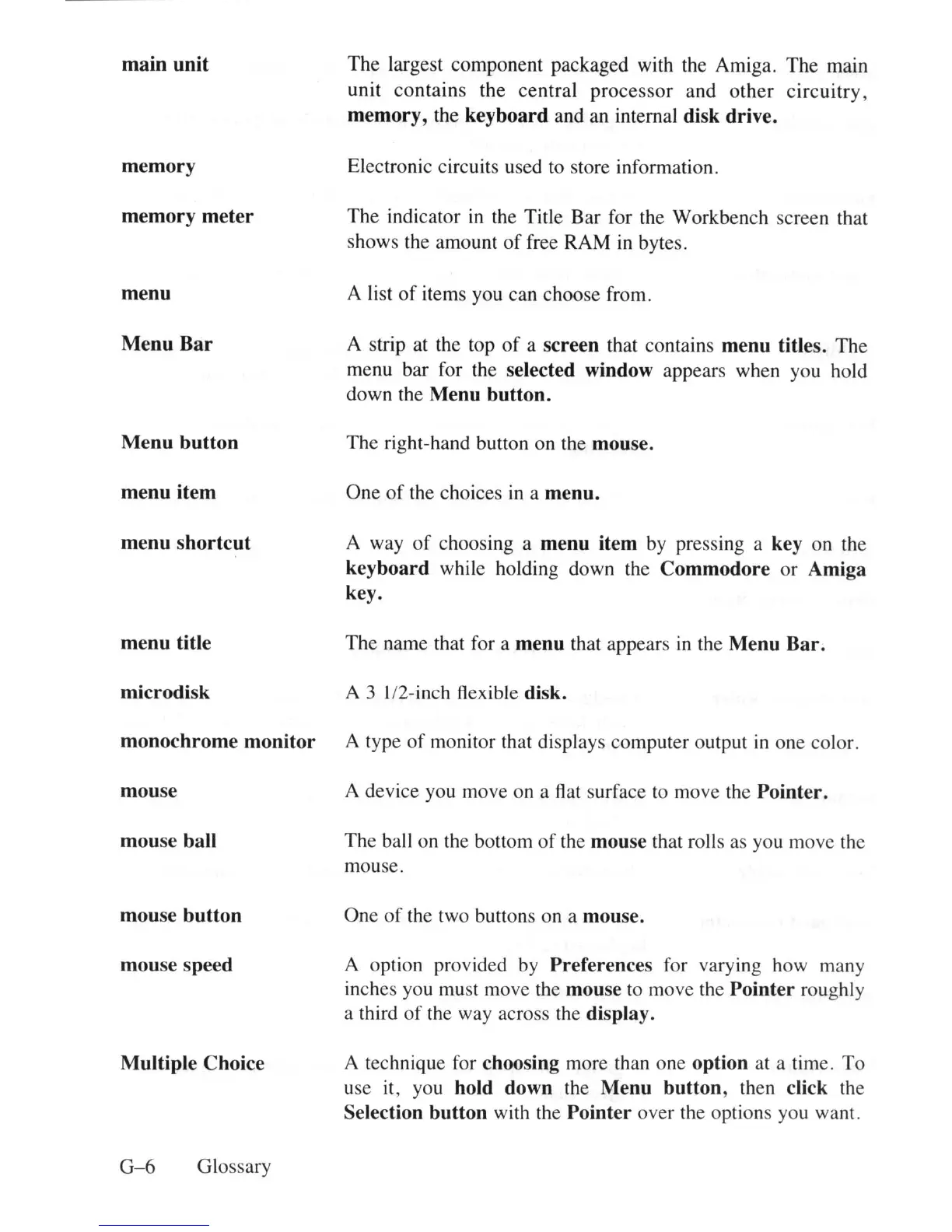
The largest component packaged with the Amiga. The main
unit contains the central process
or
and other circuitry,
memory
,
th
e
keyboard
and
an
internal disk drive.
Elect
ro
ni
c c
ir
cuits used to store
in
fo
rm
a
ti
on.
The indicator
in
th
e Title Bar for
th
e Workbench screen
th
at
shows
th
e amount of
fr
ee RAM
in
bytes.
A
li
st of
it
ems you can choose from .
A strip at the top
of
a screen
th
at co
nt
a
in
s
menu
titles. The
me
nu
bar for
th
e selected window appears
wh
en you hold
down
th
e
Menu
button.
Menu
button
The
ri
g
ht
-ha
nd
button on
th
e mouse.
menu
item One
of
th
e choices
in
a
menu.
menu
shortcut
A w
ay
of
choos
in
g a
menu
item by press
in
g a key on
th
e
keyboard
while holding down
th
e
Commodore
or Amiga
key.
menu
title The name
th
at
fo
r a
menu
th
at appears
in
th
e
Menu
Bar
.
microdi
sk A 3 II2-
in
ch
fl
ex
ibl
e disk.
monochrome
monitor
A type
of
monitor
th
at
di
s
pl
ays computer o
ut
put
in
one color.
mouse A device you move on a
fl
at surface
to
move
th
e
Pointer.
mou
se ball The ba
ll
on
th
e bot
to
m
of
th
e mouse that
ro
ll
s
as
you move the
mouse.
mou
se
button
mou
se s
pe
ed
Multiple
Choice
G- 6 Glossary
One
of
th
e two buttons on a mouse.
A o
pti
on provided by Preferences
fo
r
va
ry
in
g how
ma
ny
in
ches
yo
u
mu
st move
th
e mouse to move
th
e
Pointer
roug
hl
y
a
th
ird
of
th
e way across
th
e display.
A technique for choosing more
th
an one option at a time. To
use
it
,
yo
u hold down
th
e
Menu
button
,
th
en click the
Selection
button
wi
th th
e
Pointer
over the options you wan
t.















 To Next Page