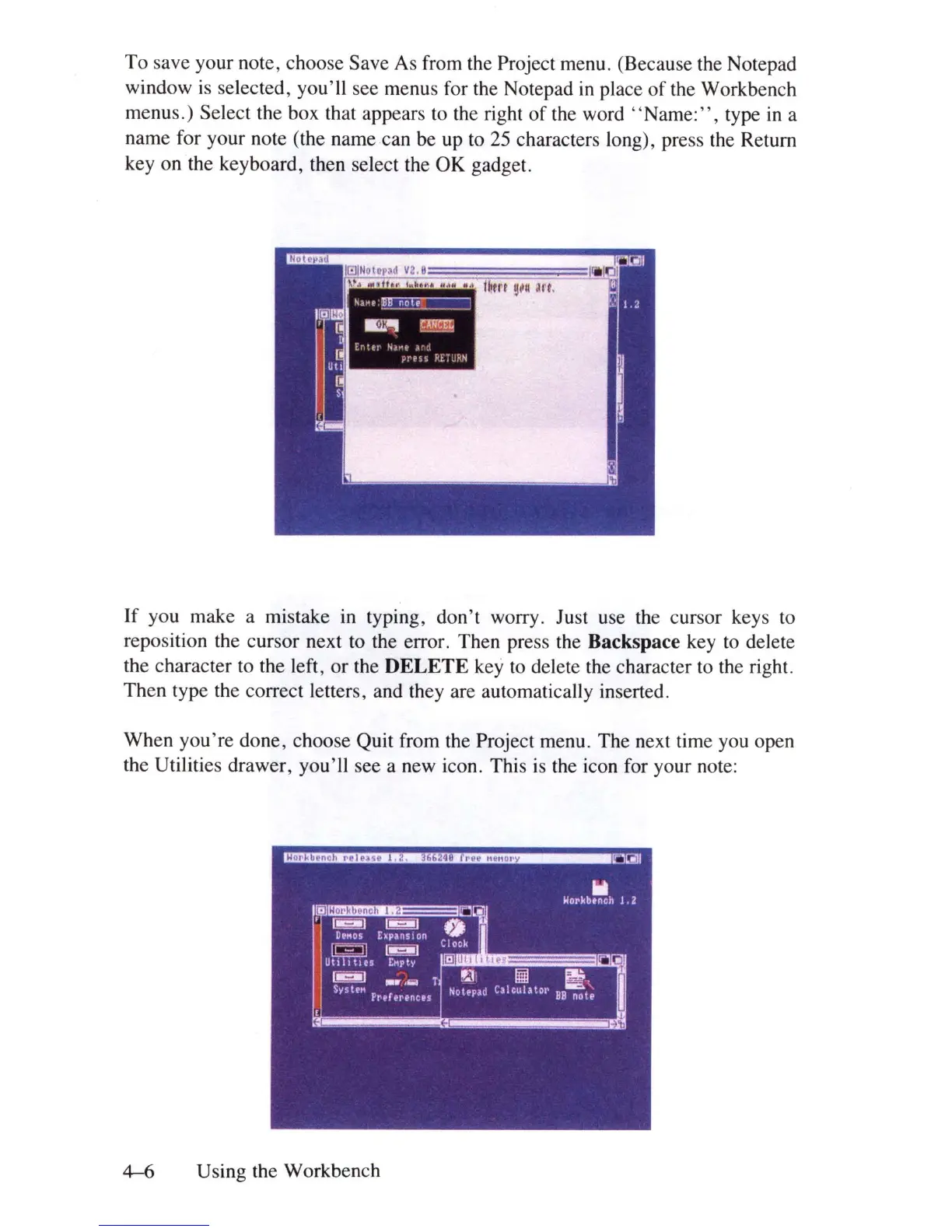
To
save your note, choose Save As from the Project menu. (Because the Notepad
window is selected, you'll see menus for the Notepad
in
place
of
the Workbench
menus.) Select the box that appears to the right
of
the word " Name
:",
type
in
a
name for your note (the name can be up to
25
characters long), press the Return
key on the keyboard, then select the OK gadget.
If you make a mistake
in
typing,
don't
worry. Just use the cursor keys to
reposition the cursor next to the error. Then press the Backspace key to delete
the character to the left, or the DELETE key to delete the character to the right.
Then type the correct letters, and they are automatically inserted.
When
you're
done, choose Quit from the Project menu. The next time you open
the Utilities drawer, you'll see a new icon. This is the icon for your note:
~
U sing the Workbench















 To Next Page