Pressing the Shift Key while selecting a Scroll Arrow moves the window one
pixel.
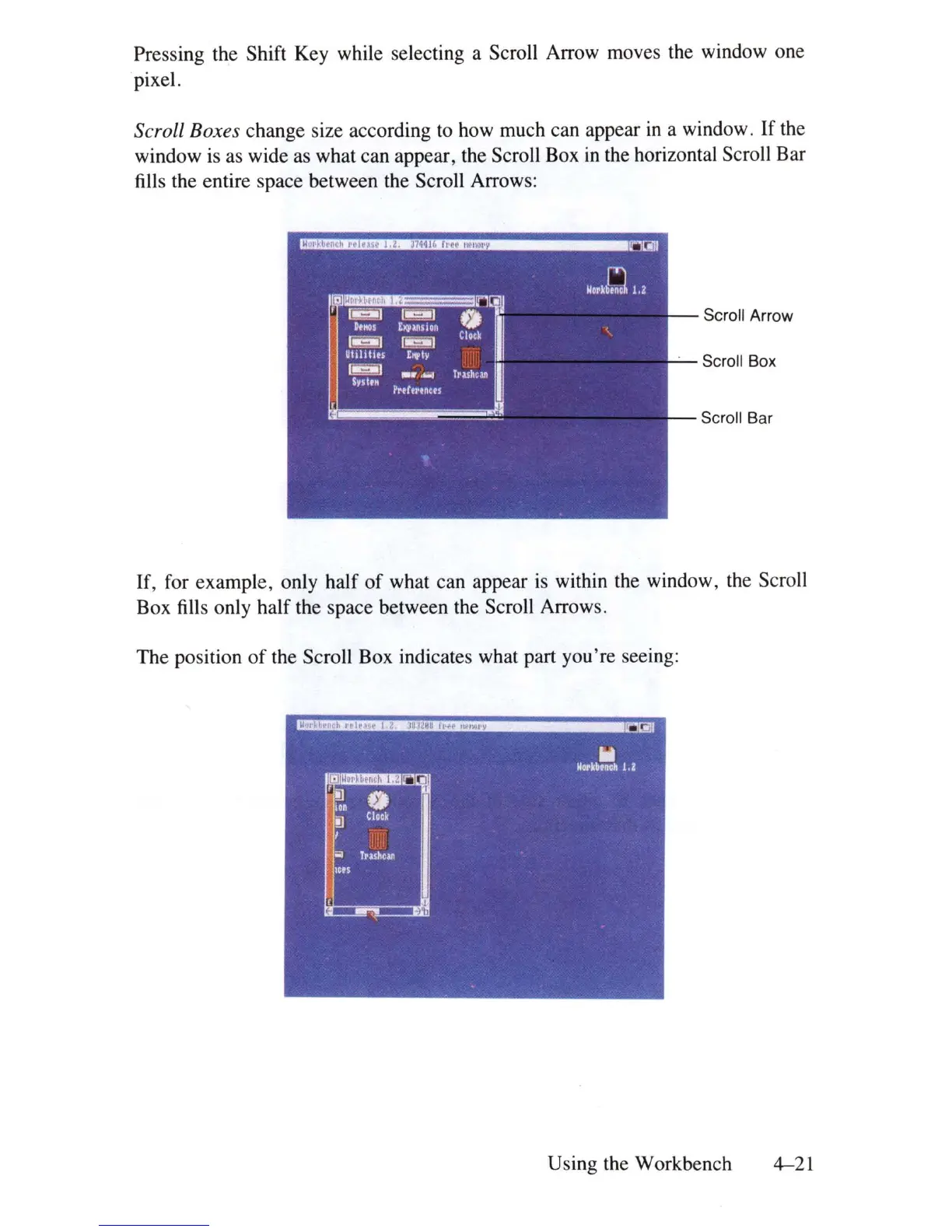
Scroll Boxes change size according to how much can appear
in
a window.
If
the
window
is
as wide as what can appear, the Scroll Box
in
the horizontal Scroll Bar
fills the entire space between the Scroll Arrows:
Scroll Arrow
Scroll Box
Scroll Bar
If, for example, only half
of
what can appear
is
within the window, the Scroll
Box fills only half the space between the Scroll Arrows.
The
position
of
the Scroll Box indicates what part you're seeing:
Using the Workbench
4-21















 To Next Page