System 3505 Installation & Operation Manual
Digitize, Inc. 700248-0002 Rev. C 02/16
Specification Subject to Change Without Notice
7-25
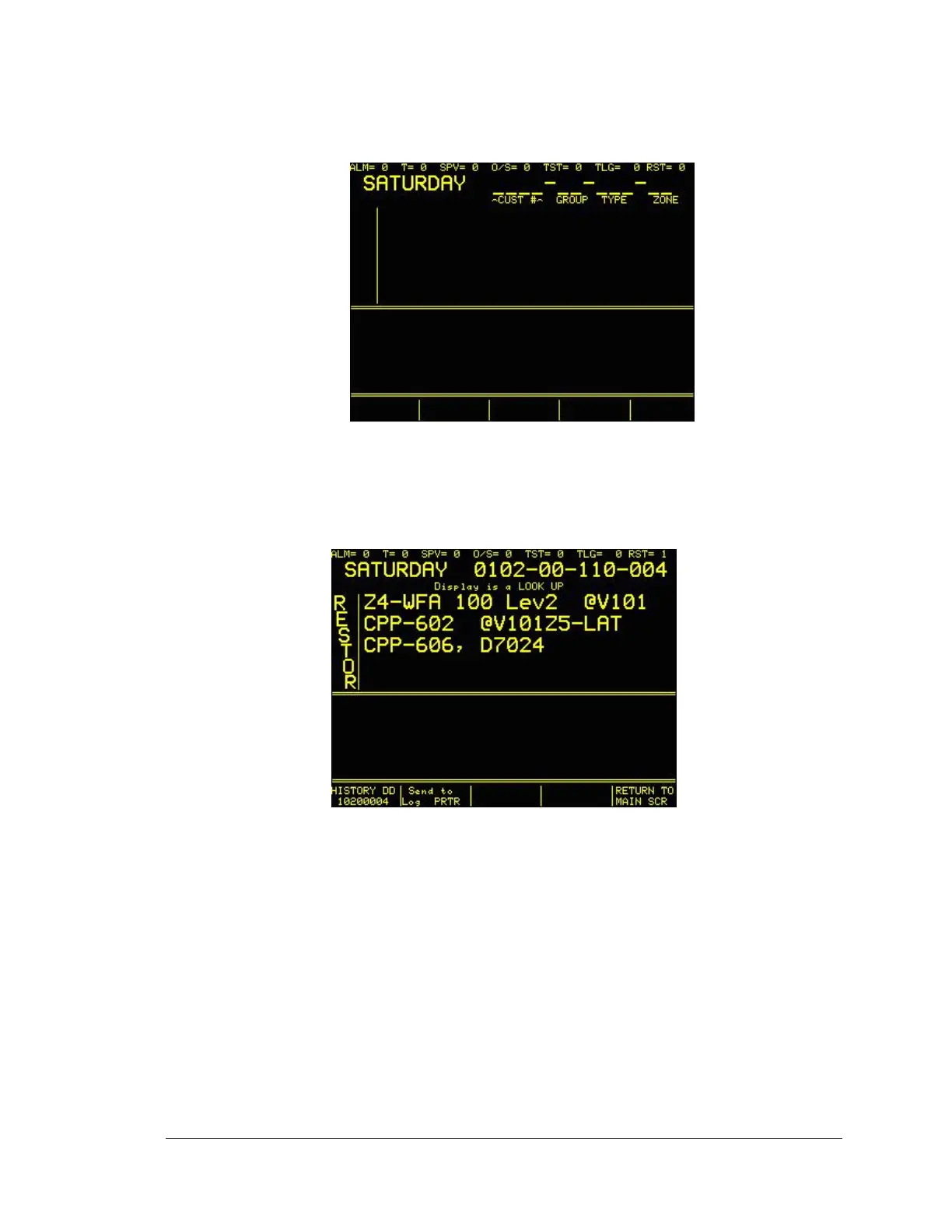
1. Press the DIALER LOOK UP key on the front of the SYSTEM 3505, without entering
any text. The display will look as follows:
Note that the display is prompting for a 12 digit entry, which is the actual minimal length of a
CID/SIA account. Below the underbars, the display indicates CUST, GROUP, TYPE and ZONE.
In order to look up a CID/SIA account, be aware of the values that are needed to successfully
look up this account type.
Start to enter the CUST number, please note that a four digit number is not needed, thus is the
CUST account is one, two or three digits in length. To pad the number, enter leading zeros.
Continue to add the GROUP, TYPE and ZONE. When the last digit of the ZONE is entered, the
display will immediately do a lookup on the account entered. The display will look as follows:
To “LOOK UP” a dialer account in a pulsed format, such as account 401-01, start entering the
account into the SYSTEM 3505.





 To Next Page