System 3505 Installation & Operation Manual
Digitize, Inc. 700248-0002 Rev. C 02/16
Specification Subject to Change Without Notice
4-3
Refer to Appendix A: User Text Step-by-Step Procedures for detailed directions for
each menu of User Text.
4.2.1
ZONE/MUX Menu
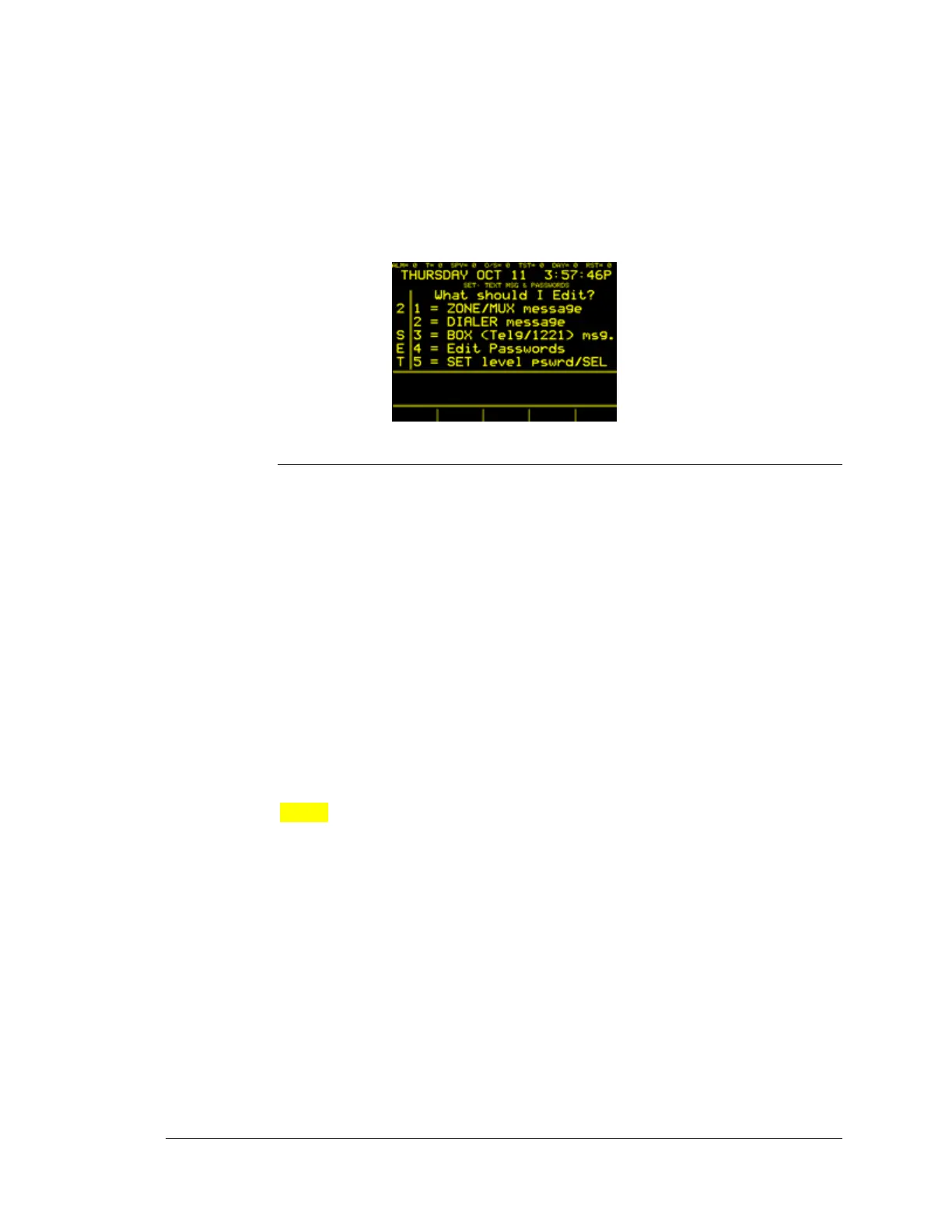
After gaining access to the menus, the ZONE/MUX can be accessed by pressing
1 on the keypad.
Adding Text to a Zone
To ADD User Text to a zone, enter the number associated to the zone to which to
ADD, CHANGE and DELETE text.
Priority Level 1 (the highest level) is set for FIRE alarm messages. Enter lower
priority messages for lower level alarms. Typical priorities are as follows:
LEVEL 1 Fire Alarm
LEVEL 2 Burglary
LEVEL 3 Fire Alarm Supervisory
LEVEL 4 Burglary Supervisory
LEVEL 5 Industrial
LEVEL 6 ARM/DARM (When access option is used)
LEVEL 7 ALM LV7
LEVEL 8 ALM LV8 (reserved for SYSTEM 3505 use)
Priority Level 8 is reserved for the SYSTEM 3505 to automatically assign to any
alarm that has no message programmed for it. Priority Level 8 also has
significance should the System be expanded into a network configuration.
NOTE: The priority level of a Zone, Dialer, or Box is determined by the
message priority when the alarm is processed. When an account originates at the
Muxpad, the priority of the FACP test message is based on the FACP and, in
general, is either Fire, FA SUPV, or a Trouble. The user can override the
priority sent from the FACP, if desired, by entering an account specific message
and assigning any other priority to that. This is useful a Monitor Module is in
use at the FACP to report any priority except Fire. The user should be consistent
in assigning the same priority level to all pages of a zone. For this example, we
will enter ALARM Level 1.
The point is automatically designated as “FIRE.” After entering “1”, the display
will read:





 To Next Page