System 3505 Installation & Operation Manual
Digitize, Inc. 700248-0002 Rev. C 02/16
Specification Subject to Change Without Notice
7-15
3505 is not set up to receive Micromux FACP text data, or you are not using an
Intellitize systme, then this selection will not be displayed on the System 3505.
When the desired data has been entered for this one subscriber, press the soft key
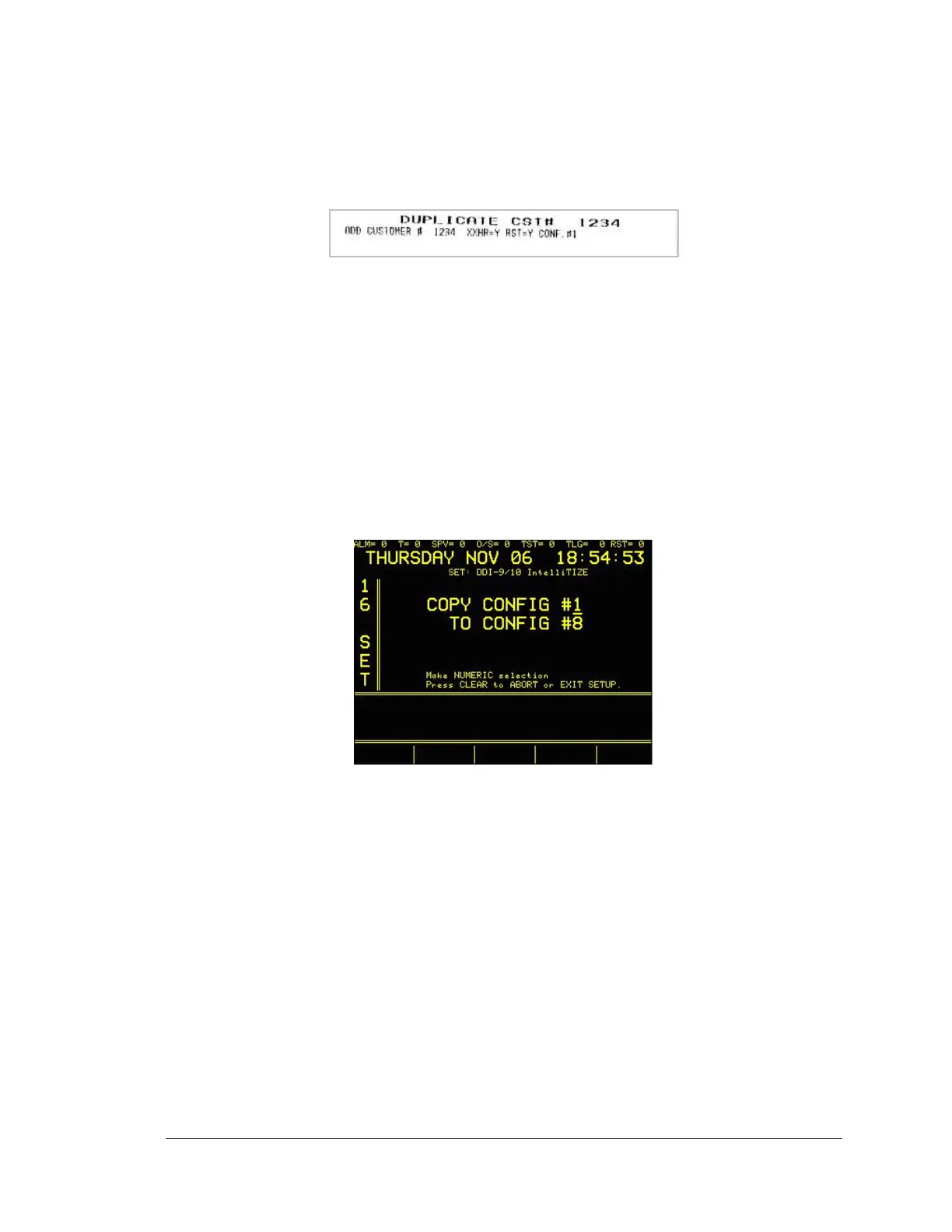
“Activate selctn now” to make the changes. The printer will print the following:
When the account is first added, the printout advises that “ADD CUSTOMER #
1234” was selected, and that the variable reporting period xxHR=Y, e.g., was
selected and the subscriber will report Restores and that the subscriber to Config
table #1 was assigned.
If the same subscriber is ADDED again, the printout will indicate that “this is a
duplicate” and will not change anything.
A printout of all subscribers entered into the SYSTEM 3505 can be obtained by
pressing the “PRINT SET INFO” soft key while in this menu.
7.4.7
Copy Configurations
At the main DDI-9/10E SET menu selection, Enter 3:
Select which Config file to copy from and which Confg to overwrite it. Press the
SET key to start the copy. The printer will confirm the transaction. Please note
that once SET is pressed, the config copied will be overwritten.
Any configuration may be copied into another configuration. A blank
Configuration may be copied over another configuration in order to delete the
entire configuration. Before copying any configuration, it is recommended that
both the TO and FROM Configuration Tables be printed first to ensure that a
Configuration is not inadvertently copied over or erased.
The Configuration Tables may be printed at any time when viewing the Alarm
Code or English Equivalent Screens.
7.4.8
Convert SIA Accounts to CID
When using a dialer that reports via the SIA protocol, check the CID/SIA tables
installed in the SYSTEM 3505 and verify that all of the desired SIA codes are
included. If not, add the desired SIA codes. Please note: it easier to copy System





 To Next Page