System 3505 Installation & Operation Manual
Digitize, Inc. 700248-0002 Rev. C 02/16
Specification Subject to Change Without Notice
3-3
If the System parameters have not been changed since the last power-up, the System will
proceed with normal operation at this point. However, if devices have been added or
removed, the System will display the changes made, and then ask the operator if the changes
are to be accepted or not. At this point, the operator should press “1” to accept changes and
reconfigure the internal settings which define the System connections. Press “0” to accept no
changes. When unsure about whether or not to accept changes, press “0” to not accept
changes. The System will go into standard operation. During standard operation, the
SYSTEM 3505 will display the current date and time.
The SYSTEM 3505, with 9
th
edition activated, saves Dialer and Box alarms. If the System is
turned OFF and then powered back up, the alarms will auto-repopulate with those Boxes
and/or Dialers that were active prior to power-down or pressing the reset button.
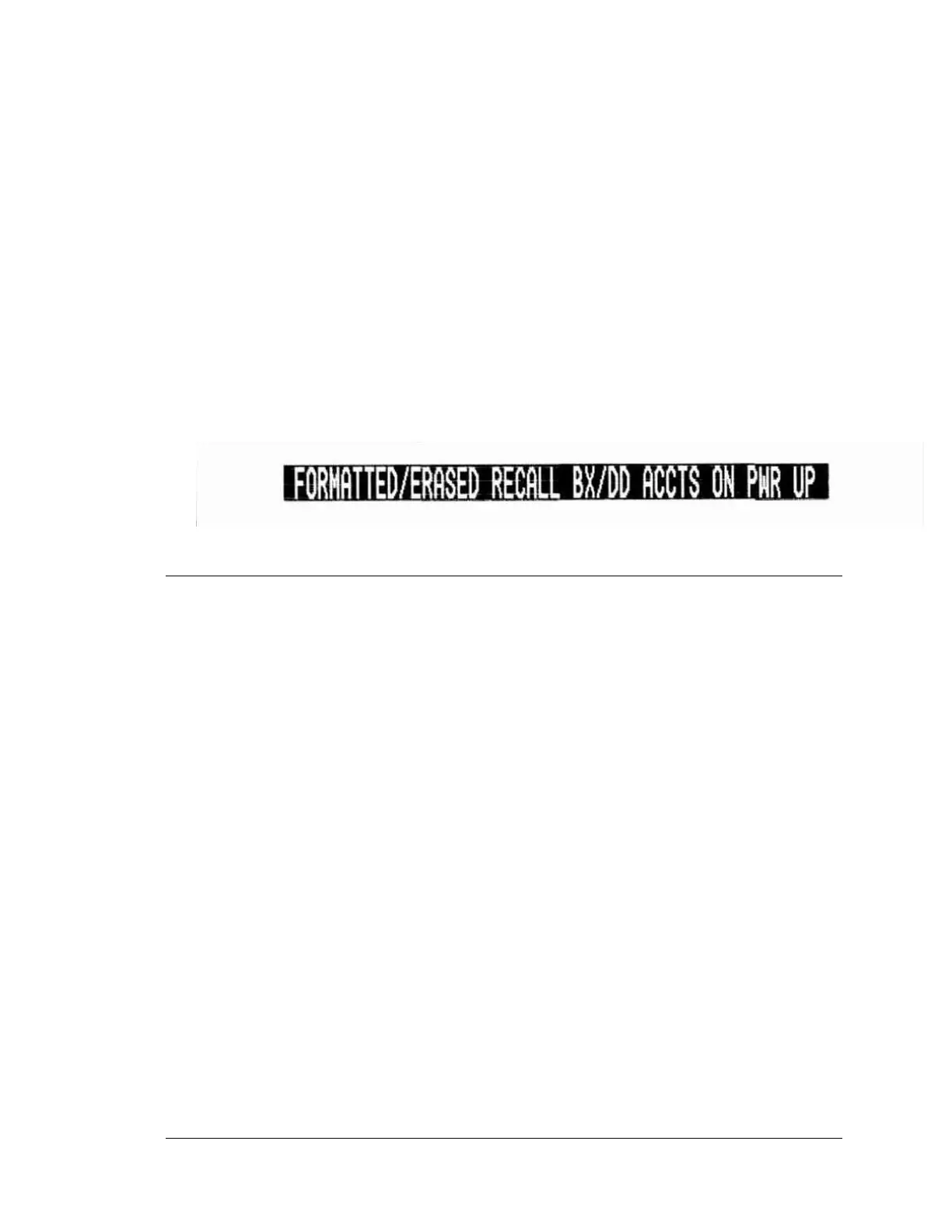
The user may press and hold the CLEAR button to purge this 300 account stack upon power-
up; the unit will print that it has cleared/reformatted the Box/Dialer queue. The print-out will
now read:
3.6 CONNECTIONS AND SETTINGS
After the main unit has been started and tested, de-energize the unit by disconnecting the
power to System. Install the various options that were ordered, and then reconnect the power.
The connections for the options will be shown in the various sections of this manual.
• The SYSTEM 3505 will print "Option Disabled" for any installed option that has been
"turned off."
• Slave SYSTEM 3505 units will print their network response setting.
End of Chapter





 To Next Page