System 3505 Installation & Operation Manual
Digitize, Inc. 700248-0002 Rev. C 02/16
Specification Subject to Change Without Notice
5-1
5
FRONT PANEL ACCESS
5.1
OVERVIEW
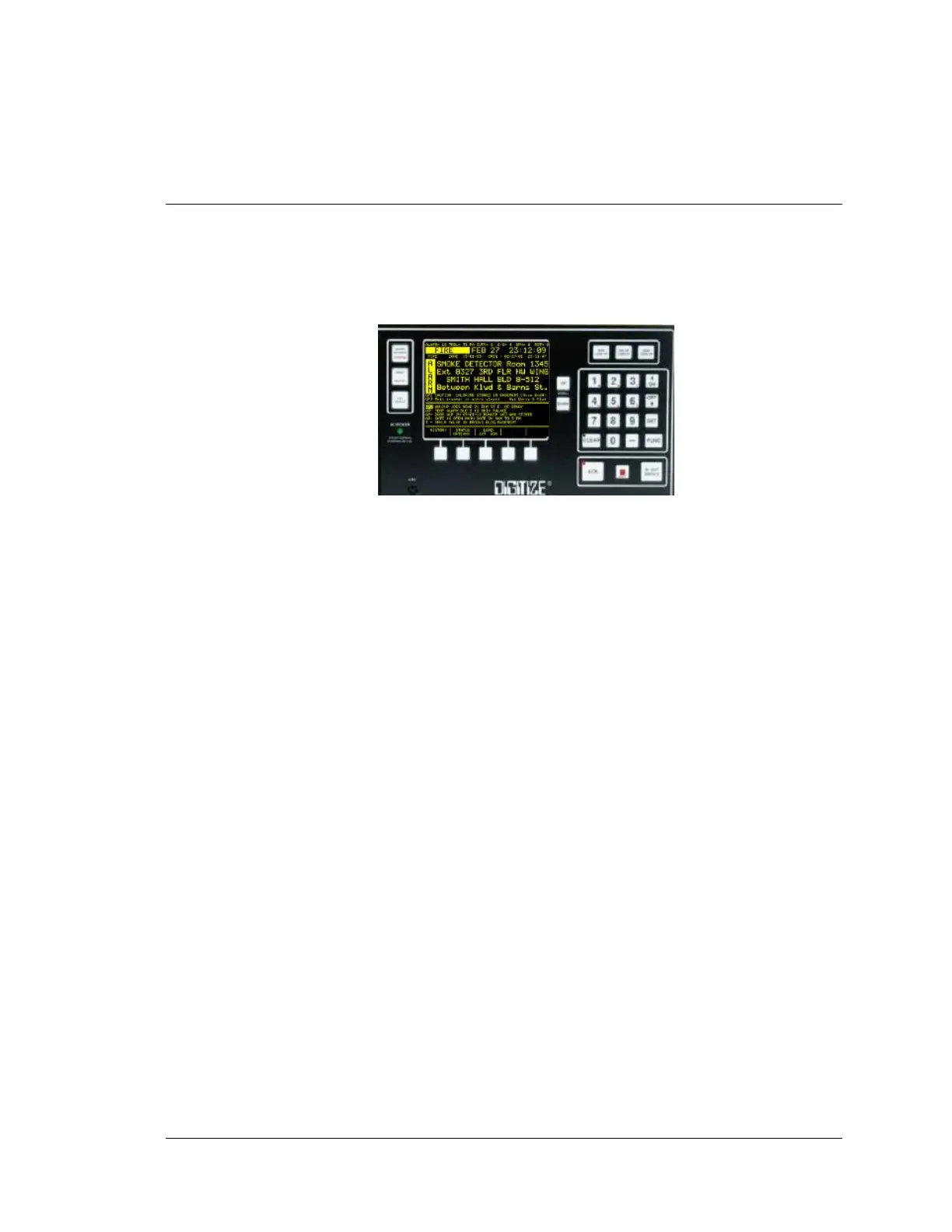
Many functions for System operation can be accessed through the front panel keyboard. By
pressing the SET button, the operator may step through all available menus. If pressed for over
one second, the SET button will auto-repeat. Direct access to a specific menu is possible by
entering the menu number and then pressing the SET button.
The following is a list of directly accessible menus:
1. TIME MODE / TIME SET/ DAY / DATE / YEAR
2. TEXT MSG & PASSWORDS (or access directly by plugging in external PC keyboard,
KBD-1)
3. SOUNDS / ALARM LEVEL / TONE
4. THERMAL PRINTER
PRINTING MODE
5. SERIAL PORT COMMUNICATIONS
6. MULTIPLEX
7. NETWORK
8. IN/OUT SERVICE PASSWORD; PRIORITY LEVEL DEFINITION
9. SOLID STATE TELEGRAPHIC TRANSMITTER
10. SST SPEED TRANSLATOR
11. RADIO BOX (1221)
12. 1221 RAD TEST BOX
13. STATUS PRINTOUT
14. DAY/NIGHT
15. 80 COLUMN LINE PRINTER
16. DDI 10E (Not an ETL Listed Component)
17. ALPHA/NUMERIC PAGER
18. SLEEP/AWAKE SELECT
19. TELG/DD AUTO CLR
20. 24V BATT SUPERVISON
21. DIRECT WIRE DELAY
22. PPO-64 POINT OUTPUT
23. ALM/TRB RELAY
24. Q-MUX
25. HOW TO PROCESS TELEGRAPH
26. 1221 RAD @X
27. TELEG CKT SETUP
28. SELF TEST SETUP
29. CAPS II OUTPUT
5-1 Front Panal Keyboard





 To Next Page