System 3505 Installation & Operation Manual
Digitize, Inc. 700248-0002 Rev. C 02/16
Specification Subject to Change Without Notice
21-6
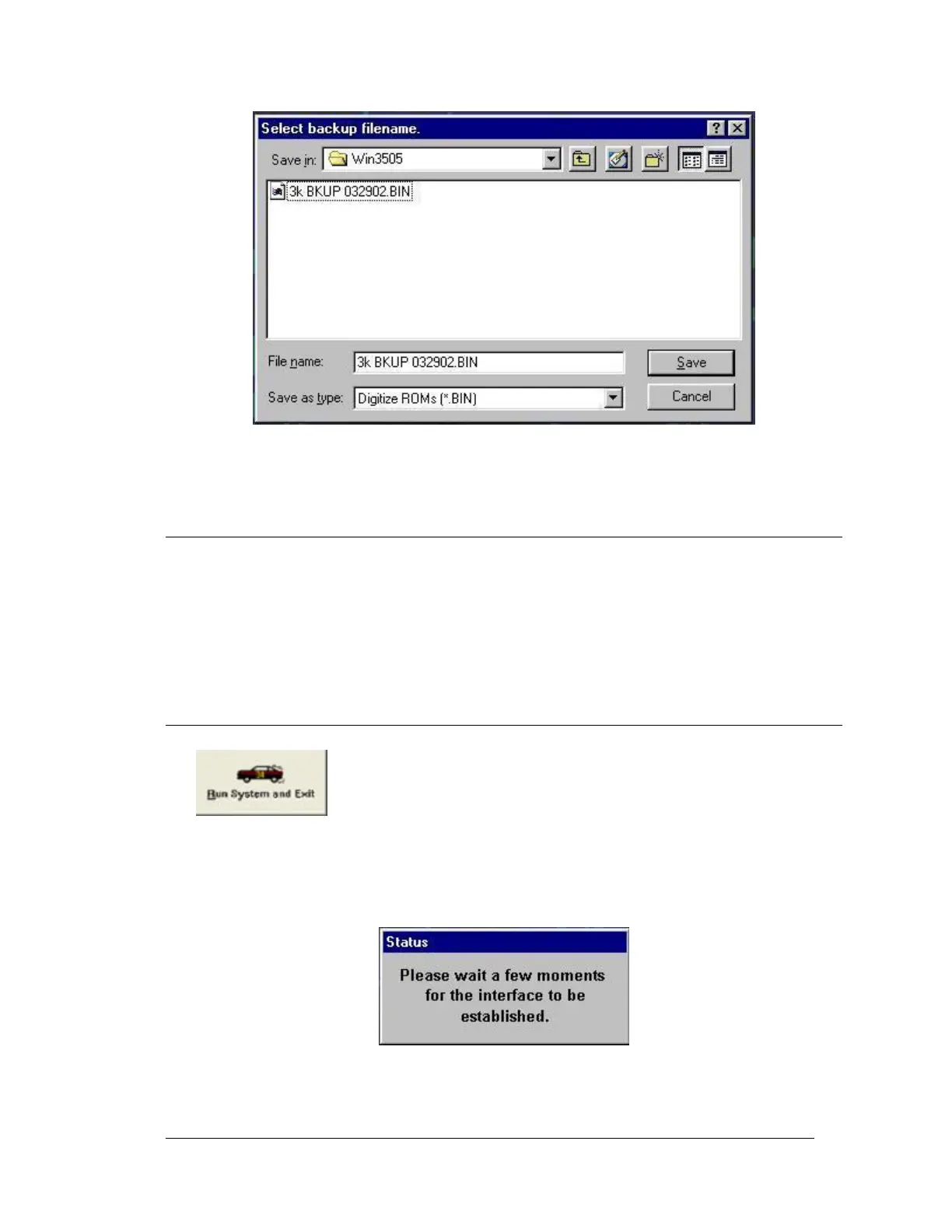
Figure 21-2 Creating a Backup File
21.5 UPLOAD SYSTEM 3505 UPDATES VIA WIN 3505
The upload feature permits the user to download SYSTEM 3505 program revisions from the
Digitize INTERNET site (http:\\www.digitize-inc.com) and then upload them into the
SYSTEM 3505 via the WIN3505 program.
Click either the large icon in the main window or the small icon on the tool bar or go to
‘FILE’ then ‘UPLOAD NEW ROM’ (Alt + U)
21.6 RUN COMMAND
This feature breaks the link between the SYSTEM 3505 and the PC and
reinitializes the SYSTEM 3505. At this point, exit the SYSTEM 3505
program and disconnect the DB-9 cable from the PC and the SYSTEM
3505.
By clicking ether the large Icon in the main window, or the small icon on the tool bar, or go
to ‘FILE’ then ‘RUN SYSTEM 3505 NOW’ (Alt + R).
Once the communication link is closed, the main screen icons are grayed out again.




 To Next Page