System 3505 Installation & Operation Manual
Digitize, Inc. 700248-0002 Rev. C 02/16
Specification Subject to Change Without Notice
21-1
21
UPLOADING NEW SOFTWARE VERSIONS
21.1 OVERVIEW
The CPU VII provides the SYSTEM 3505 with a RS-232 serial port to be used to upload new
program versions to the unit. The serial port is connected to the CPU VI by a 9-conductor
plug-in ribbon cable. The other end of the cable has a standard DB-9 female connector that
exits from the SYSTEM 3505 via the rear panel. This connector allows the user to connect a
computer to the SYSTEM 3505 to update the system program without removing the cover of
the unit.
The CPU VII runs on an 80C188 micro controller and uses FLASH memory to store the
operating program. Users can upgrade their operating program by downloading the latest
version from the Digitize website (
http://www.digitize-inc.com).
21.2 INSTALLING FROM CD
Using a field-supplied DB-9 cable, connect the SYSTEM 3505 to the PC.
Insert the SYSTEM 3505 CD into the computer. The CD files will include:
•Setup.exe
•Setup3505.Dat (NOTE: this file is delivered on a separate CD and must be copied to the
hard drive of the PC from which WIN3505 will be run prior to running the installation the
WIN3505. While it does not matter where this file is stored, it should be stored in a manner
that makes it accessible for future reference.)
And folders
•Floppy 1
•Floppy 2
•Floppy 3
•Floppy 4
•Floppy 5
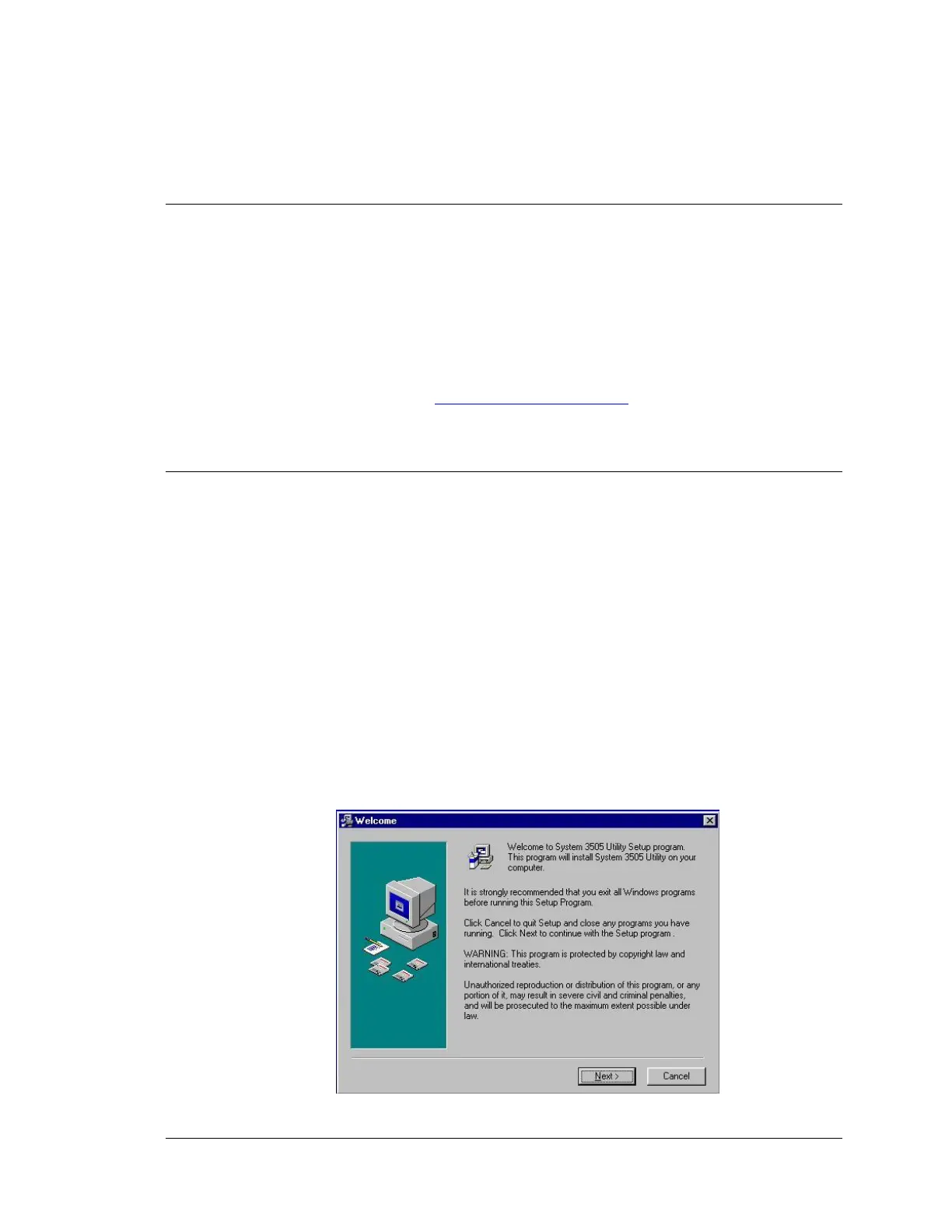
To start the Setup program, click START, then RUN, then BROUSE. Locate the CD file on
the drive letter to which the CD is assigned. Click the SETUP.EXE file, then OPEN, then
OK. The setup program will start and the following screen will appear.




 To Next Page