System 3505 Installation & Operation Manual
Digitize, Inc. 700248-0002 Rev. C 02/16
Specification Subject to Change Without Notice
5-5
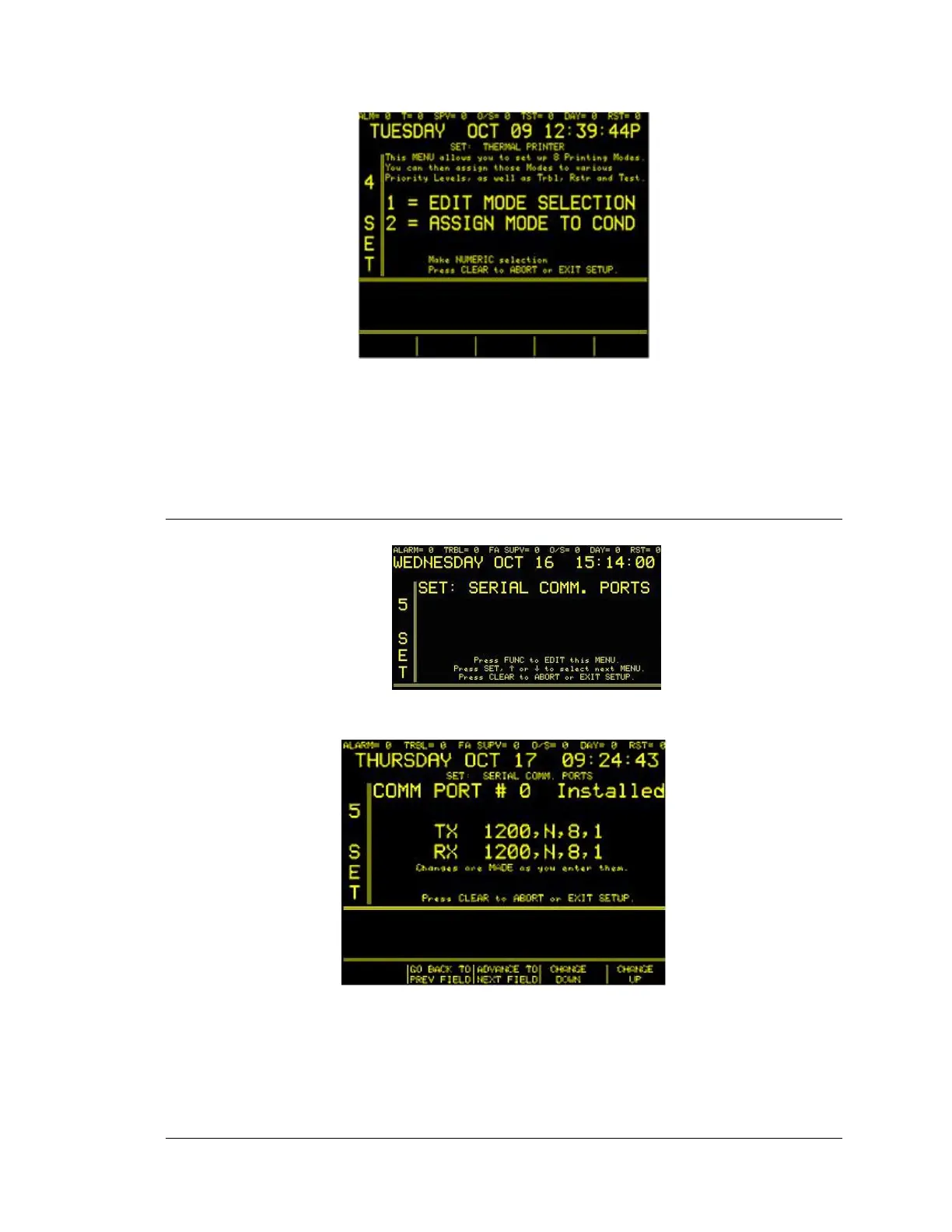
• 1=EDIT MODE SELECTION. Use the numeric keypad to enter 1 to select the Edit Mode
option.
• 2=ASSIGN MODE TO COND. Use the numeric keypad to enter 2 to select the Assign
Mode to Cond.
5.6
SERIAL PORT COMMUNICATIONS
Enter “5” press the SET button. The next display will read:
Press FUNC. Enter password, if prompted. The next display will read:
The programmable keys located below the screen should be flashing option. With this menu,
communication ports 0 through 31 may be configured for the BAUD rate, parity, data bits
and stop bits for both transmit and receive. After selecting the desired port(s), use the FUNC
button to move to the next field, and then use the ↑↓ keys to step through the available
settings. Press CLEAR to exit this menu.





 To Next Page