System 3505 Installation & Operation Manual
Digitize, Inc. 700248-0002 Rev. C 02/16
Specification Subject to Change Without Notice
5-3
Enter the number of the box to add to test, i.e. 1234-7, and press SET key to save. A print out
will confirm the box just entered is now added to test. Adding a box already in test will result
in a printout that will display “DUPLICATE DD”. Press CLEAR to return to the main set
screen.
Press “2” to delete a test box”. The display will read:
DEL TEST DELETE
ENTER _ _ _ _ _ _ _
Press SET, ↑ or ↓ to select next
MENU.
Press CLEAR to ABORT or EXIT
SETUP
Enter the number of the box to delete from test, i.e. 1234-7, and press SET key to save. A print
out will confirm the box entered is now deleted from test. Adding a box already deleted from
test will result in the printout will display “NO TEST 1234-7”. Press CLEAR to return to the
main set screen.
Press “3” to change the Auto Report time. The display will read:
AUTO REPORT TIME
AT 08:30 HRS
ENTER _
Press SET, ↑ or ↓ to select next
MENU.
Press CLEAR to ABORT or EXIT
SETUP
Press the FUNC key to move between the hour setting and the minute setting. Use the
ARROW keys on the SYSTEM 3505 front panel to change the settings. Press the CLEAR key
to return to the main set menu.
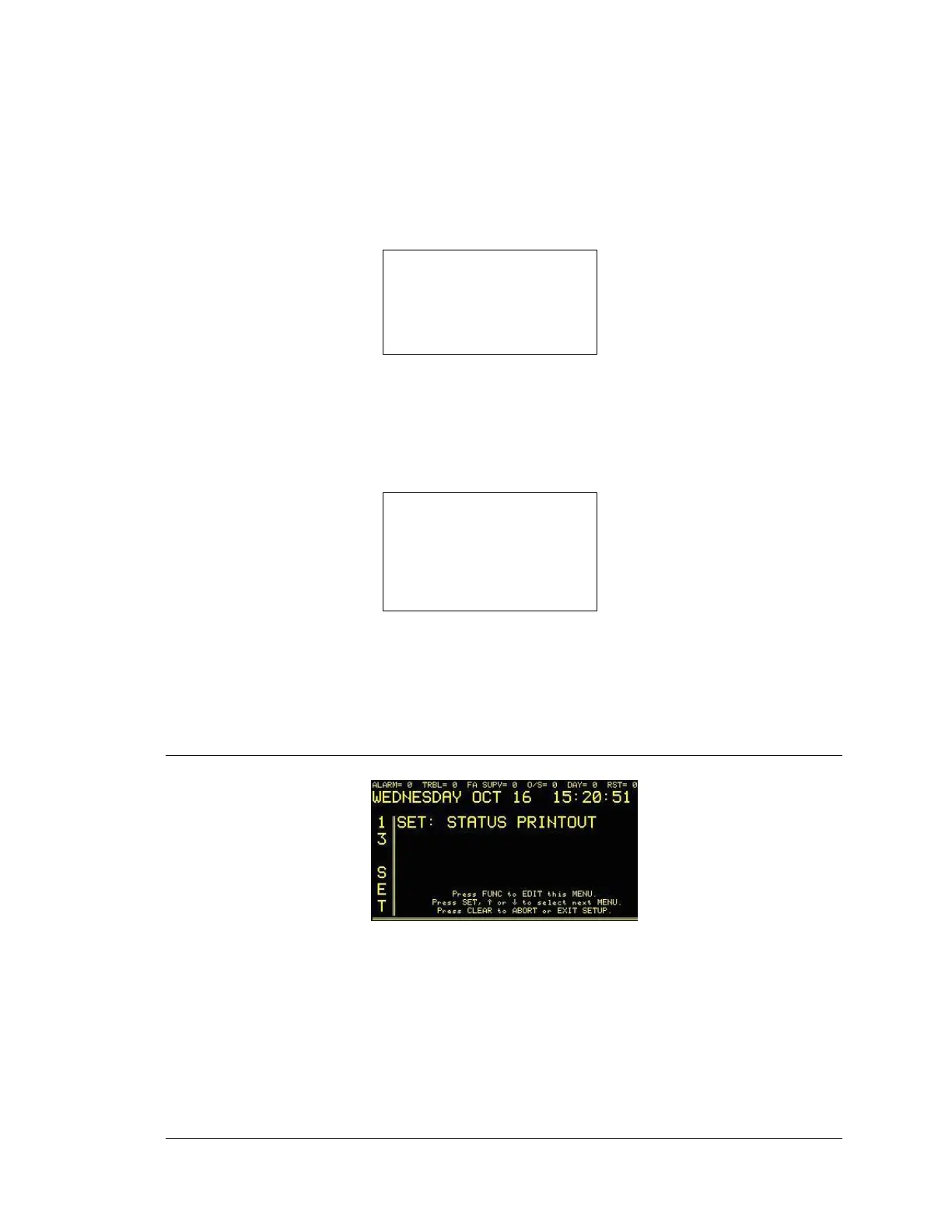
5.11 STATUS PRINTOUT SETUP MODE
Enter “13”, press the SET button and the display will read:
Press the FUNC button to select this menu. Enter password, if prompted. The display will read:





 To Next Page