System 3505 Installation & Operation Manual
Digitize, Inc. 700248-0002 Rev. C 02/16
Specification Subject to Change Without Notice
7-3
7.2 DDI-9E OPTION SETUP
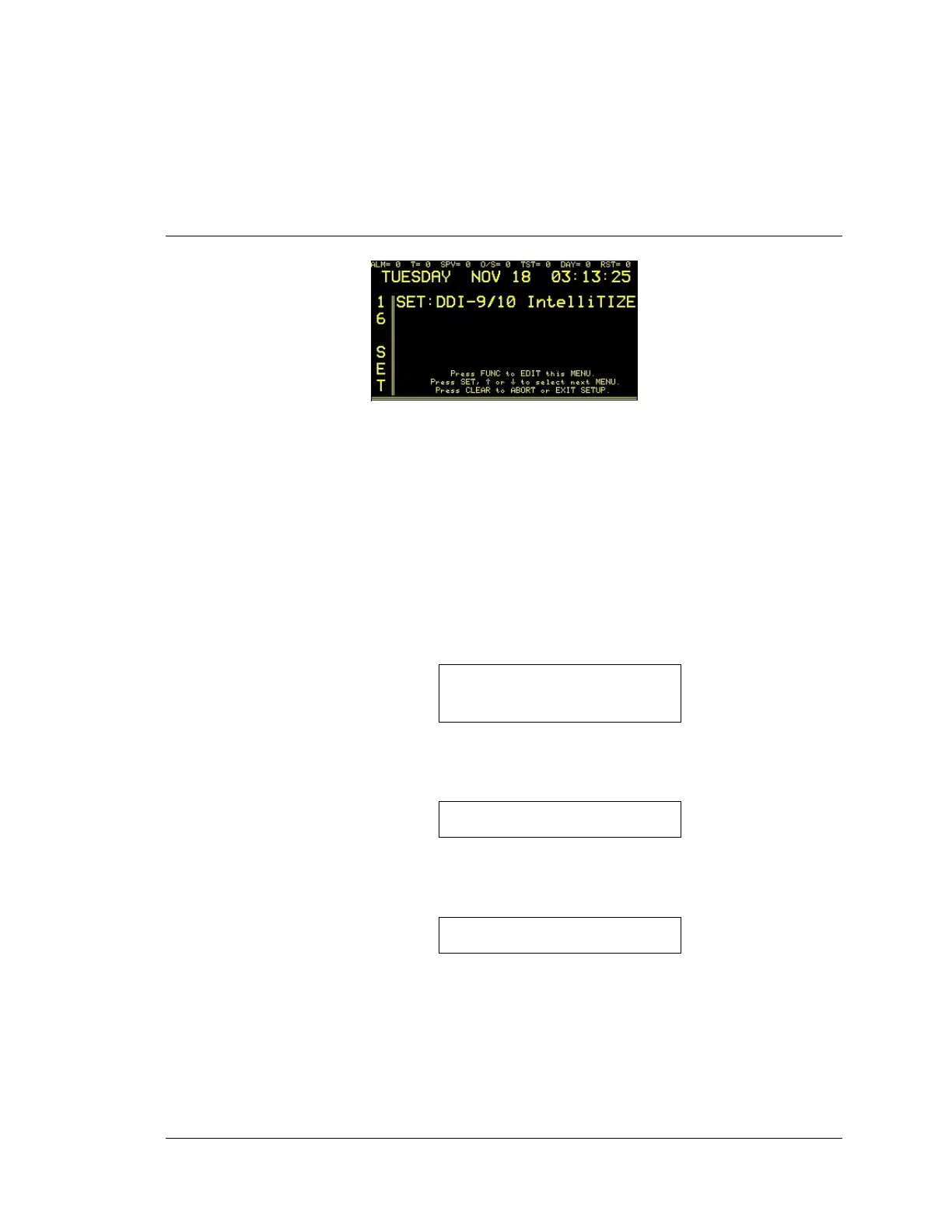
Enter “16”, press the SET button and the display will read:
Press the FUNC button to select this menu. Enter password, if prompted. Refer to Appendix B,
System 3505 Step-by-Step Setup Procedures for set up details. (The DDI-9/10E are not an ETL
Listed Component.)
7.2.1
Caller ID
All DDI-9/10E units are equipped with Caller ID. If the Alarm monitoring
location subscribes to Caller ID (highly recommended), the following
information is printed after the first ring is received and the DDI-9/10E processes
the data.
CALL ID - Area Code -Phone
Number
Date – Time
If the Caller ID information is being blocked by the calling party, the following
information will print:
CALL ID - Blocked
Date- Time
If the calling party is out of the Caller ID service area, the following information
will be printed:
CALL ID - Out of Area
Date – Time
Information regarding local caller ID availability area can be obtained from the
telephone carrier.
The DDI-9/10E, offers the additional benefit that it recalls what successful
handshake it used last to connect to the dialer calling in. The next time the dialer
connects, the DDI-9/10E, based on the caller ID, will interrogate the incoming
dialer using the last successful handshake, thus saving time by not using
unsuccessful handshakes.





 To Next Page