System 3505 Installation & Operation Manual
Digitize, Inc. 700248-0002 Rev. C 02/16
Specification Subject to Change Without Notice
5-12
5.22 1221 RAD @X OPTION SETUP
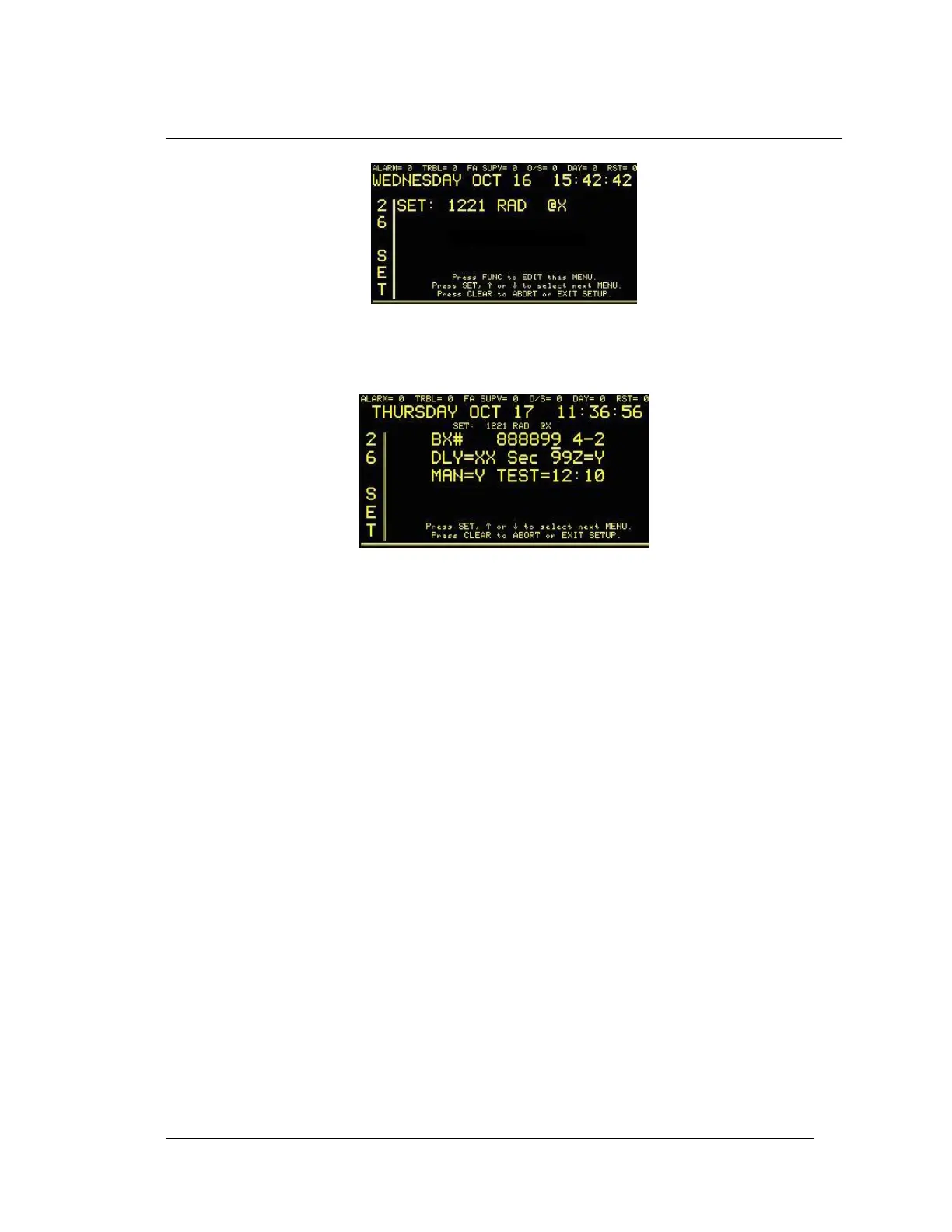
Enter “26”, and then press the SET button. The display will read:
Press the FUNC button to select this screen. Enter password, if prompted. The next screen will
read:
Press the FUNC key to move between fields. Use numeric keypad to enter box number. For all
other selections use ↑ or ↓ to change values.
To add additional boxes to Test to Fire Department, press FUNC until the following screen
appears:
Press FUNC to move between Box numbers (1-9) and use numeric keypad to enter box test
interval.
Press the CLEAR key to save changes and return to main set menu.
End of Chapter





 To Next Page