System 3505 Installation & Operation Manual
Digitize, Inc. 700248-0002 Rev. C 02/16
Specification Subject to Change Without Notice
4-9
change mode for any Zone text. To keep the same PRIORITY level, enter the
original priority. Enter the number of the zones in which the in which the “User
Text” changes will be made. Press the RETURN (or ENTER) key to select the
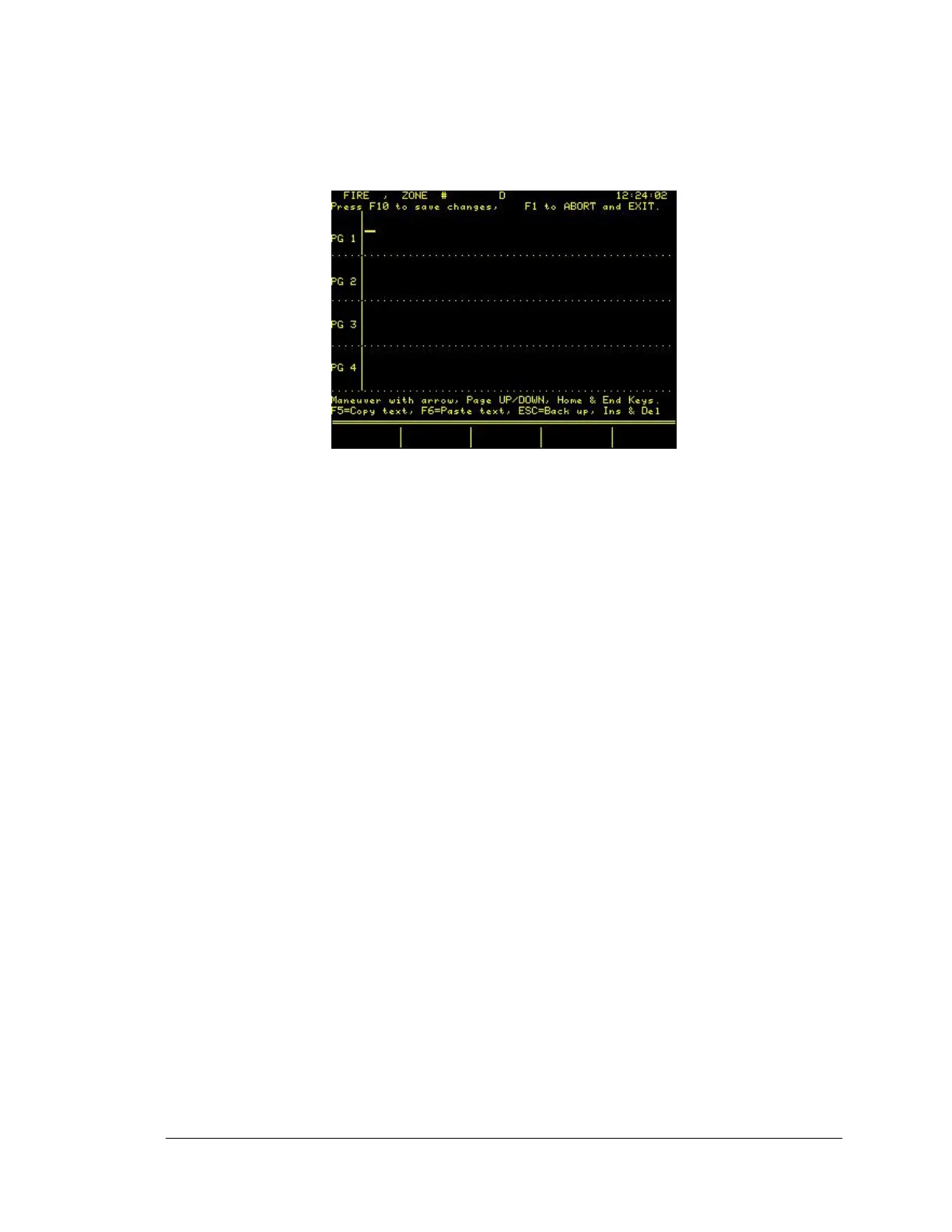
desired Zone number. The display will now read:
where XXX is the zone selected. The cursor will blink in the upper let corner of
the display. To move the cursor, use the UP, DOWN, LEFT, and RIGHT
ARROW keys. Press the RETURN (or ENTER) key to place the cursor at the
beginning of the next consecutive line. Once satisfied with the data entered,
press F10 to save the data to memory.
The printer will log the changed message and the display will now ask for the
number of the next zone to which “User Text” is to be changed. Continue in this
manner until all desired zone message changes have been made. The ESC may
be used and any time to abort the CHANGE mode.
4.3.5
Deleting Zone Text
To DELETE any existing “User Text” for a zone, enter the letter “D”, then press
the RETURN (or ENTER) key. Enter the number of the zone for which the
“User Text” is to be deleted, and then press the RETURN (or ENTER) Key.
To edit the text displayed, delete the unwanted text then press the F10 key to
save. If all text is deleted and then F10 is pressed, the account will be deleted.
The ESC can be used to abort the DELTE mode at any point prior to pressing
F10.
4.3.6
Digital Dialer Menu
For adding, changing, or deleting “User Text” information pertaining to digital
dialers, refer to Section 4.2.1 ZONE/MUX MENU. The CUST NUMBER and
MESSAGE number should be entered as follows: if the customer number is 345
and the message number identified to ADD, CHANGE, or DELETE is 7, then
enter 345-07 when the display asks for DIALER number to be ADDED. NOTE:
The SYSTEM 3505 will always process a 3-1 and 4-1 dialer will always display
a two digit zone. Thus, account 123-1 will be processed as 123-01.





 To Next Page