System 3505 Installation & Operation Manual
Digitize, Inc. 700248-0002 Rev. C 02/16
Specification Subject to Change Without Notice
20-1
20
SST-3505 SOLID STATE TRANSMITTER
20.1 OVERVIEW
The programs in this section require that the Solid State Transmitter (SST) option be ordered.
Some require the addition of other options in order to operate.
20.1.1
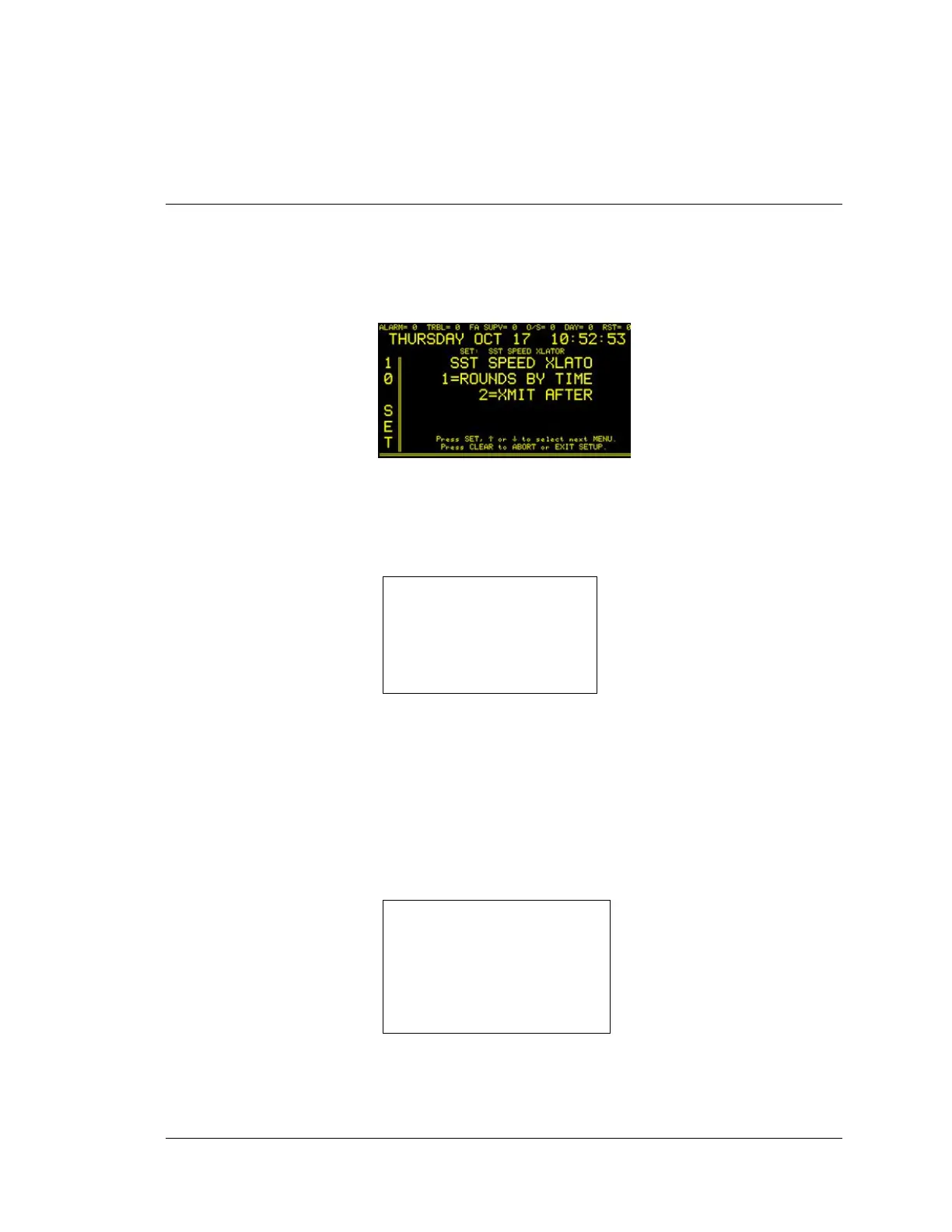
SPEED TRANSLATOR OPTION FOR SST TRANSMITTER
Enter “10”, press the SET button and the display will read:
Press the FUNC button to edit this menu. Enter password if prompted. The next
screen will read:
Enter “1” from this menu to set up the rounds by time. The “1= “ display will read:
<< Enter numeric
SST SPEED XLATOR
LIMIT TO X RNDSFROM 00:00 –
00:59
Press SET, ↑ or ↓ to select next
MENU.Press CLEAR to ABORT or
EXIT SETUP
Use this menu to configure the optional Speed Translator to indicate how many
rounds should be translated based on the time of the day. There are 24 setting
possible, one for each hour of the day. The speed translator can be instructed after
what round the box should be translated. Use the ↑↓ keys to change the FROM
time frame. X rounds (enter “-”) indicate for every incoming round, translate an
outgoing round. Zero indicates no speed translation for the time frame shown. One
through 4 indicates how many rounds to translate.
Enter “2” from the main menu to set up after what round to translate. The “2=”
display will read:
SST SPEED XLATOR
TRANSLATE _BOX
AFTER 2 ROUND(S)
ENTER 1-4 RNDS __
Press SET, ↑ or ↓to select next
MENU.
Press CLEAR to ABORT or EXIT
SETUP
By selecting “After 1 Round(s)” the System will translate after the first round.
Note that the first round can also mean a stray blow. There is no confirmation by
the System that the first round decoded is a valid number. If “Translate after 2
rounds” is selected, the System will only translate the box when two rounds agree.




 To Next Page