System 3505 Installation & Operation Manual
Digitize, Inc. 700248-0002 Rev. C 02/16
Specification Subject to Change Without Notice
5-8
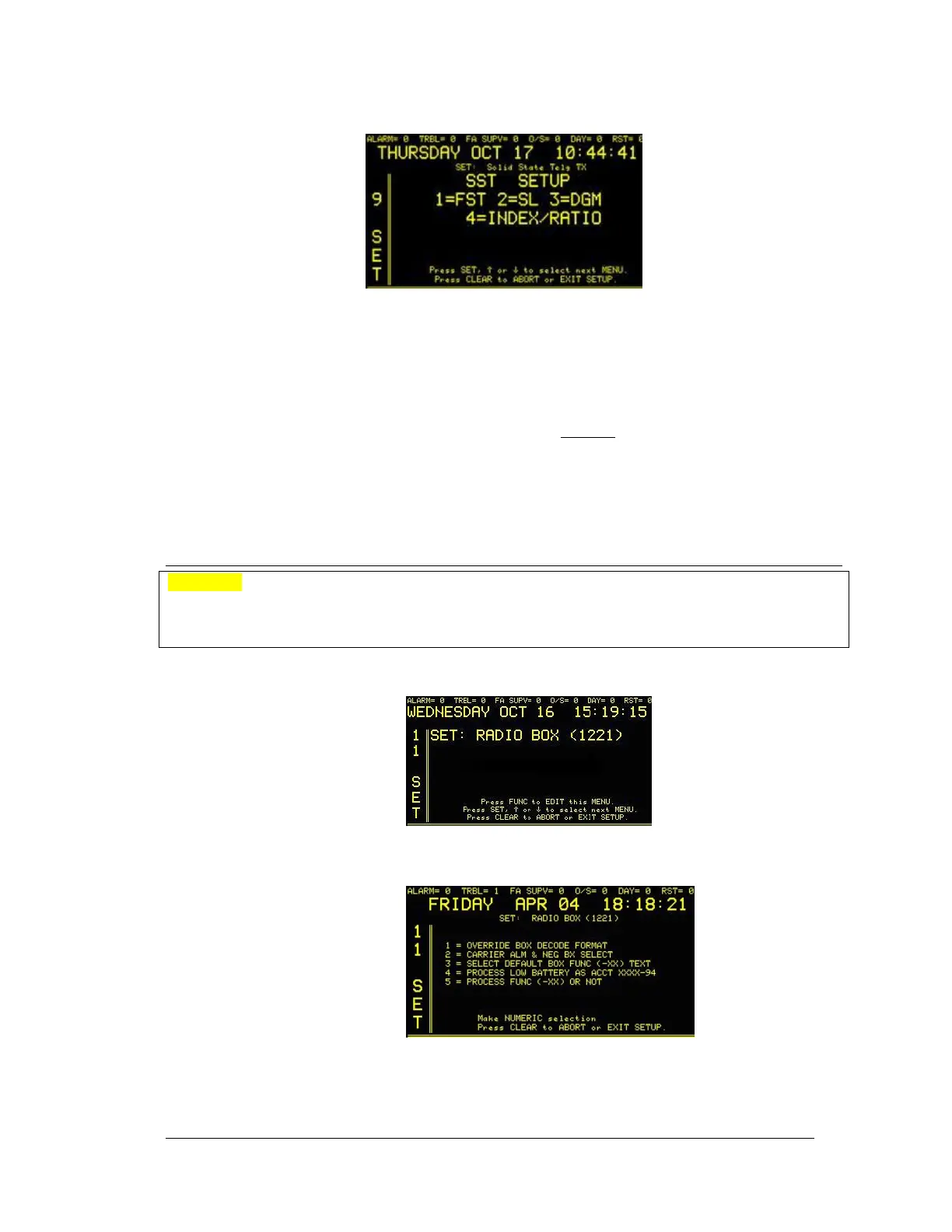
Press the FUNC button to edit this menu. Enter password, if prompted. The display will read:
Use this menu to configure the optional Telegraph Transmitter. Use the numeric keypad to
make selections.
• Press 1 to set up the SST FAST speed requirements.
• Press 2 to set up the SST SLOW speed requirements. Selections 1 & 2 allow the
selection of speed, preset number of rounds, code index, make/ break ratio as well as
optional prefix. NOTE: a coded alarm signal may not
consist of less than three rounds
as per ANSI UL 864. Only circuits not intended for fire alarm coding may use less
than three complete rounds.
• Press 3 to set up the DGM panel coded output speed and index.
• Press 4 to set up index/ratio.
5.9 RADIO BOX OPTION SETUP
Important! In the 11 SET menu for 1221 Radio, the user is able to change the default carrier alarm
notification from the preset of 15 seconds (the setting that conforms to ANSI UL 864 standards) to
30, 45, 60, 75 or 90 seconds to foreign carrier notification. Changes to the factory preset may not
conform to the ANSI UL 864 standard.
Enter “11”, press the “SET” button and the display will read:
Press the FUNC button to edit this menu. Enter password, if prompted. The next screen will read:
From this menu, the operator can define five areas of settings for Radio Box communications.





 To Next Page