System 3505 Installation & Operation Manual
Digitize, Inc. 700248-0002 Rev. C 02/16
Specification Subject to Change Without Notice
9-1
9
DIGITIZE COMPUTER INTERFACE OPTIONS
9.1 OVERVIEW
DIGITIZE offers several Automation interface options for the SYSTEM 3505. These options
include CAPS, CAPS II, D-LAN and custom interfaces. The computer interface options allow
the SYSTEM 3505 to send ALARM, TROUBLE & SECURE Conditions via a serial port to
Automation systems. Digitize offers its own automation systems called CGRMS, which
provides the user with an interactive interface between the SYSTEM 3505 and CGRMS.
Features such as test mode, IN/Out of service, and synchronization between the SYSTEM 3505
and CGRMS are supported over the D-LAN Ethernet connectivity. One or more of Remote
Annunciators can run over the D-LAN interface along with the LAN based CGRMS program.
9.2 CAPS II: SYSTEM 3505 AUTOMATION INTERFACE
9.2.1
General Information
The CAPS II protocol allows the SYSTEM 3505 to communicate with an Automation
system. Data exchange is to/from the PC and the SYSTEM 3505.
The SYSTEM 3505 supports a single condition state for an account number. Thus if an
account goes into a Trouble condition, this will be reported to the automation system. If
the condition of the account changes to an Alarm, this will then be sent to the Automation
system. It is up to the Automation system to replace the Trouble condition with the latest
condition i.e. Alarm or Trouble. Once the condition restores, The SYSTEM 3505 will
send a Restore condition.
The CAPS II protocol allows for up to 80 characters of account text to be sent with the
alarm string.
The SYSTEM 3505 processes three major categories of devices. These are Zones,
Dialers and Boxes. Sub categories such as 1221 Radio boxes, Subscriber Terminal Units
also exist. Additionally the SYSTEM 3505 produces other condition categories such as
SYSTEM errors.
A complete protocol document is available to the user to allow interfacing the SYSTEM
3505 with an automation system of their choice. A non-disclosure document needs to be
executed between Digitize and the customer who is interested in obtaining this protocol
document.
9.3 CAPS-II OUTPUT SETUP
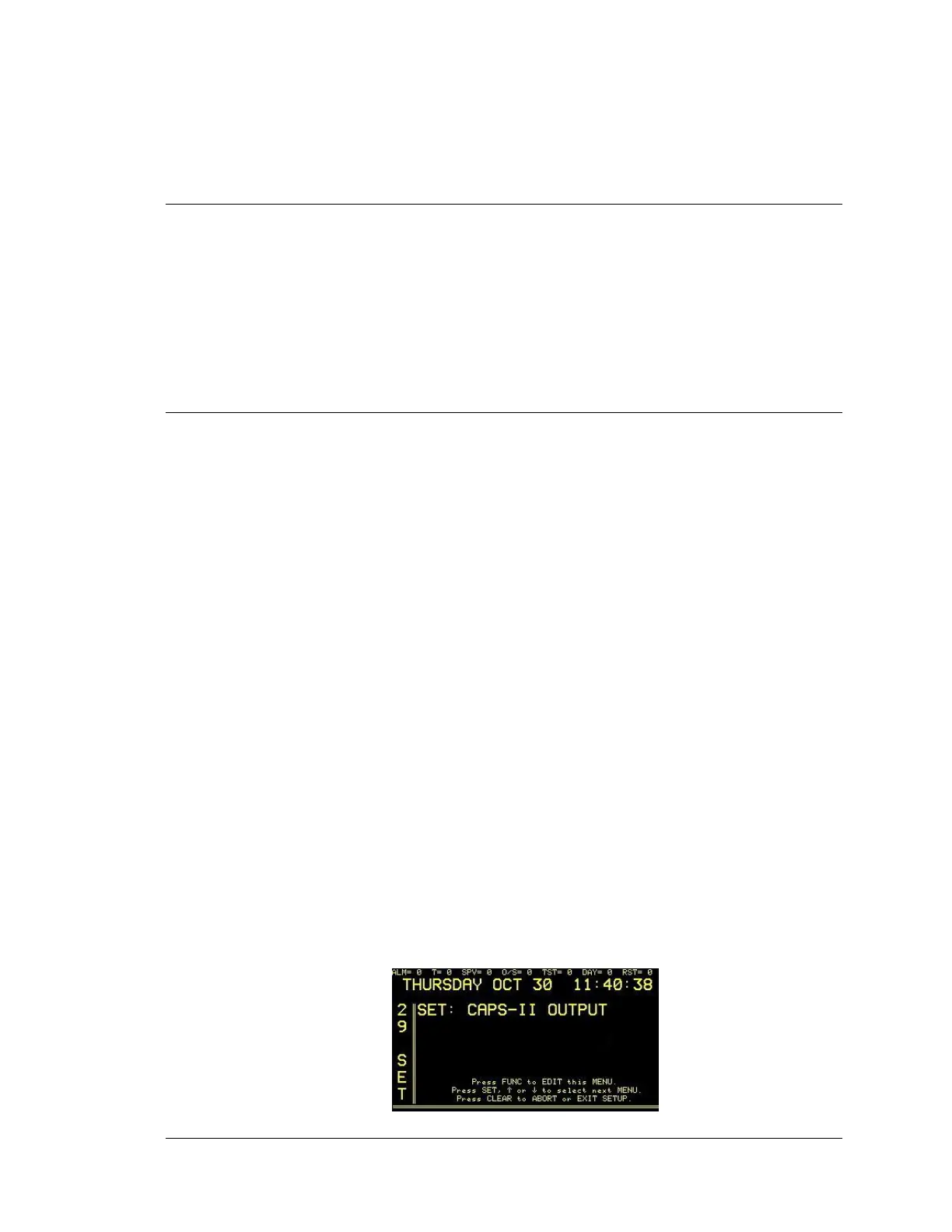
Enter “29”, press the SET button and the display will read:




 To Next Page