System 3505 Installation & Operation Manual
Digitize, Inc. 700248-0002 Rev. C 02/16
Specification Subject to Change Without Notice
4-1
4
USER TEXT
4.1 USING THE EXTERNAL KEYBOARD
4.1.1
General
There are many CONTROL and FUNCTION keys available to the operator at
any time after successfully gaining access to the data entry mode. All
FUNCTION keys are activated immediately.
Initial Setup
Insert the plug of the DIGITIZE external keyboard into the keyboard jack on the
front panel of the SYSTEM 3505.
The SYSTEM 3505 will automatically go to the 2 SET mode if there are
no active conditions to acknowledge
Press the F1 key on the external
keyboard to gain access to the password menu. Press F1 or remove keyboard
jack at any time to abort the field program mode. The SCROLL LOCK indicator
should be blinking on the External Keyboard. Should a new unACKnowledged
ALARM, TROUBLE, or SECURE event occur while in the data entry mode, the
SYSTEM 3505 will automatically revert to the “Operator Mode” so that the new
event can be processed. After the event has been processed and the ACK L.E.D.
is no longer illuminated, the data entry mode can be re-entered by pressing any
active key on the external keyboard
.
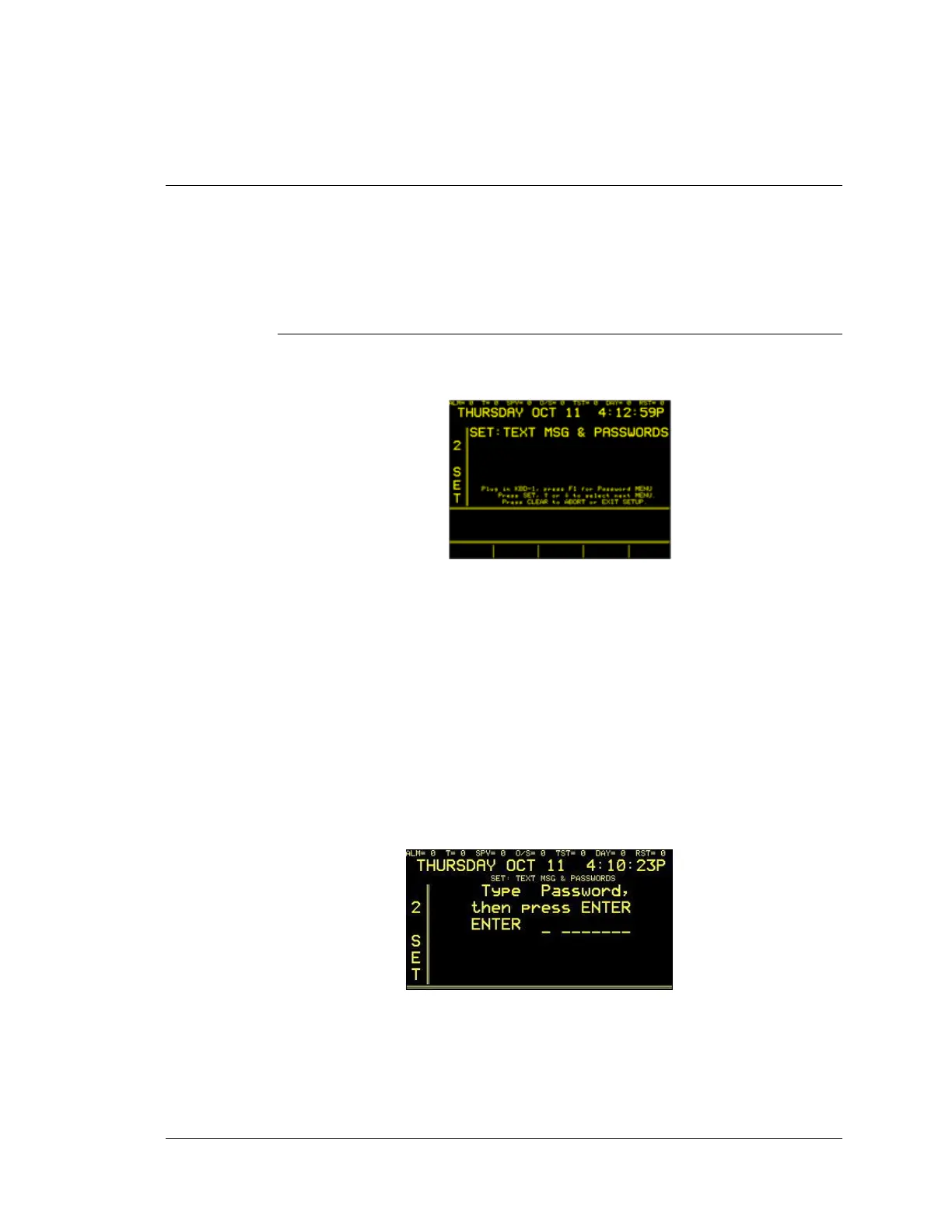
After connecting the external keyboard, press the F1 function key. The display
will read:
All Systems are supplied with two System passwords. The System password of
“DIGI,” (entered in upper case characters), will permit the operator to access all
user text functions except the Password menu. The System password
“SUPERDIGI” will permit access to all user text fields and the Password menu.
After the current password has been entered, press the RETURN key. As a
security precaution, the password will not be displayed on the screen as it is





 To Next Page