System 3505 Installation & Operation Manual
Digitize, Inc. 700248-0002 Rev. C 02/16
Specification Subject to Change Without Notice
5-7
PRIORITY LEVEL DESCRIPTOR
Level 1 Fire Alarm
Level 2 Burglary
Level 3 Fire Alarm Supervisory
Level 4 Burglary Supervisory
Level 5 Industrial
Level 6 Priority Level
Level 7 Priority Level
Level 8 Other (reserved for SYSTEM 3505 use)
Priority Level 8 is reserved for the SYSTEM 3505 to automatically assign to any
alarm that has no message programmed for it. Priority Level 8 also has
significance should the System be expanded into a network configuration.
IMPORTANT: Per NFPA guidelines, Levels 1- 4 are not user changeable.
The user may change the Level Descriptor for Levels 5 through 8 only. To
change a level descriptor, which is enclosed in quote marks, press FUNC once.
The underline should now be at the beginning of the desired level descriptor to be
changed.
Plug in the external keyboard, and then type in the desired eight character
descriptor. Use the FUNC key to move to the next screen.
5.7.2
IN/OUT Service Password
The user can select to turn the password requirement ON or OFF for level types 2
through 8 only. Fire codes require that Priority level 1 FIRE requires a password
at all times.
To change a password requirement to YES or NO, select the desired level screen,
and press FUNC twice. The underline should now be at the first character of
YES or NO. Use the ↑↓ keys on the System 3505 keypad to toggle the word
from YES to NO or NO to YES.
The IN/OUT SERVICE password as shipped from the factory is “1234”. The
user has the ability to change this password. Refer to Section 4.3.10,Password
Menu, for detailed information on changing the IN/OUT SERVICE password.
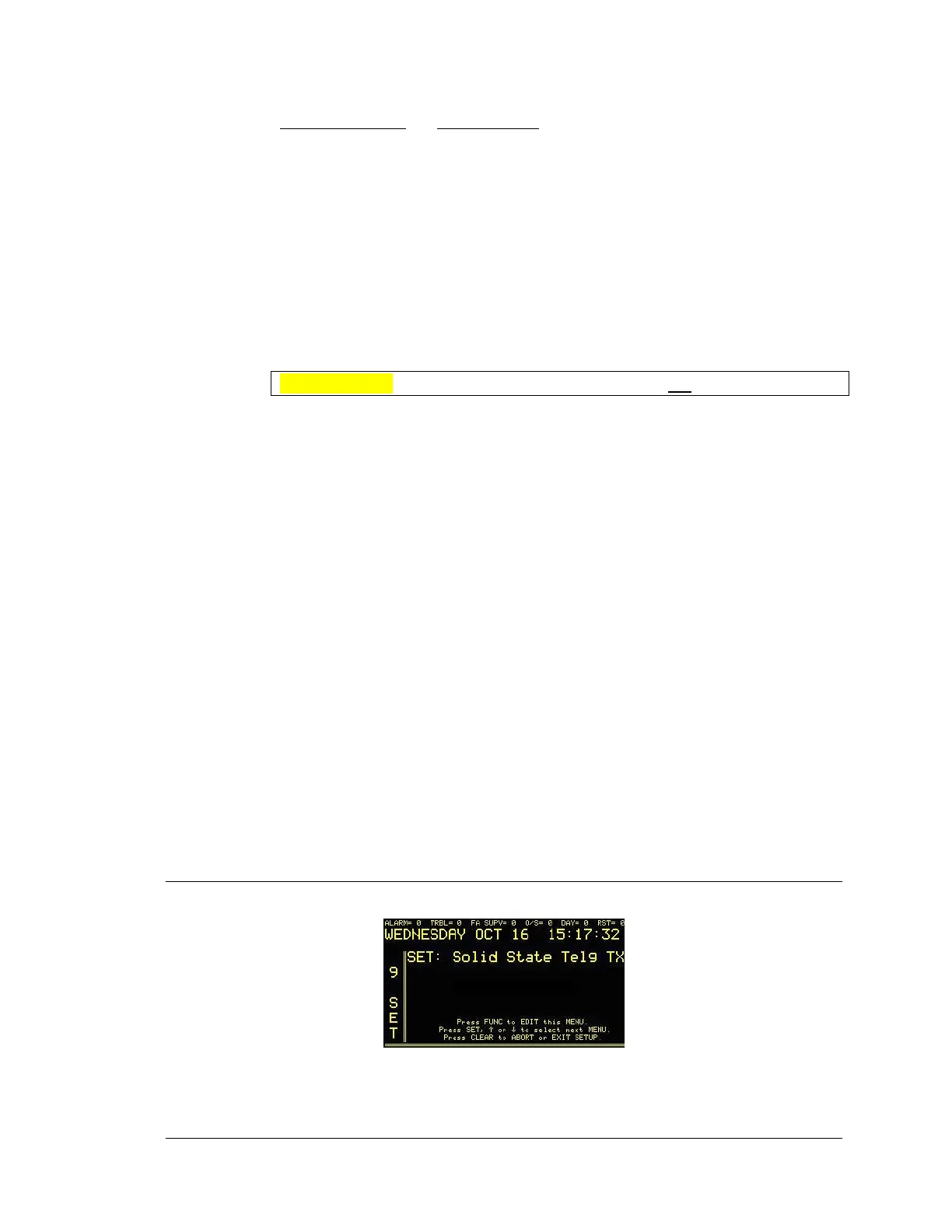
5.8 SOLID-STATE TELEGRAPHIC TRANSMITTER OPTION
Enter “9”, and the press the “SET” button. The display will read:




 To Next Page