System 3505 Installation & Operation Manual
Digitize, Inc. 700248-0002 Rev. C 02/16
Specification Subject to Change Without Notice
7-12
config table #1, print it out and search for two or more occurrences for zone
conversion 01 and resolve the problem.
7.4.2
Set English Equivalents
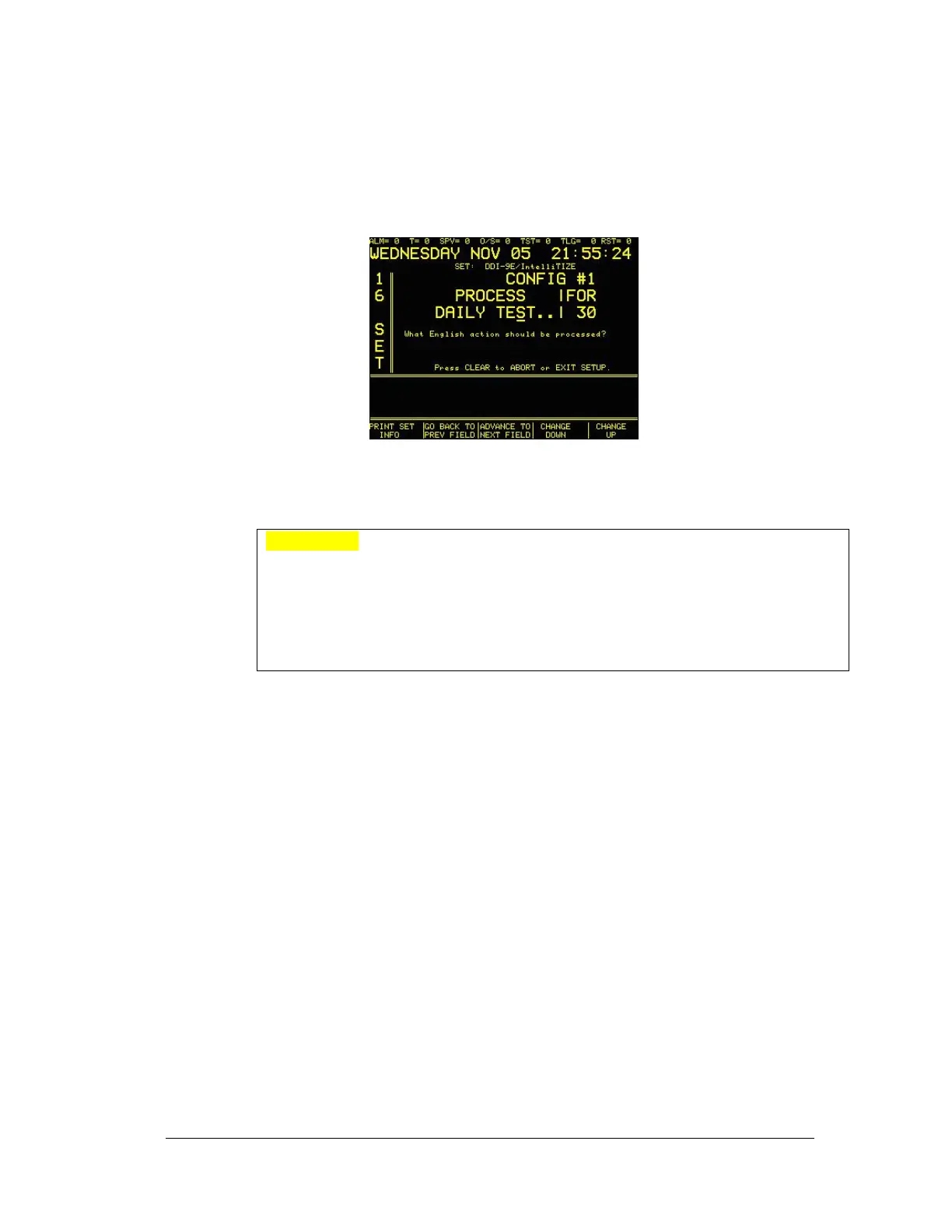
At the ZONE/ENGLISH EQUIV. Screen, enter 2 (ENGLISH EQUIV.). The
display will read:
Press the PRINT button to print the Alarm Code table and the English Equivalent
table.
WARNING! It is strongly recommended that the Configuration Table is printed
and then thoroughly check for any code repetitions. Refer to Translate Alarm
Codes to Zones for information regarding code duplication. If a mistake is made
while entering data, use the - key to back up and reenter the data. To make the
field blank, press the shift button and then the F button (No. 6 on keypad) and then
repeat the procedure to enter the next ‘F’. Typing ‘FF’ returns the field to a blank
line. The shift button must be pressed each time, it does not lock into place.
7.4.3
Opening and Closing (English Message)
The use of a zero in the second digit allows 16 Openings/Closings to be monitored.
When processing the Opening or Closing, the SYSTEM 3505 will indicate which
user number opened or closed, i.e., Armed or Disarmed the area being monitored
by the alarm system reporting its status via the digital dialer.
The SYSTEM 3505 can be set up to allow a single opening or closing code, or an
expanded format to allow up to 16 opening and closing codes. When entering a
unique zone number next to the English descriptor “OPENING”, the system will
only allow a single zone to represent Opening. If, however, any starting digit
between 0 and F is entered and then, followed by a zero, this indicates that the
system will support 16 opening codes, i.e., X0 will do opening or closing for codes
X0, X1, X2, ...XE and XF. A fixed value such as X5 will only function with codes
that match X5. X = any variable from 0 to F.
7.4.4
Data Loss (English Message)
Some dialers provide a data loss feature. If the dialer was not successful in its
attempt to call in, it will give up, generally after 10 attempts, however, many
dialers allow the installer to set it to any value up to 10. The next time it
successfully makes a connection will result in a ‘Data Loss’ message on the
SYSTEM 3505. The following message will print:




 To Next Page