System 3505 Installation & Operation Manual
Digitize, Inc. 700248-0002 Rev. C 02/16
Specification Subject to Change Without Notice
4-2
entered. If an incorrect password is entered, the System will sound the “Entry
Error” tone momentarily and the display will prompt for re-entry of password.
4.1.2
Control & Function Keys
KEY (S) FUNCTION
F1 Press F1 to activate the Field Programmable mode. This is the first
sequence which should be entered after plugging in the External Keyboard. Press F1
again to abort the Field Programmable mode. The message that is displayed when
the keyboard is first plugged in will not redisplay if F1 is pressed a second time.
F10 When in the ADD or CHANGE page mode, press F10 to save the data
entered or changed. To DELETE an entire account, remove all the text between
pages 1 and 9 and then press F10 to delete the data screen.
ESC KEY Press the ESC (escape) key on the External Keyboard to back up
through the menus. If an incorrect response is entered, press the ESC key to back up
to the point prior to entering the response. If the ESC key is pressed enough times it
will completely back out of the Field Programmable mode and into the SYSTEM
3505 normal operation. It is, therefore, a valid alternative to pressing F1 when the
operator wishes to exit the Field Programmable mode.
4.1.3
Access
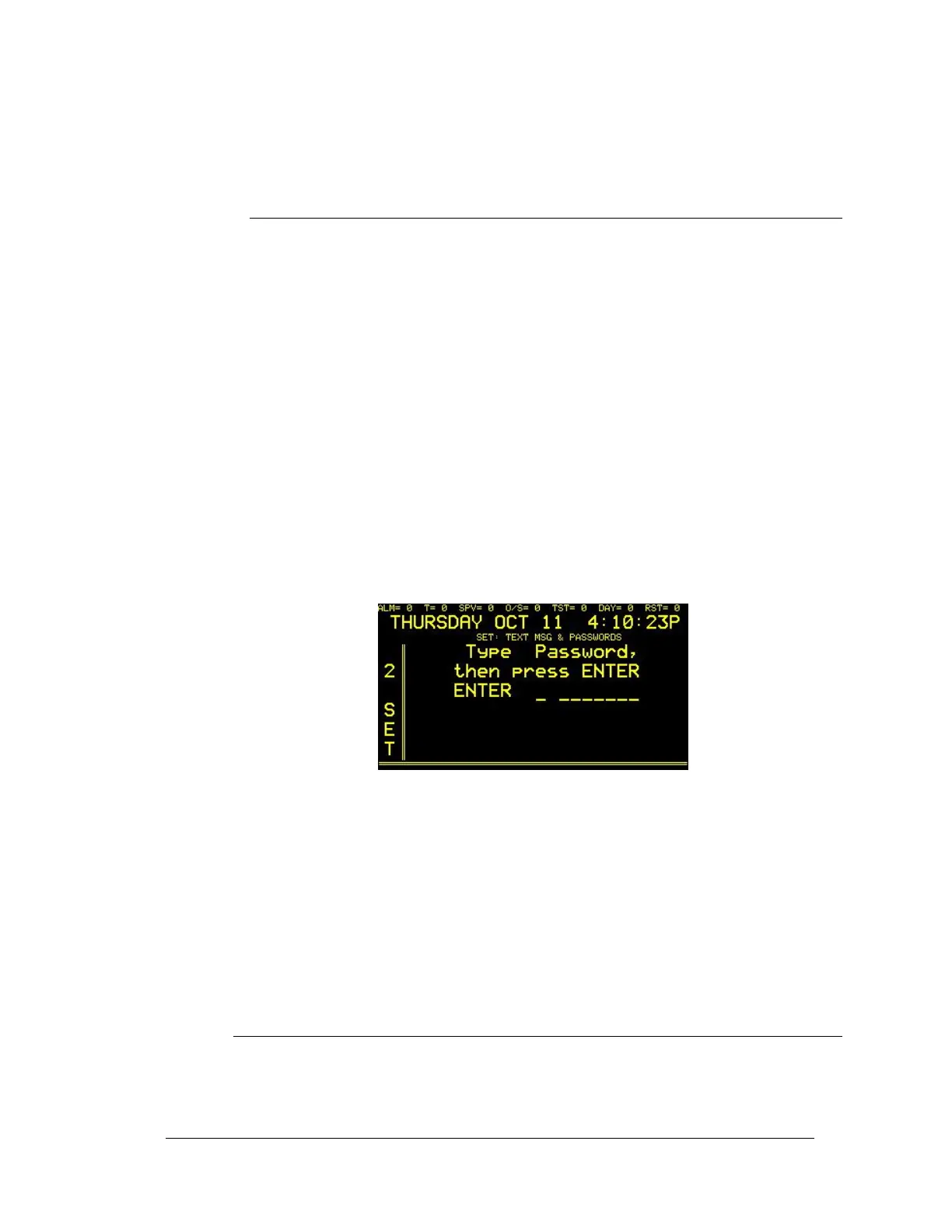
After connecting the external keyboard, press the F1 function key. The display will
read:
All Systems are supplied with two System passwords. The System password of
“DIGI,” (entered in upper case characters), will permit the operator to access all
user text functions except the Password menu. The System password
“SUPERDIGI” will permit access to all user text fields and the Password menu.
After the current password has been entered, press the RETURN key. As a
security precaution, the password will not be displayed on the screen as it is
entered. If an incorrect password is entered, the System will sound the “Entry
Error” tone momentarily and the display will prompt for re-entry of password.
NOTE: If the original password has been changed, then the new current
password must be used to gain access to the data entry mode.
4.2
EXTERNAL KEYBOARD MENU SELECTIONS
After gaining access to the menus, select which option to edit by entering its
corresponding number.
The ADD, CHANGE and DELETE as described in the Zone/Mux selection will be
the same for all installed options. Refer to the individual subsections for instructions.




 To Next Page