System 3505 Installation & Operation Manual
Digitize, Inc. 700248-0002 Rev. C 02/16
Specification Subject to Change Without Notice
21-4
Click the BACK button to return to the previous screen.
Click the CANCEL Button to exit the setup program.
Click the NEXT button to continue with the software installation.
The following screen will appear:
Click the BACK button to return to the previous screen.
Click the CANCEL Button to exit the setup program.
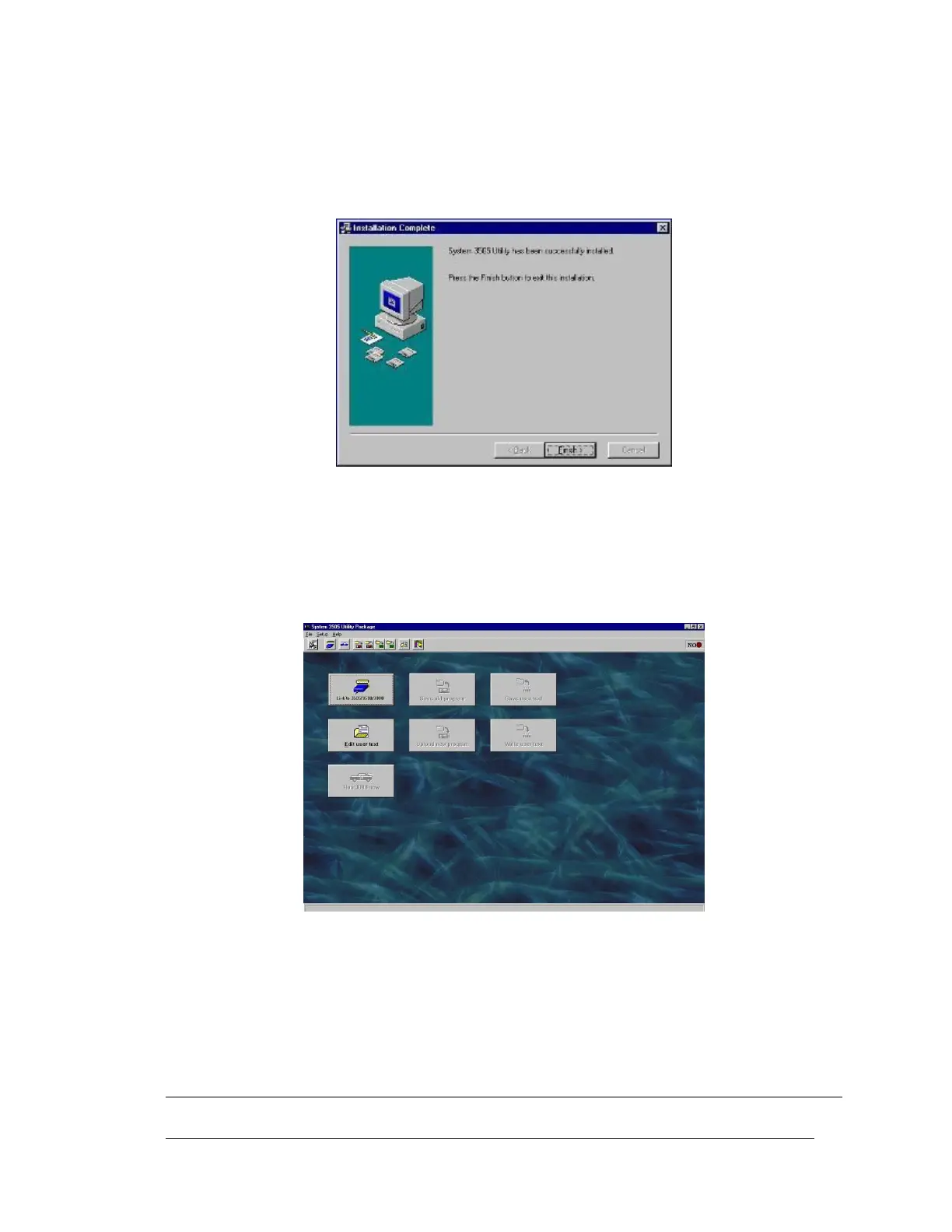
Click the FINISH button to complete the software installation.
The following screen will appear:
Figure 21-1 WIN3505 Main Screen
The WIN3505 program is now ready to be used. Start the program from the shortcut icon
located on the desk top.
21.3 INK COMMAND





 To Next Page