System 3505 Installation & Operation Manual
Digitize, Inc. 700248-0002 Rev. C 02/16
Specification Subject to Change Without Notice
3-2
Test CPU7 FLASH
Checksum
U5:OK U8:OK
U6:OK U7:OK
COPYRIGHT© 2001 DIGITIZE
SYSTEM 3505 Initializing
Checking CPU-VII
Checking Lower RAM PASSED
Checking Upper RAM PASSED
PRINTER CPU OK
Rear panel P2 is OK
3.5 PROGRAM INITIALIZATION
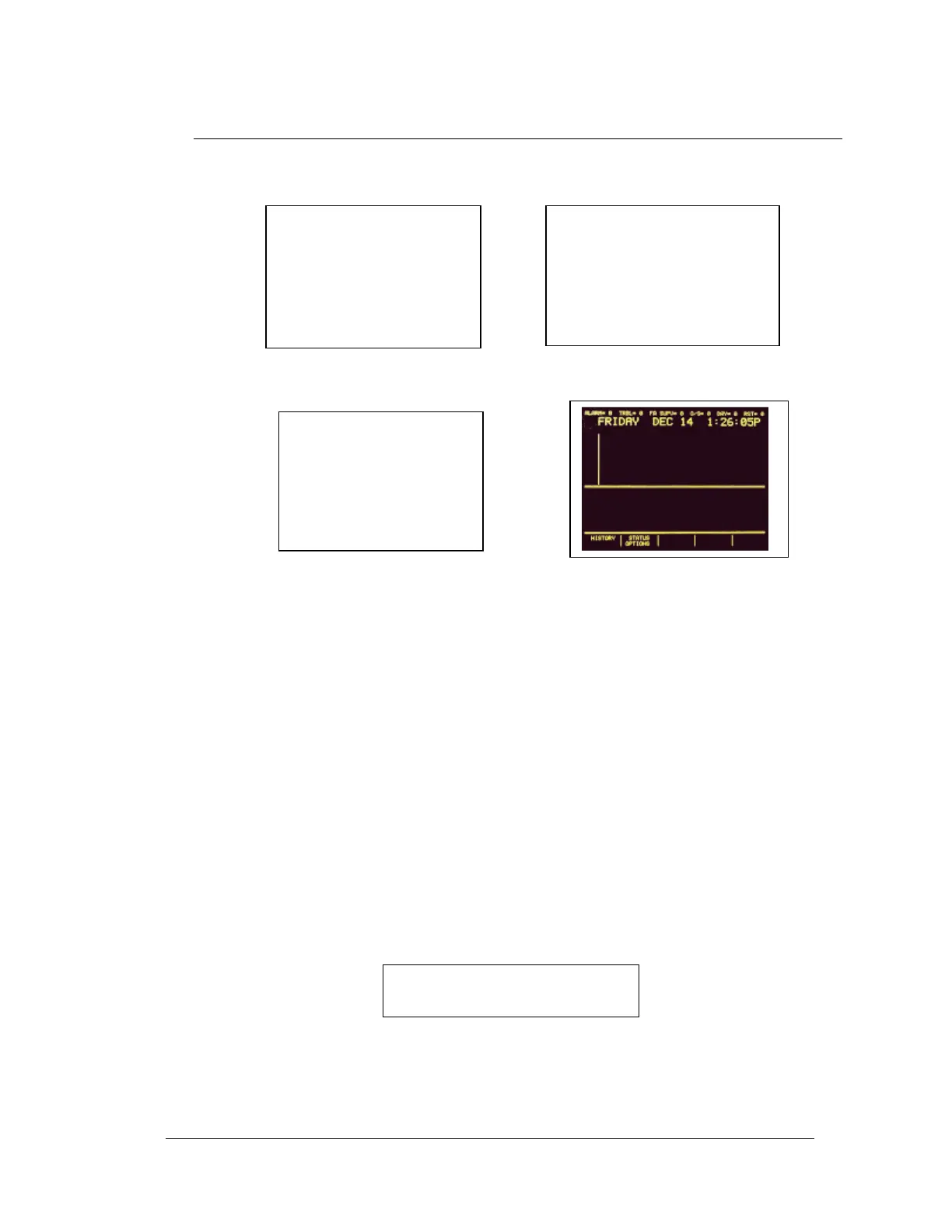
Upon power-up, the SYSTEM 3505 will momentarily display the following screens, in
sequence, while performing internal diagnostic tests:
1. 2.
3. Initializing Completed.
At the same time the strip printer will print the following information:
PRT/KB BIOS revision number
System serial number - program revision, release date
Manufacturer’s name (DIGITIZE INC.)
Total memory installed
Total memory used
Number of direct wire zones connected and DDI-10E (Not an ETL Listed
Component) connection
Warning note to prevent damage to the front screen
Day, Date, and Time
NOTE: Any installed System options will be included in the System start up print
out.
If the System has a DDI-9E/10E option installed, the following message will appear on the
screen before the initialization process is completed.
Testing DDI-9E/10E
Config Table # x
For Duplicates
If duplicate codes are discovered, the strip printer will print a message and list the
configurations and duplications. See Section 7, DDI-9E10E Digital Communicator Card for
more information.
COPYRIGHT© 2001 DIGITIZE
SYSTEM 3505 Initializing
Checking I/O
EEPROM





 To Next Page