System 3505 Installation & Operation Manual
Digitize, Inc. 700248-0002 Rev. C 02/16
Specification Subject to Change Without Notice
2-2
The 4 SET Menu (Thermal Printer)
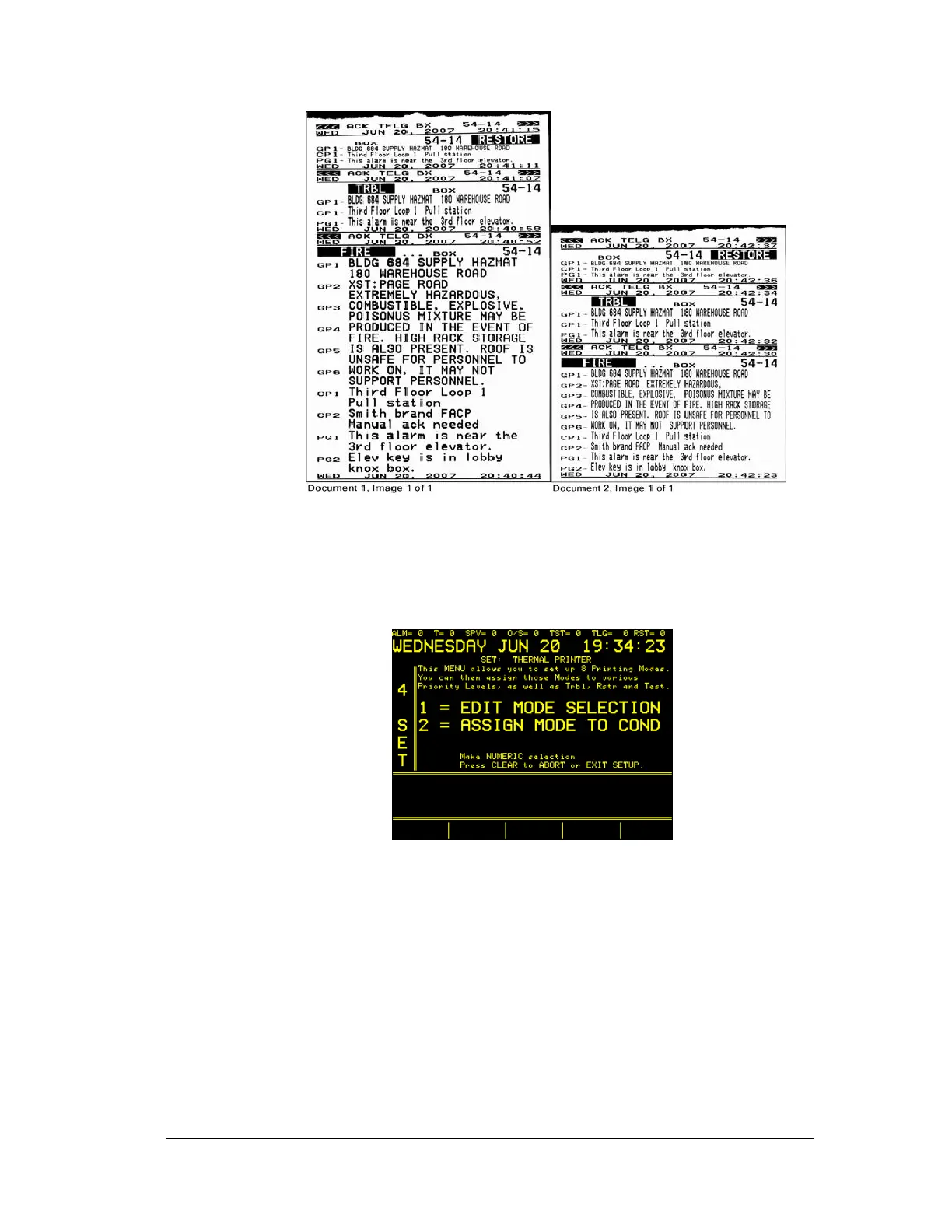
The print font changes are accomplished via the 4 SET MENU selections. To access
these menus, enter 4 on the SYSTEM 3505 keypad, followed by pressing the SET
key. Continue by pressing the FUNC key to enter the 4 SET menu. The prompt
request the entry of the password, followed by pressing the SET key again. The
display screen should look like this:
2.2.3
Edit Mode Selection
First, select “1” using the up/down keys. Then with the cursor flashing in the SEL
MODE position, use the CHANGE UP/DOWN keys to select mode menu 1 to 8.
Pressing the advance to next field will lead to the “print order selection” menu that
will be assigned to selected mode screen. Selection 4 (shown above) will print
Generic messages on top, followed by Account Specific messages, followed by
Control Panel messages. The Print order selection can be set from 1 to 6, representing
every possible print order between CP, GP, and PG.
The SEL MODE 1 menu has been factory preset to print large 2x24 font, and has
been factory selected for Alarm Priority FIRE & BURG. The user can select and one





 To Next Page