System 3505 Installation & Operation Manual
Digitize, Inc. 700248-0002 Rev. C 02/16
Specification Subject to Change Without Notice
5-3
those Systems with the OPTIONS installed. Please look for the word OPTION in the relevant
section headings to differentiate between standard and optional features and their relevance to the
user.
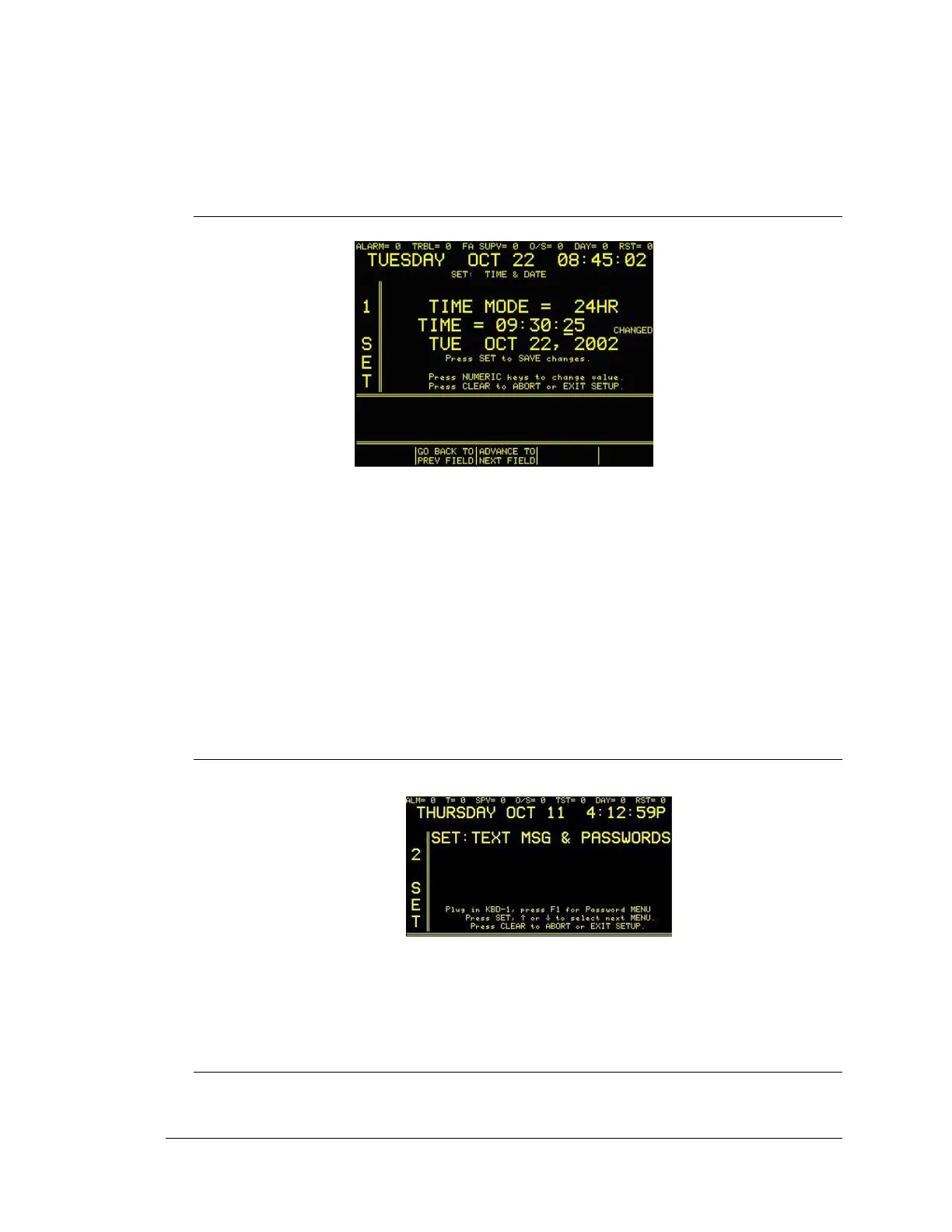
5.2 SETTING TIME & DATE
Press 1, then the Set button. The display will read:
Press the FUNC button to select this menu.
The programmable keys located below the display screen should be flashing with options.
Use these keys to program the date, day and time.The available settings for MODE are:
24HR, AM or PM. To set the time, press the FUNC button to advance to the TIME field,
enter the correct time then either press the SET button to save the time setting and exit, or
continue to press the FUNC button to change DAY/DATE/YEAR.
The available settings for DAY are: SUN, MON, TUE, WED, THU, FRI, AND SAT. The
available settings for MMM: JAN, FEB, MAR, APR, MAY, JUN, JUL, AUG, SEP, OCT,
NOV, and DEC. To set the day, month, date or year, press the FUNC button to advance to the
appropriate field, use the ↑↓ keys to select day and month, enter the correct numeric data for
date and year, and then press the SET button to save when complete.
5.3 TEXT MSG & PASSWORDS
Enter “2”, and then press the set button.
Alternatively, the 2 SET menu appears automatically if the external PC keyboard is plugged
into the KBD port on the lower front panel. This menu requires a password (the factory
default is DIGI) and keyboard installation. See Section 4, USER TEXT, for instruction on the
operation of this SET menu.
5.4 SOUND SYSTEM
Enter “3”, press the SET button. The display will read:




 To Next Page