System 3505 Installation & Operation Manual
Digitize, Inc. 700248-0002 Rev. C 02/16
Specification Subject to Change Without Notice
9-2
If the system does not have the CAPS-II OUTPUT option installed, the words (NEEDS
OPTION) will be displayed. Press the FUNC button to select this screen. Enter password, if
prompted.
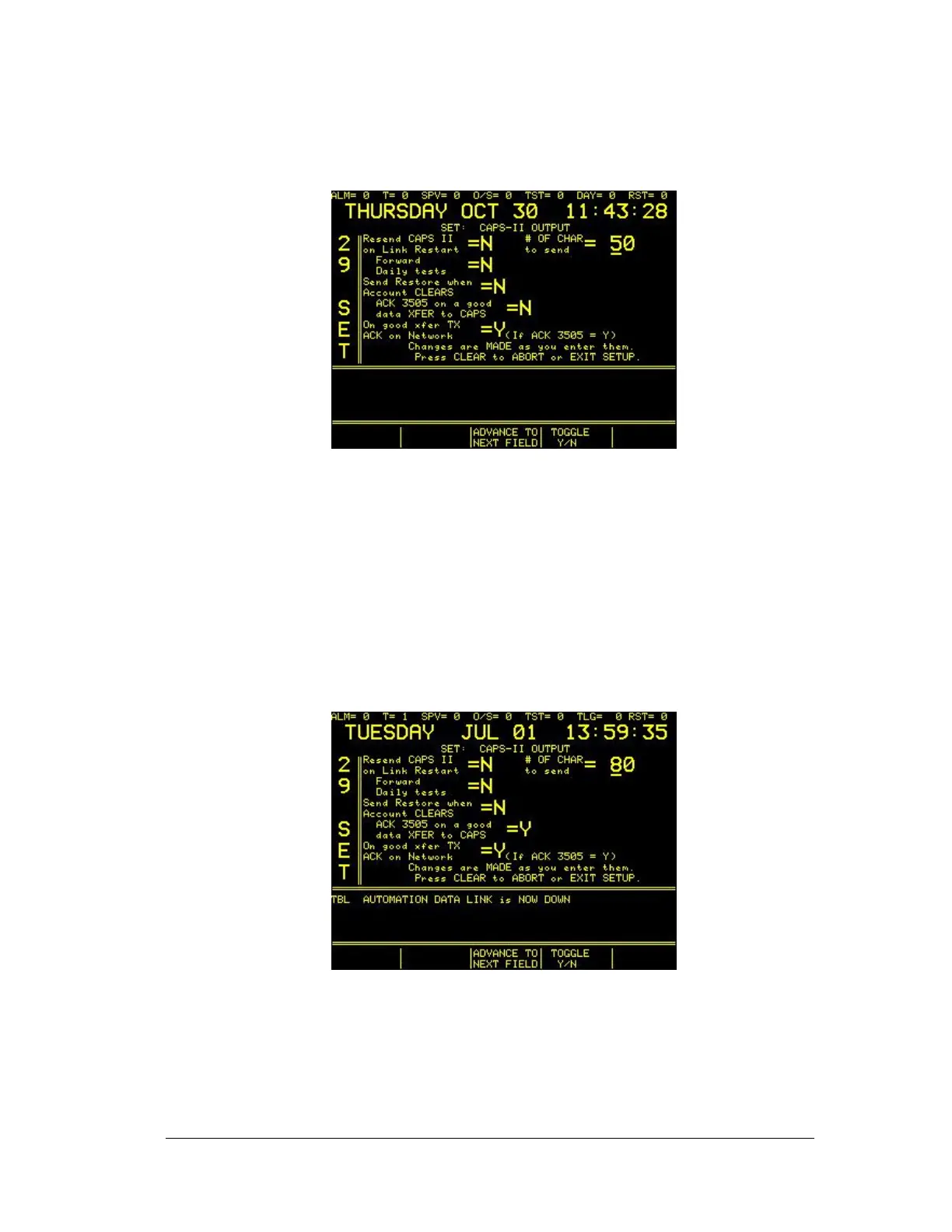
The next screen will read:
Press the FUNC key to move between fields. Use ↑ or ↓ to change values. Press the CLEAR
key to save changes and return to main set menu.
9.3.1
CAPS II OUTPUT SETTINGS
The Set 29 menu defines the parameters under which data is sent by the System 3505 to
the Automation system (PC). In the following illustration, please note the optional
settings available.
1) Resend CAPS II on Link Restart. Set to Y (yes), all of the Alarm and Trouble
accounts, active in the SYSTEM 3505 will be resent to the automation system via the
CAPS II protocol. Set to N (no), results in no account update information sent by the
SYSTEM 3505to the Automation system when the data link is reestablished.





 To Next Page