System 3505 Installation & Operation Manual
Digitize, Inc. 700248-0002 Rev. C 02/16
Specification Subject to Change Without Notice
12-2
A variation of the second option using the 32-line driver rack is to set up to individual line
driver cards to communicate with a single Slave SYSTEM 3505. The advantage here is that
line drivers can be “mix and match” line, providing a true path redundancy. In this
configuration, slave #1, 2, 3 etc and its backup 3505 are connected to line driver cards 1, 2 & 3
respectively for the first data link. The second data link is inserted in the 32-line driver rack
beginning in slot #17.
The Network option communicates over 1200 or 4800 BAUD. Some interface cards, such as
the Audio modem and Polling radio can only operate at 1200 BAUD. The entire Network
system must be setup to operate at the same BAUD rate.
12.2 NETWORK OPTION SETUP
The Network Option allows up to 99 SYSTEM 3505 units to share alarm information. Any
SYSTEM 3505 is designated the Master; all other units are designated Slaves. All points
(digital dialers, EOL, RPI, etc.) send alarm information (ALARM, TROUBLE, SECURE) to
the Master. The information is then shared by all the Slave System units. The user can elect to
filter out unwanted alarm responses at specific slaves. In addition to sharing alarm information,
the user can also elect to enter user text messages at one unit and have them sent to all units
connected the network from the Network Setup Menu.
CAUTION: The Network Option can be set for 4800 or 1200 BAUD, unless Audio Modem or
polling radio are in use for communication in which case the BAUD rate must be 1200.
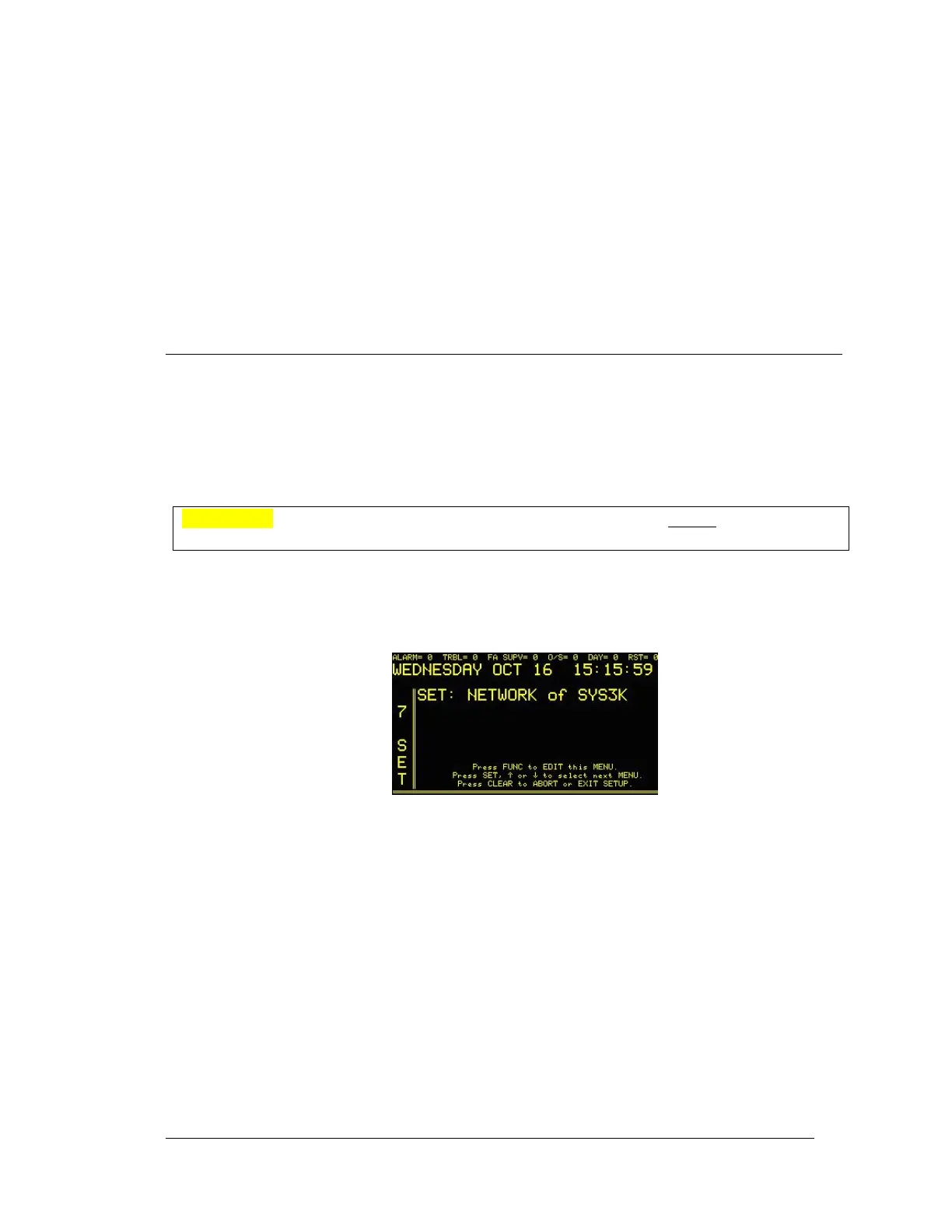
Enter “7”, and then press the SET button. With the Network Option installed, the display will
read:
Press the FUNC to edit this menu. Enter password, if prompted.
The display will then read:





 To Next Page