System 3505 Installation & Operation Manual
Digitize, Inc. 700248-0002 Rev. C 02/16
Specification Subject to Change Without Notice
4-5
adding the first page of zone text, the display will show the zone selected. If 4 pages
already exist, and another page is to be added by using the DOWN ARROW key, then
the display will scroll up for additional pages.
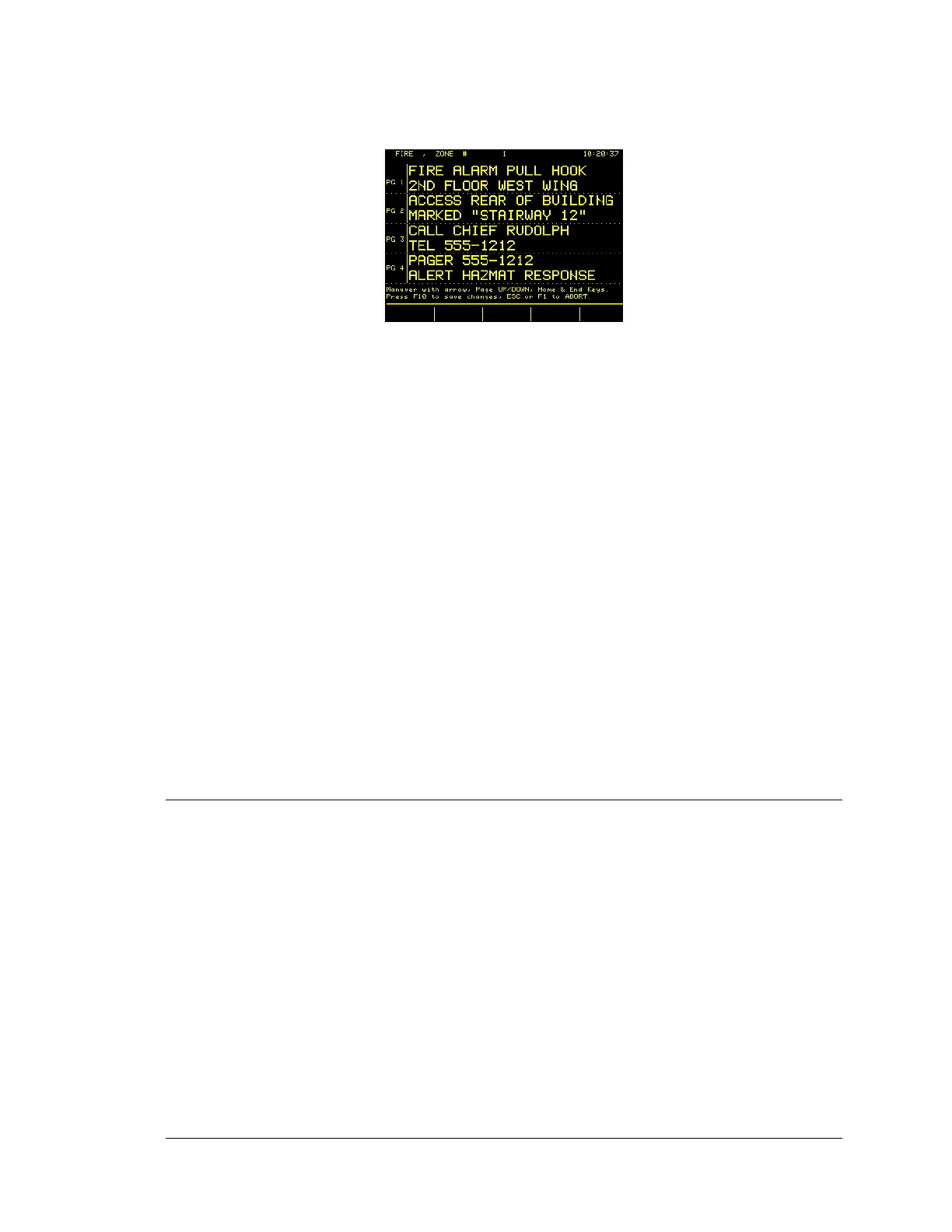
The cursor will blink in the upper left corner of the large text area of the display. To
move the cursor, use the UP, DOWN, LEFT and RIGHT ARROW keys. Press the
RETURN (or ENTER) key or use the ARROW keys to place the cursor at the
beginning of the next consecutive line. Once satisfied with the data entered, press F10
to ADD the data to memory. The printer will log the addition, and the display will now
ask for the number of the next zone to which “User Text” is to be added. Continue in
this manner until all zone messages have been added. Each zone may have up to nine
pages. As each page is added the total number of pages used increases by one. To
change the PRIORITY level, press the ESC key once prior to entering the next zone
number.
To exit the ADD zone mode without saving the changes or after the user has pressed F-
10, depress the ESC key twice.
NOTE: The fount size and number of pages printed for an Alarm/Trouble or
Restoral is controlled by the Set 4 menu. It is not necessary to include the account
number in the first page, since this information will automatically be printed under
the subsequences pages message, and on the bottom line of the four-line display.
The first page message will appear on line two of the printer when the zone is
secured.
4.3 USER TEXT TYPES
There are two types of user text messages: ACCOUNT SPECIFIC and GENERIC. The
account specific type allows entry of up to nine screens of information to describe a
specific account which can be a Zone, Dialer, or Box. The account may be a direct wire
connection (i.e., EOL or RPI), a TELEGRAPH box, or a zone from a multiplex panel.
The generic type allows entry of up to nine pages of information to describe the general
location of a multiplex panel location, or the location of a Digital Dialer. Please note that
a direct wire zone cannot have a generic message, only an account specific message.
Each Account Specific and Generic message can have up to 9 pages of text. A page is
made up of 48 user defined characters. The text page can be displayed or printed as two
24 x 2 character lines, in which case the spacing created by the user will be honored. The
message can also be displayed as one long line, in which case the SYSTEM 3505 will
remove multiple blanks by left justifying the text.
The SYSTEM 3505 identifies an account specific or generic message by its account
number. The following are examples of generic and account specific numbers.





 To Next Page