System 3505 Installation & Operation Manual
Digitize, Inc. 700248-0002 Rev. C 02/16
Specification Subject to Change Without Notice
4-4
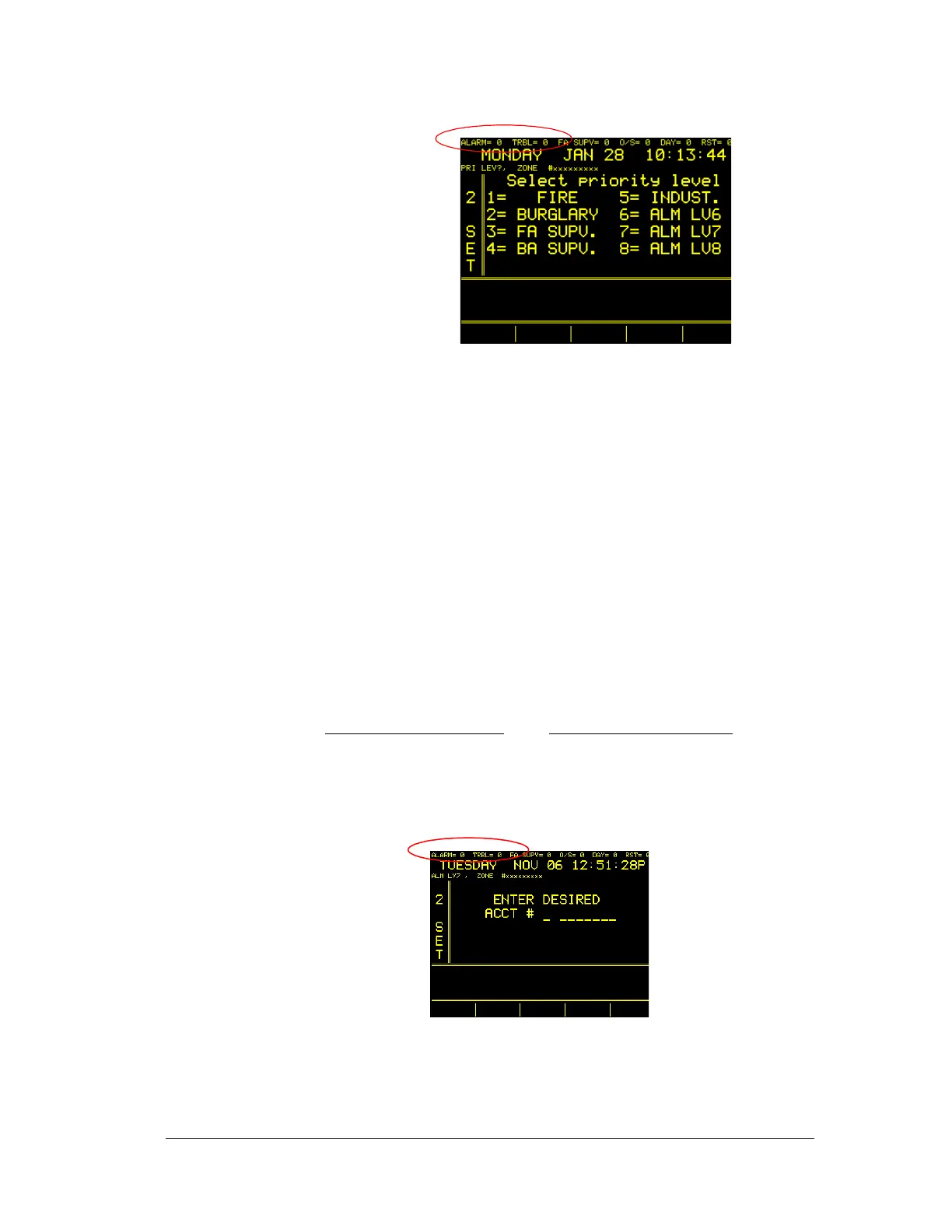
Enter the desired zone number to which to ADD text. Typical zone
numbers are based on System configuration. Those with End-of-Line or
Reverse Polarity type interface cards will match the zone number for
which text is entered with the point input number. These numbers range
from 1 through 2048. When entering numbers for the Digitize Mux
System, enter the Muxpad panel number followed by the zone number.
For example, DGM panel number 23, Zone 8 would be entered as “23-
08”. For MUX PAD connection to addressable FACP enter the DGM
number (MUX PAD), followed by the FACP Account number as
translated by the Muxpad. Thus, Muxpad 23, Loop 5, Zone 8 would be
entered as “23-05-08”. Each FACP brand may have its unique 6 digit
account. Any combination of numbers and hyphens can be entered. DO
NOT ENTER LEADING Zeros for DGM/Muxpad numbers. Press the
RETURN (or ENTER) key after the desired number is entered.
CORRECT NUMBERS
INCORRECT NUMBERS
1-23-03 01-23-03 (leading zero)
01 (leading zero)
6054321 006054321 (leading zero)
If no “User Text” exists for that zone, the data entered will be placed on page 1;
otherwise, the information will be added to the next available unused page. When





 To Next Page