System 3505 Installation & Operation Manual
Digitize, Inc. 700248-0002 Rev. C 02/16
Specification Subject to Change Without Notice
12-3
12.2.1
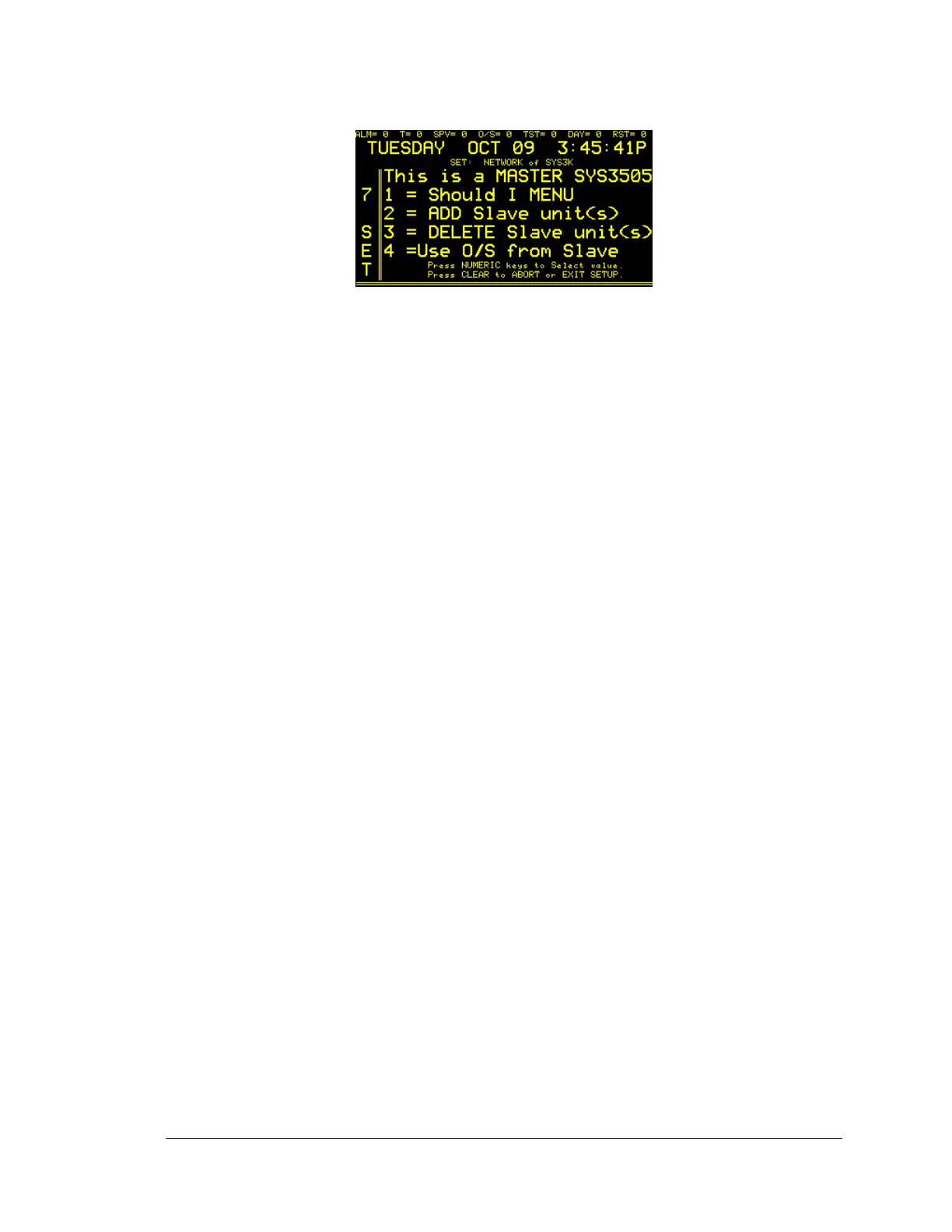
1= Should I Menu
The “Should I Menu” asks the user to determine what alarms they would like to
transmit and/or receive via the Network. Through simple Y (yes) or N (no)
settings, the user can filter communication of events within the network.
The user can elect or decline to Transmit (TX) or Receive (RX) the following
information categories via the Network: Fire Alarms (FA), Burglary Alarm (BA),
Fire Alarm Supervisory (FA SUPV), Burglary Alarm Supervisory (BA SUPV),
Industrial Alarms (INDUST.) , Alarm Level 6 through 8 (ALM LV6-8), TX Item
ACK (when manually pressed on the keypad), RX Item ACK, TX ITEM CLR
(Clear), RX ITEM CLR (Clear), TX SST BOX, RX SST BOX, TX ROUNDS,
RX SYS ERRS (System Errors), TX USER TXT (Text), RX USER TXT (Text),
RX ZONES, RX MULTIPLEX, RX DIALERS, RX 1221 RAD (Radio), RX
ALARMS, RX TROUBLES, RX FACP FLT (Fault), PROC RESTOR (process a
restoral).
Several soft keys help the user to organize the selections made, and the selection
process. First, the PRINT SET INFO is helpful for those who want a record of
original settings for future reference, and can record final selections. Two other
soft keys, GO BACK TO PREV FIELD and ADVANCE TO NEXT FIELD are
used to advance or return to the various “Should I” options. The CHANGE TO
YES and CHANGE TO NO soft keys are used to enter the preferred yes or no
setting. Changes are processed as selections are made.
12.2.2
2=ADD Slave unit(s)
The Add Slave Units menu allows the designation of Slave (secondary) System
3505 units within a Networked environment. Up to 99 slave units can be added
to a Networked System 3505. The numeric address of the installed slave is set
within this menu. Use the numeric keys to enter the address of the slave unit. It
is important to note that only one System 3505 can be designated the Master
(primary) unit.
A soft key, “Activate Selection Now” must be pressed for the slave to become an
active part of the network.
12.2.3
3= Delete Slave unit(s)
This menu is used to delete a slave System 3505 unit or units from a Networked
System. The address (1-99) of the slave unit is entered using the numeric keys.
The soft key, “Activate Selection Now”, must be pressed to remove the




 To Next Page