System 3505 Installation & Operation Manual
Digitize, Inc. 700248-0002 Rev. C 02/16
Specification Subject to Change Without Notice
5-8
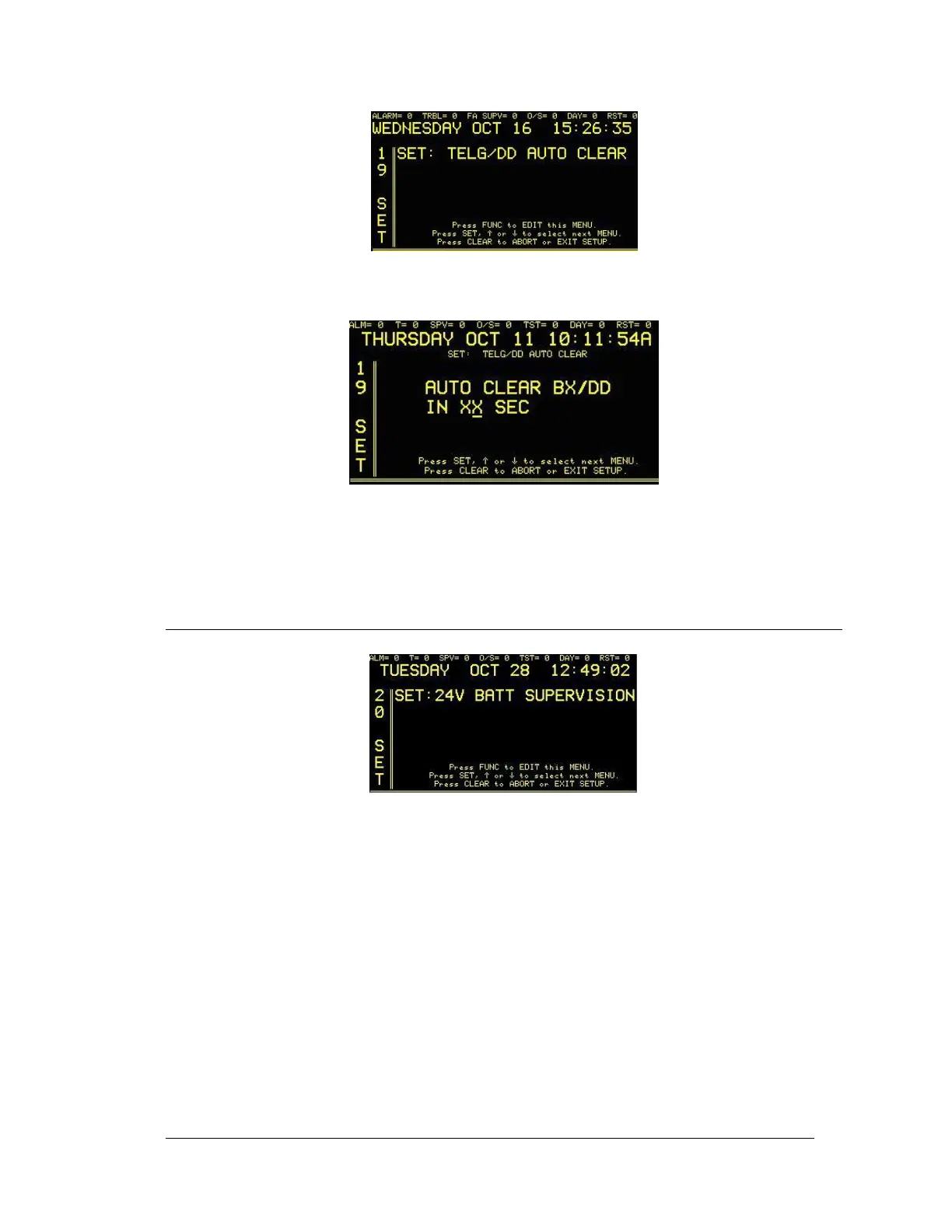
Press the FUNC button to select this screen. Enter password, if prompted. The next screen will
read:
Use the FUNC button to move between fields; use ↑↓ keys to change values. By defining these
settings the user is permitted to have Box and Digital Dialer messages cleared automatically after
the desired interval.
5.17 5.24V BATT SUPERVISION
Enter “20”, press the SET button and the display will read:
Press the FUNC button to select this screen. Enter password, if prompted. The next screen will
read:





 To Next Page