System 3505 Installation & Operation Manual
Digitize, Inc. 700248-0002 Rev. C 02/16
Specification Subject to Change Without Notice
21-2
Click the NEXT button to continue, or click the CANCEL button to exit program.
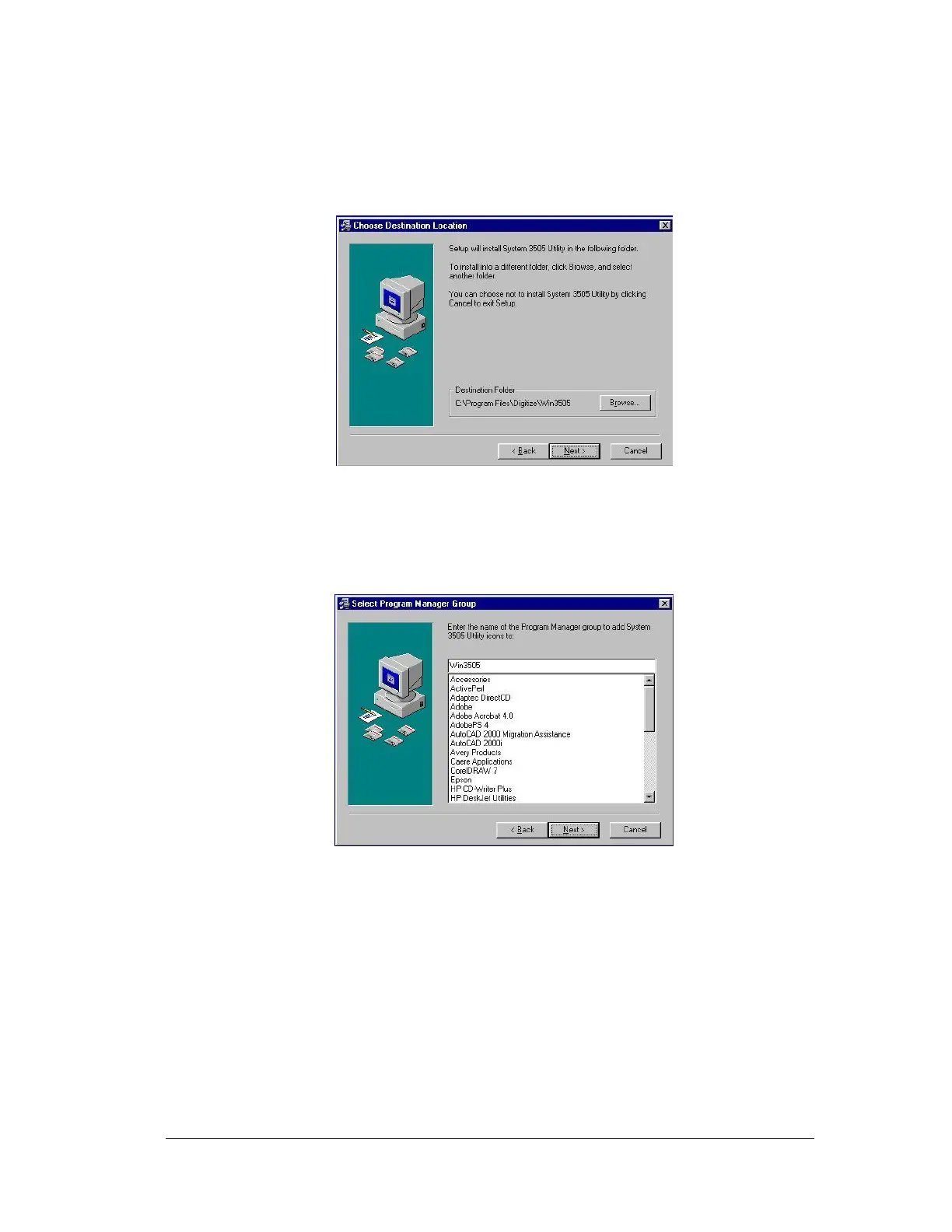
After clicking on the NEXT button, the following screen will appear.
If the location of the Destination Folder is to be located on a different drive, or in a different
folder, then click the BROWSE button and enter the new location.
Click the BACK button to return to the previous screen.
Click the CANCEL Button to exit the setup program.
Click the NEXT button to continue with the software installation.
The screen, show above, will appear.
This feature allows placing the program name and small icon under a different heading in the
Windows start menu (for example, "Accessories").Otherwise, Click the BACK button to
return to the previous screen.
Click the CANCEL Button to exit the setup program.
Click the NEXT button to continue the software installation.





 To Next Page