System 3505 Installation & Operation Manual
Digitize, Inc. 700248-0002 Rev. C 02/16
Specification Subject to Change Without Notice
16-2
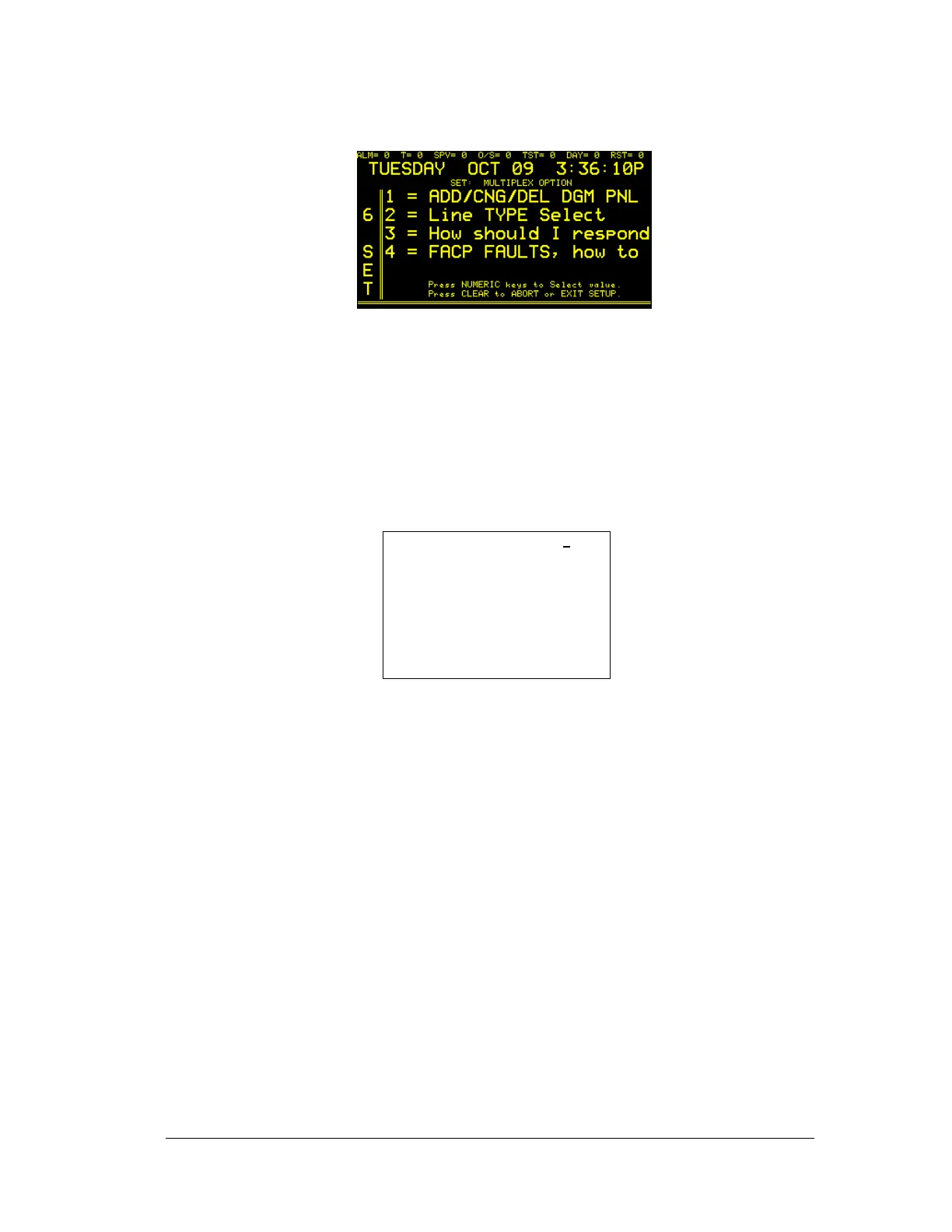
Press FUNC to edit this menu. Enter password, if prompted. The next display will read:
After adding or changing a DGM/MUXPAD selection, the user can restart the SYSTEM
3505 unit. An “Activate Selection Now” soft key will appear that, when pressed, will
add/change or delete the new change, but only if the user is in DGM/MUXPAD selection
field in which the change was made. The numeric selections are explained in section 16.1.1,
Multiplex Option Setup.
1.1.1 ADD/CHNG/DEL
Enter “1” to ADD or REMOVE DGM/Muxpad panels from the System. The
display will read:
MUX PORT: #0 DGM#1
PNL=NONE INSTL’D
user text area
Changes are MADE as you enter
them.
Press FUNC to EDIT this MENU.
Press CLEAR to ABORT or EXIT
SETUP
A DGM panel is added to the System with the “NONE INSTL’D” is changed to
the number of zones that the DGM/Muxpad is monitoring. The current type of
DGM/Muxpad can be set by using the ↑↓ keys for the type of DGM. To delete a
DGM panel, change the type of DGM number with the keys back to “NONE
INSTL’D”. Some SYSTEM 3505 units require restart to activate new
DGM/Muxpads added or removed. By pressing FUNC to place the cursor on
line 3 of the display, information for the “User Text” area can be entered. With
the cursor on line 3, insert the external keyboard into the KBD port on the front
panel, and type the desired message. Changes are accepted as they are entered.
Press the CLEAR BUTTON to exit this Menu.
Up to 500 DGM panels can be added to the MULTIPLEX System. Each DGM
panel may monitor from eight to 64 zones. Currently provided addressable
interfaces include:
DGM_MUXPAD_TYPE_FIRST:
DB "NONE INSTL'D~"
DB "DGM-8 \8LS~"
DB "DGM-16 \16LS~"
DB " DGM-24 ~"
DB " DGM-32 ~"
DB " DGM-64 ~"





 To Next Page