D 23 3
A
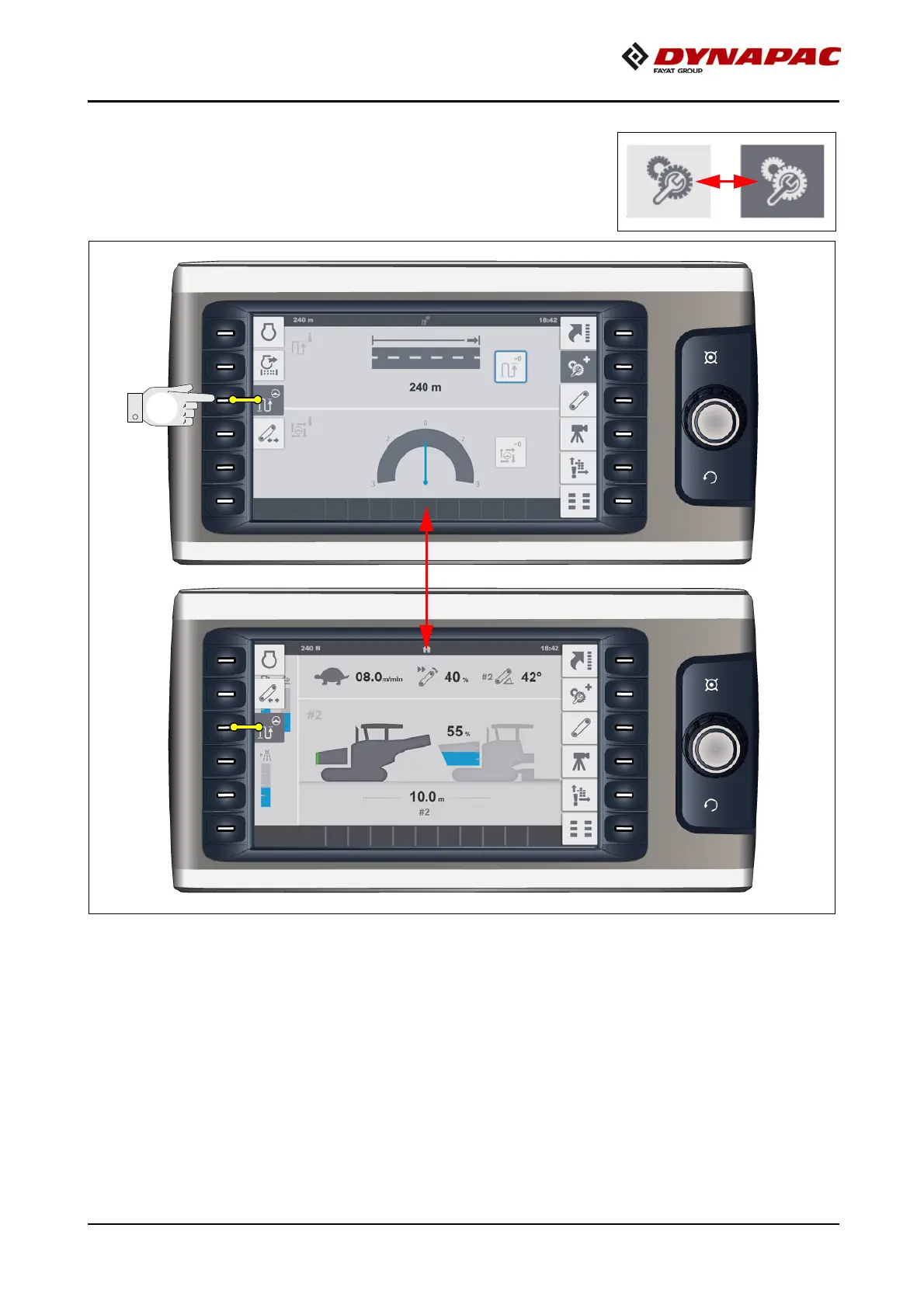
To confirm an active/opened menu, the colour of the cor-
responding symbol changes from pale to dark grey!
A
Press the corresponding function button again to go back
to the previous page.
- (F) Display area for status, warning and error messages:
- To show current earnings or error messages.
A
The colour of the symbol indicates whether it is a status, warning or error message:



 To Next Page