D 23 4
A
Detailed explanations for the individual displays can be found in the section "Symbols
for status, warning and error messages"
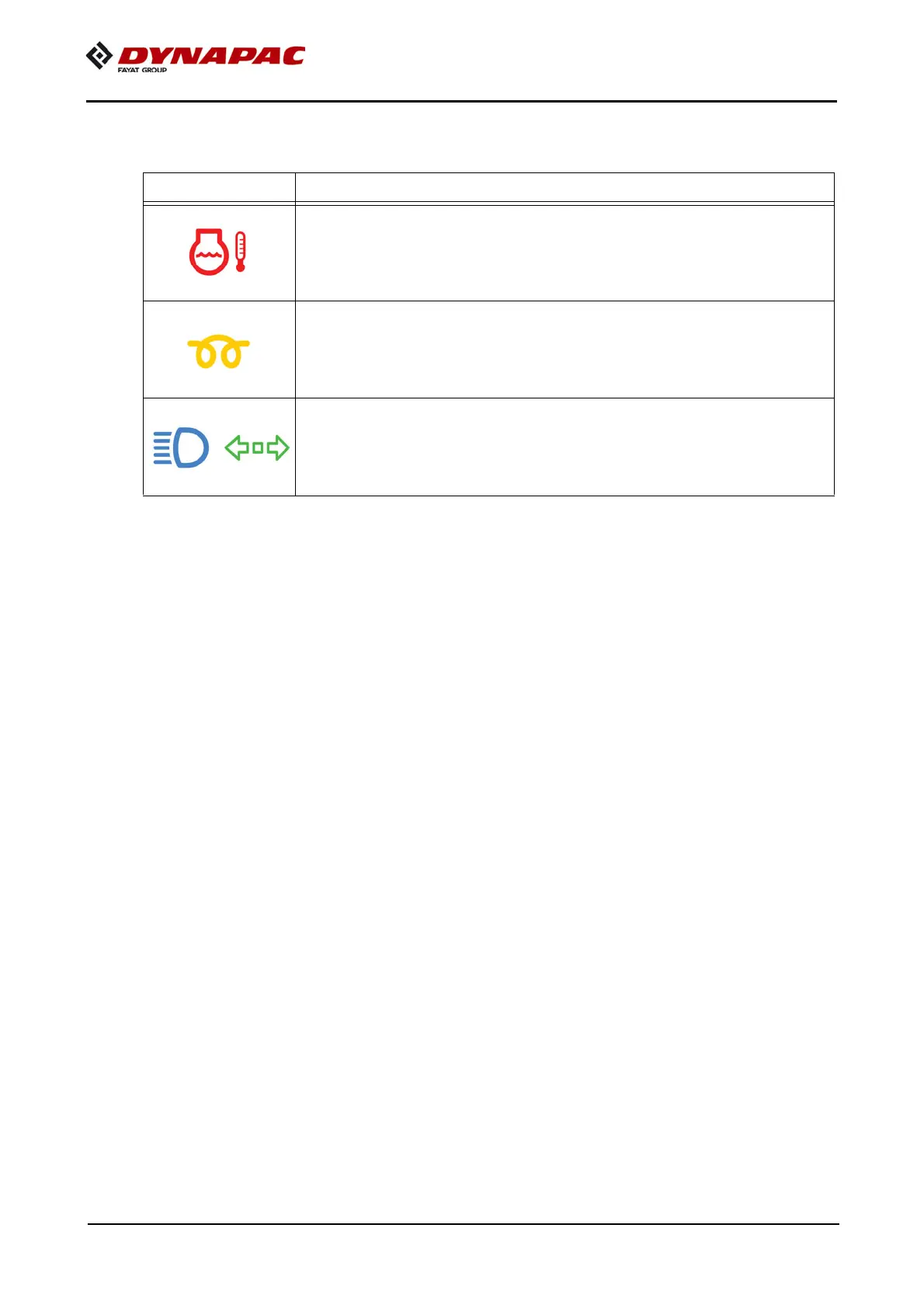
Colour code Explanation
- RED - error message
- Reports a serious fault that must be checked and rec-
tified immediately.
- YELLOW - warning message
- Reports a current condition that needs to be observed
or rectified at short notice to ensure correct working.
- BLUE / GREEN - status message
- Confirms an activated function.



 To Next Page