88
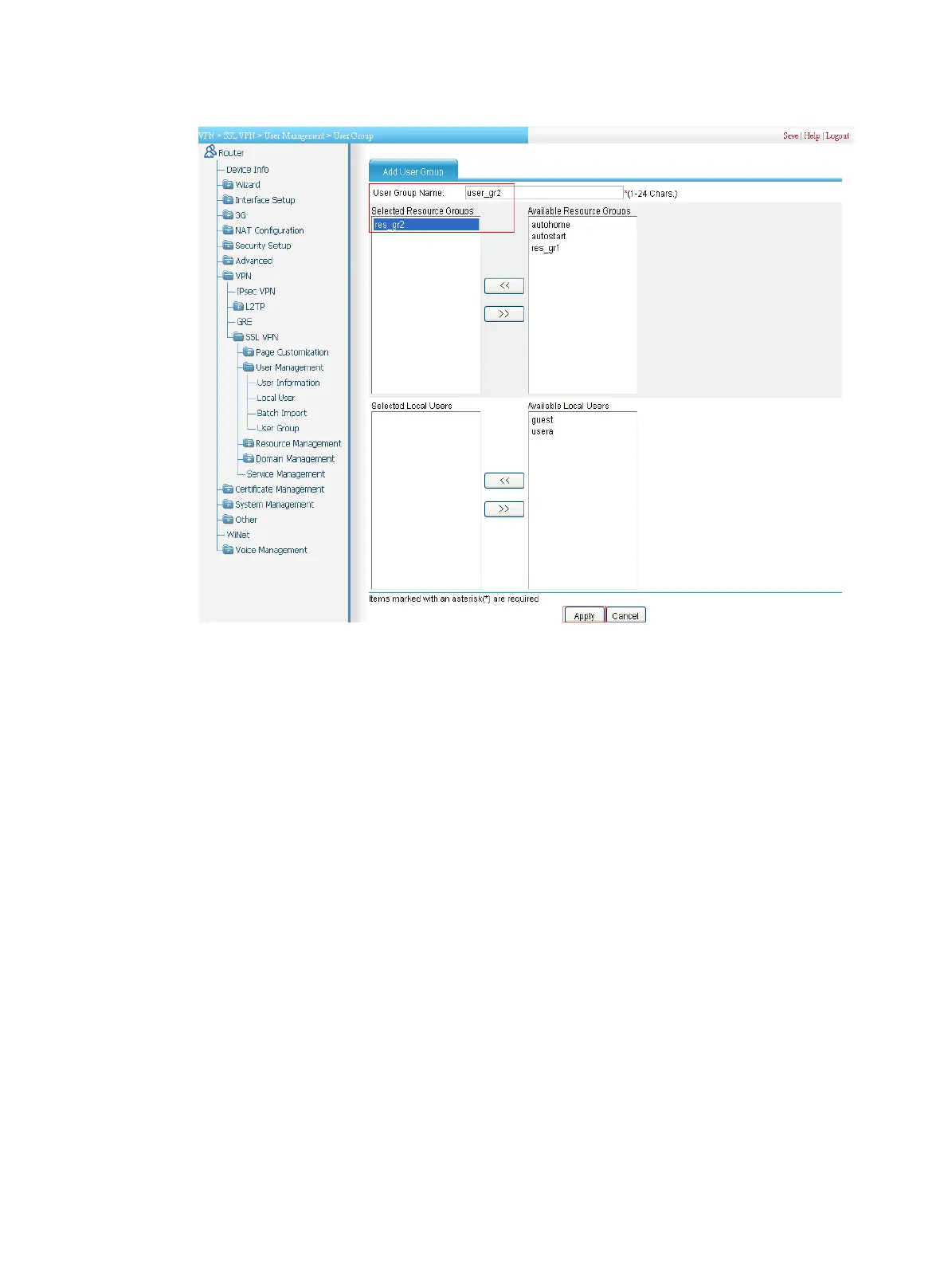
Figure 463 Configuring user group user_gr2
Configuring an SSL VPN domain
1. Configure the default authentication method for the SSL VPN domain as RADIUS and enable
verification code authentication:
a. Select VPN > SSL VPN > Domain Management > Basic Configuration from the
navigation tree.
The Domain Policy tab appears, as shown in Figure 464.
b. Select the bo
x before Us
e verification code.
c. Select RADIUS as the default authentication method.
d. Click Apply.



 To Next Page
 Loading...