158 Keysight N9915-90020 User’s Guide
SA (Spectrum Analyzer) Mode (Option 233–Mixed Analyzers)FUTURE
SA Mode Settings
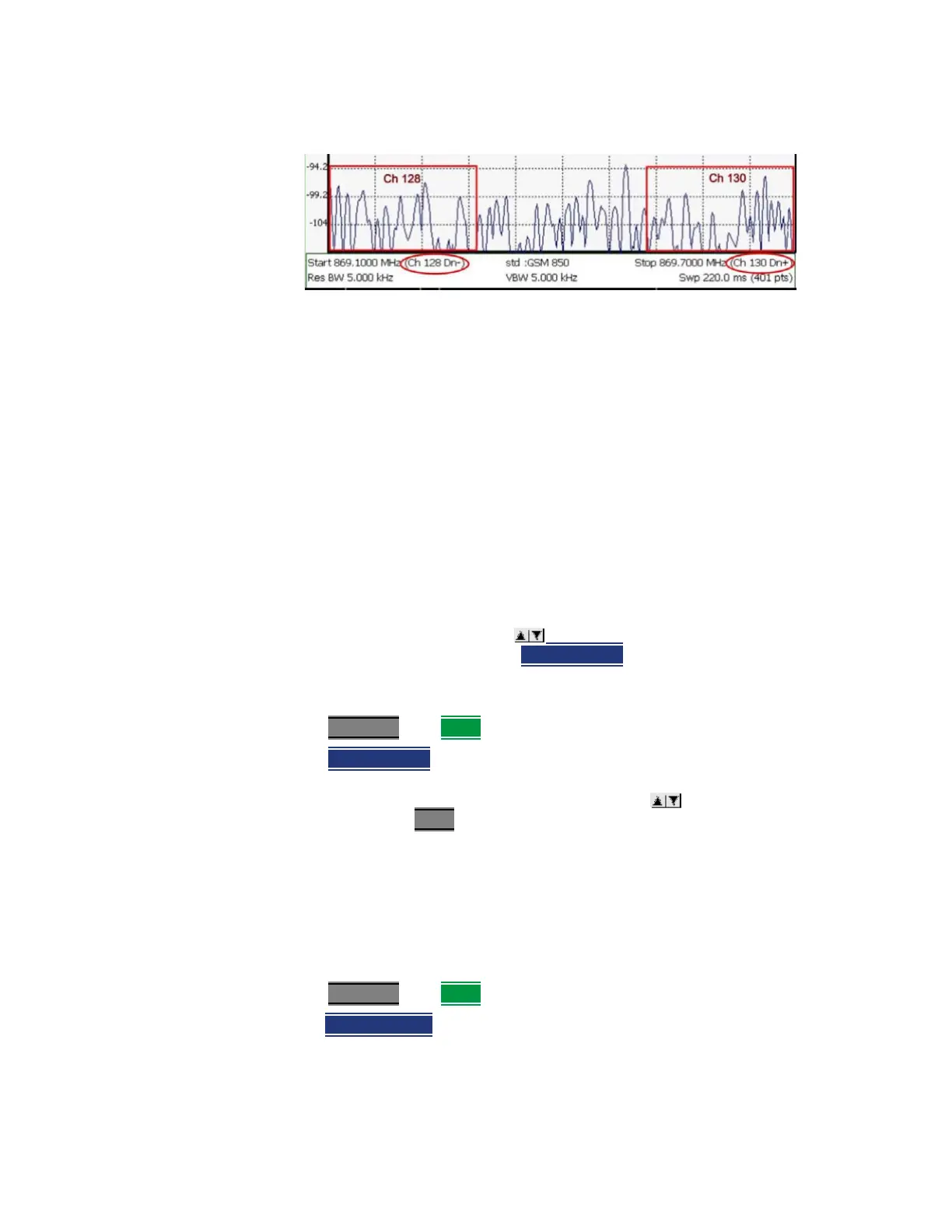
Channel number X-axis annotation
— Dn indicates Downlink channels.
— Up (not shown) indicates Uplink channels
— (−) indicates that the lowest frequency in the channel (128) is at the left
edge of the screen.
— (+) indicates that the highest frequency in the channel (130) is at the right
edge of the screen.
— When Center Channel or Freq Span is specified, the X-axis shows the
Center Freq (Channel) and Frequency Span.
— When Start or Stop Channel is specified, the X-axis shows the Start Freq
(Channel) and Stop Freq (Channel).
Change Channel Step Size (Optional)
This setting allows you to use the arrows to increment the channel
number by the specified value. The
Channel Step softkey appears only when it
is valid. Learn how to make it valid in the section, see
“How to change the
Channel Number of the Measurement” on page 157.
—Press Freq/Dist then More.
—Press Channel Step
— Enter a step value using the numeric keypad, the arrows, or the rotary
knob. Then press Enter
.
Reverse Swap
Available ONLY with Opt. 209 and while in Step sweep mode. Each press of the
softkey causes the Start and Stop frequencies to swap. The Start becomes the
Stop and vice versa. Learn more about Step versus FFT sweeps in
“FFT Gating
(Opt 238)” on page 201
.
—Press Freq/Dist then More.
—Then
Reverse Swap













 To Next Page