516 Keysight N9915-90020 User’s Guide
Indoor and Outdoor Mapping – Option 352 (Requires Spectrum Analyzer Mode (Option
233), and GPS Receiver (Option 307))
How to Use Data Logging (Option 352)
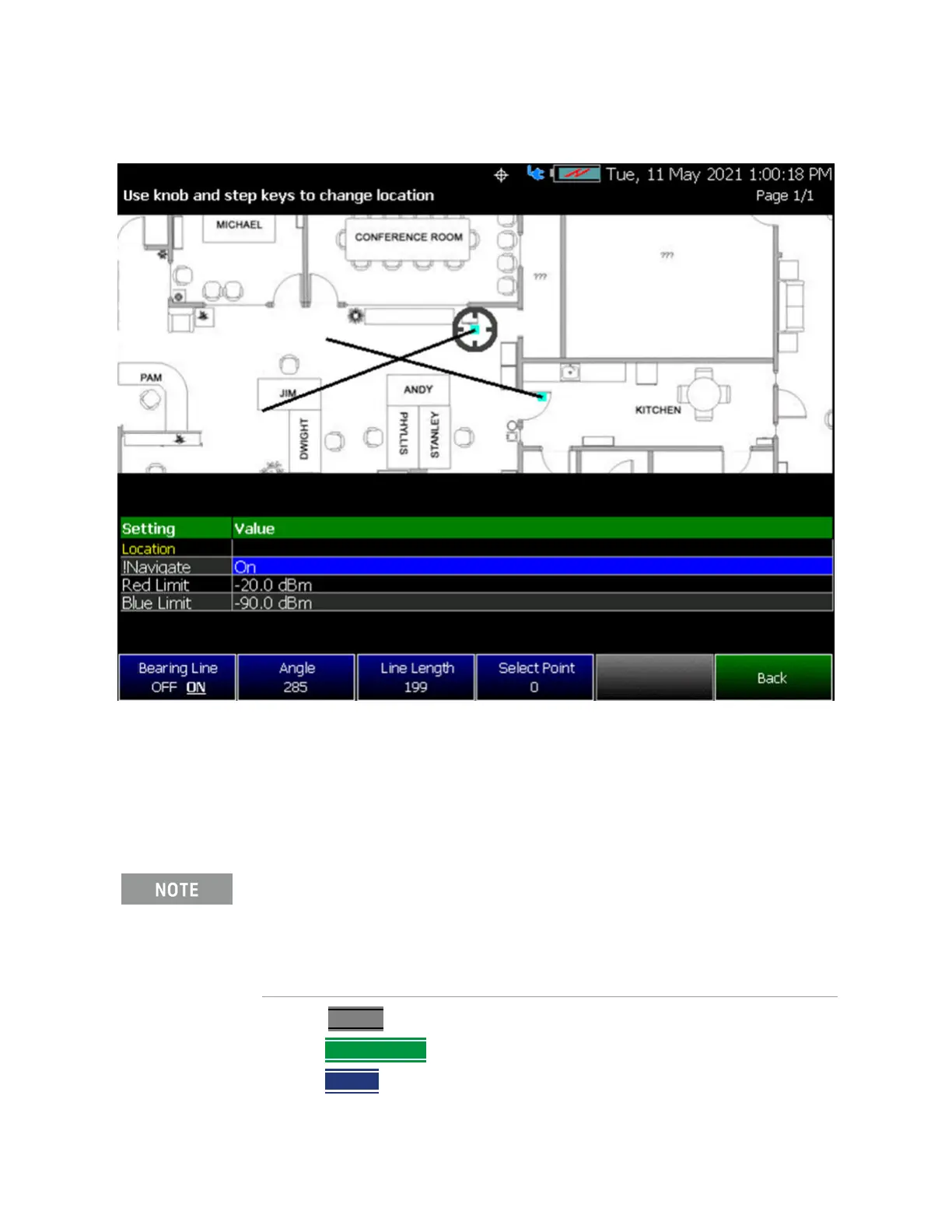
Figure 16-24 Directional Finding (DF) Bearing – Indoor Map Data Logging Example
How to Record a Data Log (Outdoor Logging Only)
For Indoor Logging, refer to “Enabling and Setting Up Indoor Map Logging” on
page 506.
—Press Trace 6
—Then Data Logging
—Then Record (Outdoor Logging Only)
Data Log-Play files are saved to:
— If File Folder is set to Default then Data Log-Play files are save-recalled
to: "[CurrentDevice]\RecordPlayback\[Current mode]\"
— If File Folders are set to System, then Data Log-Play files are
save-recalled to: "CurrentDevice\<UserSelectedFolder>\













 To Next Page