204 Keysight N9915-90020 User’s Guide
SA (Spectrum Analyzer) Mode (Option 233–Mixed Analyzers)FUTURE
SA Mode Settings
A color-coded legend for displayed traces is visible in the left pane of the SA
mode screen:
W = Clear/Write; M = MaxHold; m = MinHold; A = Average; V = View
How to display the Trace States
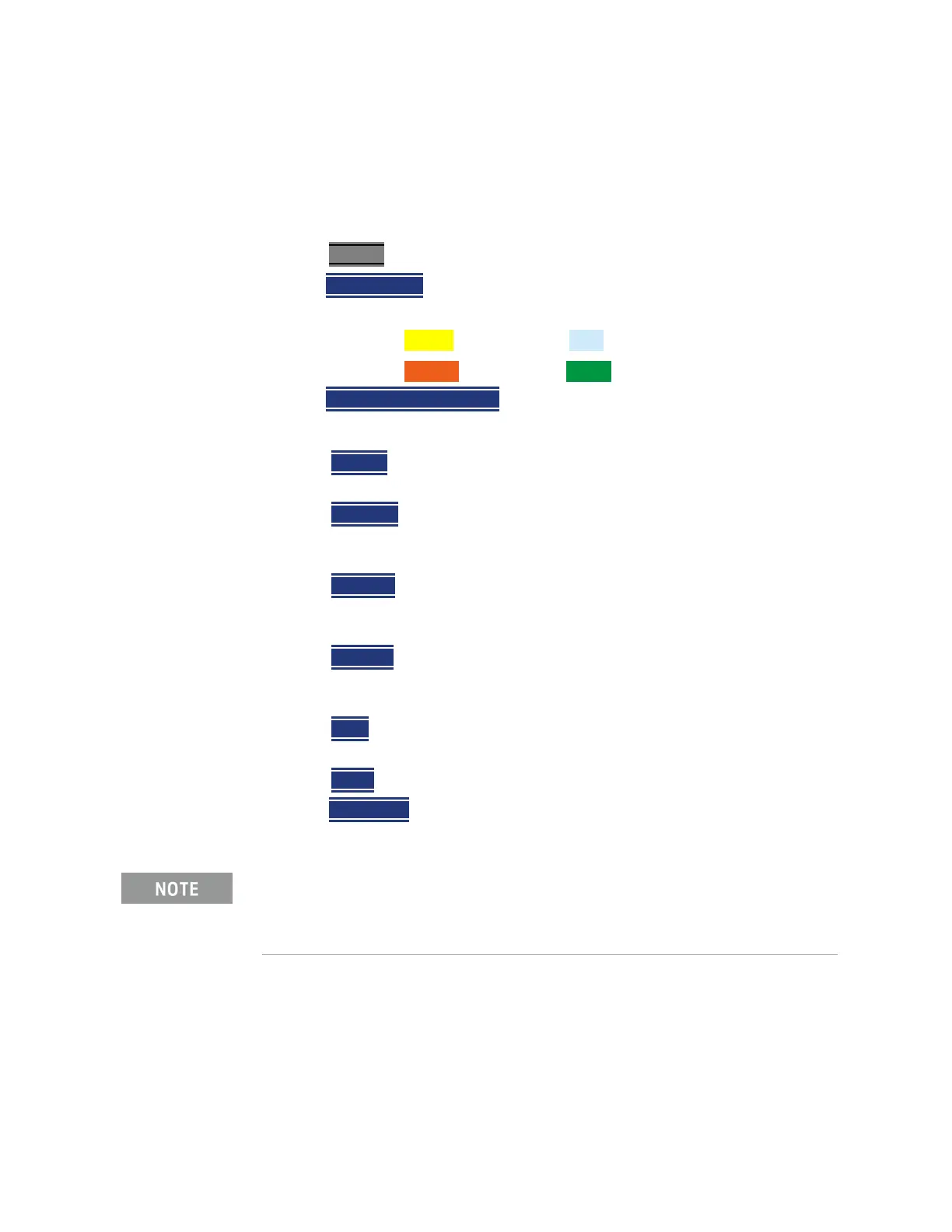
1. Press Trace 6
.
2. Then
Trace 1,2,3,4 repeatedly to select a trace number to display or
change its state. Traces are displayed in the following colors:
— Trace 1 – Yellow Trace 2 – Blue
— Trace 3 – Orange Trace 4 – Green
3. Then State [current setting]
4. Then choose from the following Trace States:
— Clr /Wr (Clear/Write) Displays the actual measured data for each
sweep.
— MaxHold Displays the maximum response of the input signal at each
data point over multiple sweeps. See also Average Count in
“Average Count” on page 205.
—
MinHold Displays the minimum response of the input signal at each
data point over multiple sweeps. See also Average Count in
“Average Count” on page 205.
—
Average Each data point is averaged over multiple sweeps as set by
the Average Count setting. Learn more in
“Average Count” on
page 205
.
—
View Displays and then holds the last complete measurement trace
on the screen. This is similar to storing a trace in memory.
— Blank Displays no trace.
5. Press
Default All to return all traces to their default settings: Trace 1
(Clear/Write); all other traces (Blank).
Average Type
In SA Mode, there are four different processes in which Averaging is performed:
—Average Traces – Learn more in “Averaging” on page 221.
— Detection Method Averaging – Learn more in
“Detection Method” on
page 213.
Trace 4 data WILL be overwritten by the FieldFox when using the
Independent Source Normalize feature (
“Independent Source/Tracking
Generator ” on page 186
) or using Field Strength antenna or cable
corrections (
“Field Strength Measurements” on page 163).













 To Next Page