Keysight N9915-90020 User’s Guide 319
IQ Analyzer (IQA) – Option 351
Alignments
Alignments
The IQA mode requires all three alignment types: amplitude, RF burst, and
channel equalization. Refer to the SA chapter’s “Alignments” on page 206 for
information on all alignments.
Trace Display States (IQA Mode)
— In IQA Mode you can display up to four of the following types of trace
states. A
ll IQA settings are applied to all displayed traces. See also “Marker
Trace (IQA and SA Mode)” on page 738
.
A color-coded legend for displayed traces is visible in the left pane of the SA
mode screen:
W = Clear/Write; M = MaxHold; m = MinHold; A = Average; V = View
How to display the Trace States
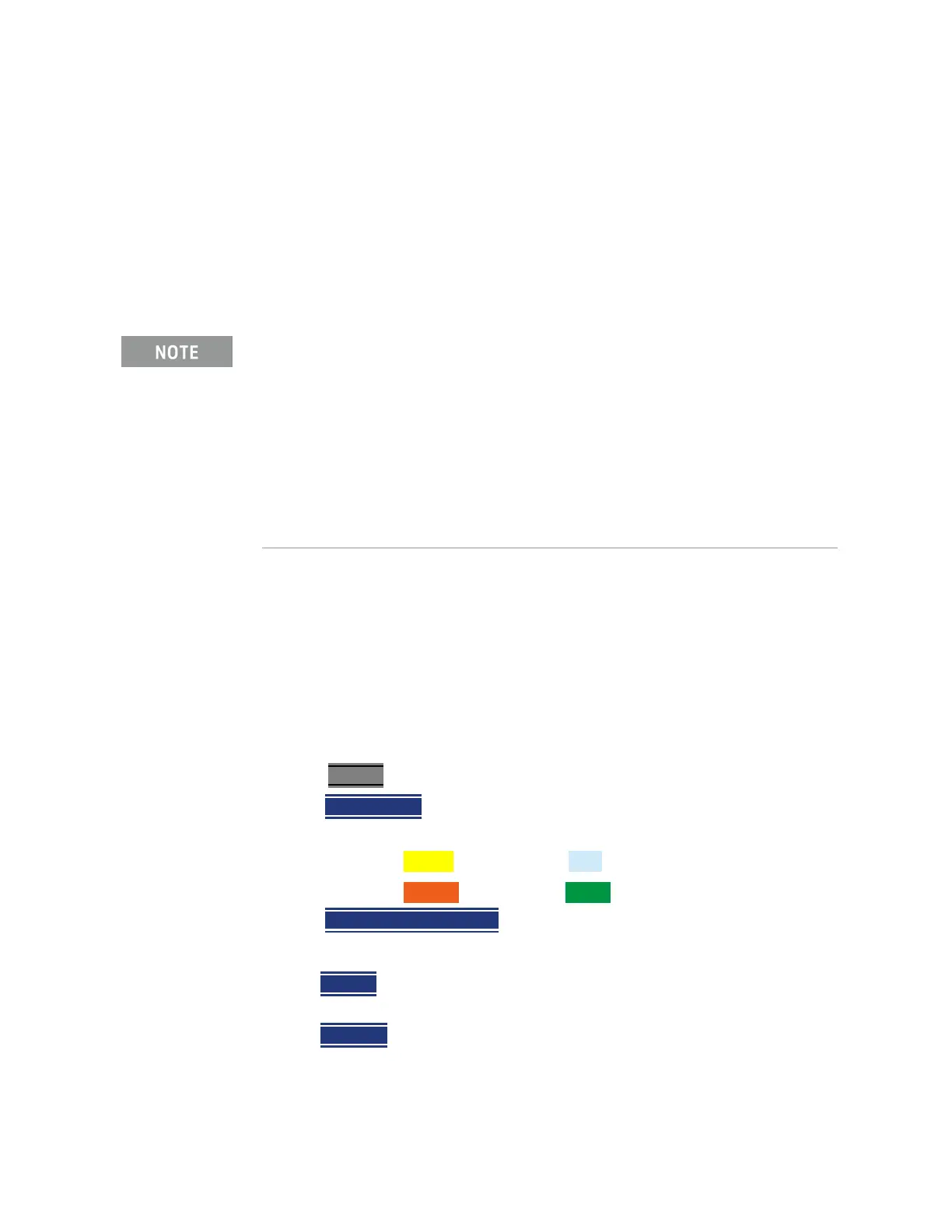
—Press Trace 6.
—Then
Trace 1,2,3,4 repeatedly to select a trace number to display or change
its state. Traces are displayed in the following colors:
—Trace 1 – Yellow Trace 2 – Blue
—Trace 3 – Orange Trace 4 – Green
—Then
State [current setting]
— Then choose from the following Trace States:
—Clr /Wr (Clear/Write) Displays the actual measured data for each
acquisition.
—MaxHold Displays the maximum response of the input signal at each
data point over multiple acquisitions. See also Average Count in
“Adjusting the Measurement Setup Settings” on page 308.
If you have Option 351 I/Q Analyzer option, you can directly save your data
as MATLAB files (*.mat). Refer to
Chapter 11, “ IQ Analyzer (IQA) – Option
351”, on page 293
and to Chapter 33, “File Management”, on page 817.
If you have the FieldFox’s Remote Server mode (89600 VSA software
connectivity), you can use the VSA software to capture and record your
data as MATLAB files (*.mat). Learn more about FieldFox and 89600 VSA
software, refer to Chapter 18, “Remote Server Mode (Requires SA
Hardware/SA Option 233)” and to
http://rfmw.em.keysight.com/wireless/helpfiles/89600B/WebHelp/89600
.htm
.













 To Next Page