Data Analysis FeaturesDELETE_IF
All about Limit Lines
760 Keysight N9915-90020 User’s Guide
Display Line (I/Q, NF, and SA Modes Only)
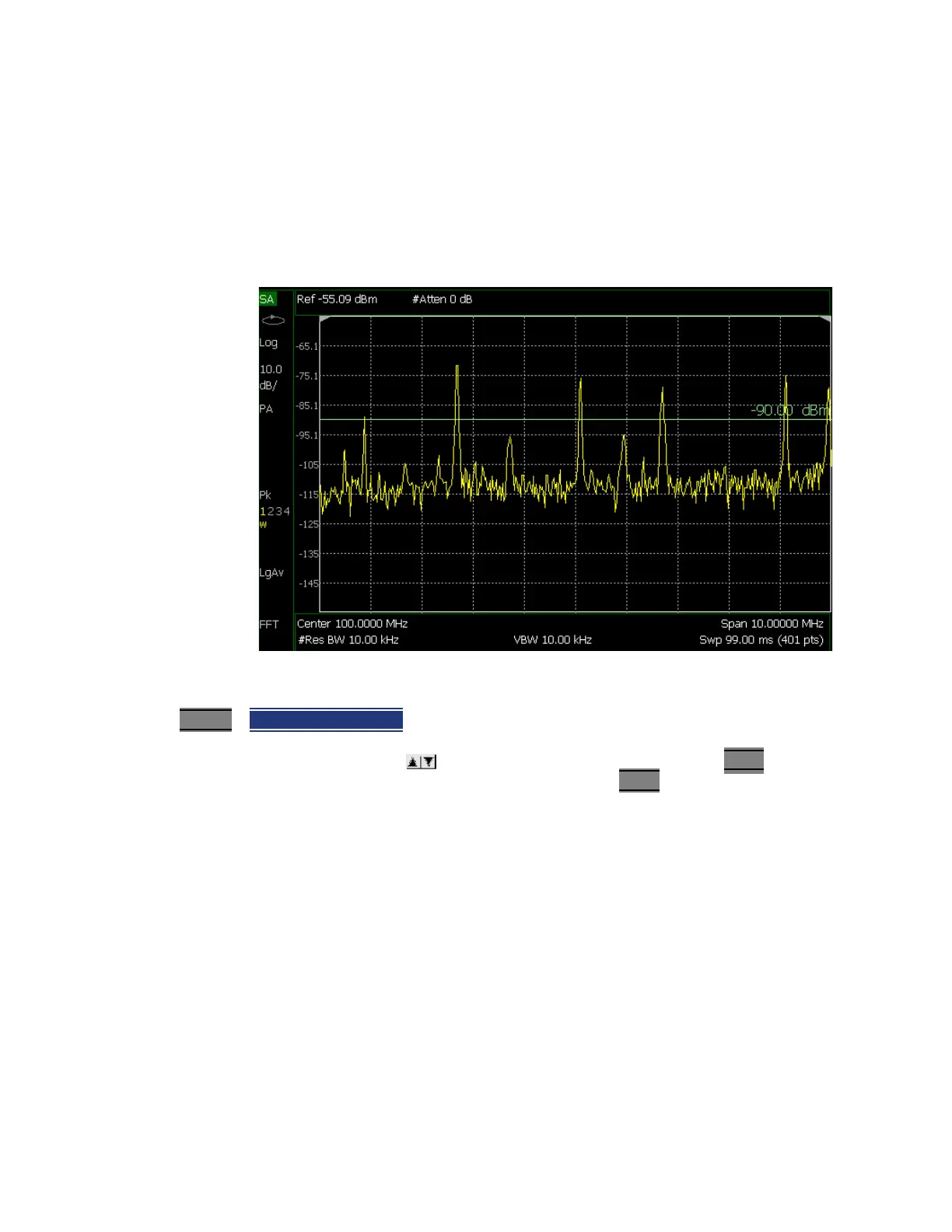
A display line is a simple, horizontal line that can be placed at any amplitude level on the SA screen
or set to any level in IQA. Use a display line as mental guide for visual feedback. A display line is
similar to a Limit Line, except that no PASS/FAIL testing occurs. A display line is easier to create
than a Limit Line. Learn more in
“All about Limit Lines” on page 749.
Figure 30-13 Display Line with Annotations (SA mode shown, but others are similar)
How to create and move a Display Line
1. Press Limit 8
> Display Line OFF ON
2. Then enter a Y-axis value using the arrows or the rotary knob, then press Enter. Or enter
a value using the numeric keypad and press a suffix key or press Enter
.













 To Next Page