412 Keysight N9915-90020 User’s Guide
Over–the–Air Measurements (OTA) – LTE FDD Option 370, LTE TDD Option 371, 5G TF
Option 377, 5G NR / 5G NR EVM Conducted Option 378
About the Auto-Range Feature
About the Auto-Range Feature
Executing an auto-range, which determines the optimal RF attenuation and
preamp settings for the current input signal.
See also, “OTA Setup Procedure” on page 365.
Couplings: The current measurement settings help determine the auto-range
parameters. If more than one CC is enabled when an auto-range is executed,
the range is determined for each CC separately and the final range setting is
set using the maximum.
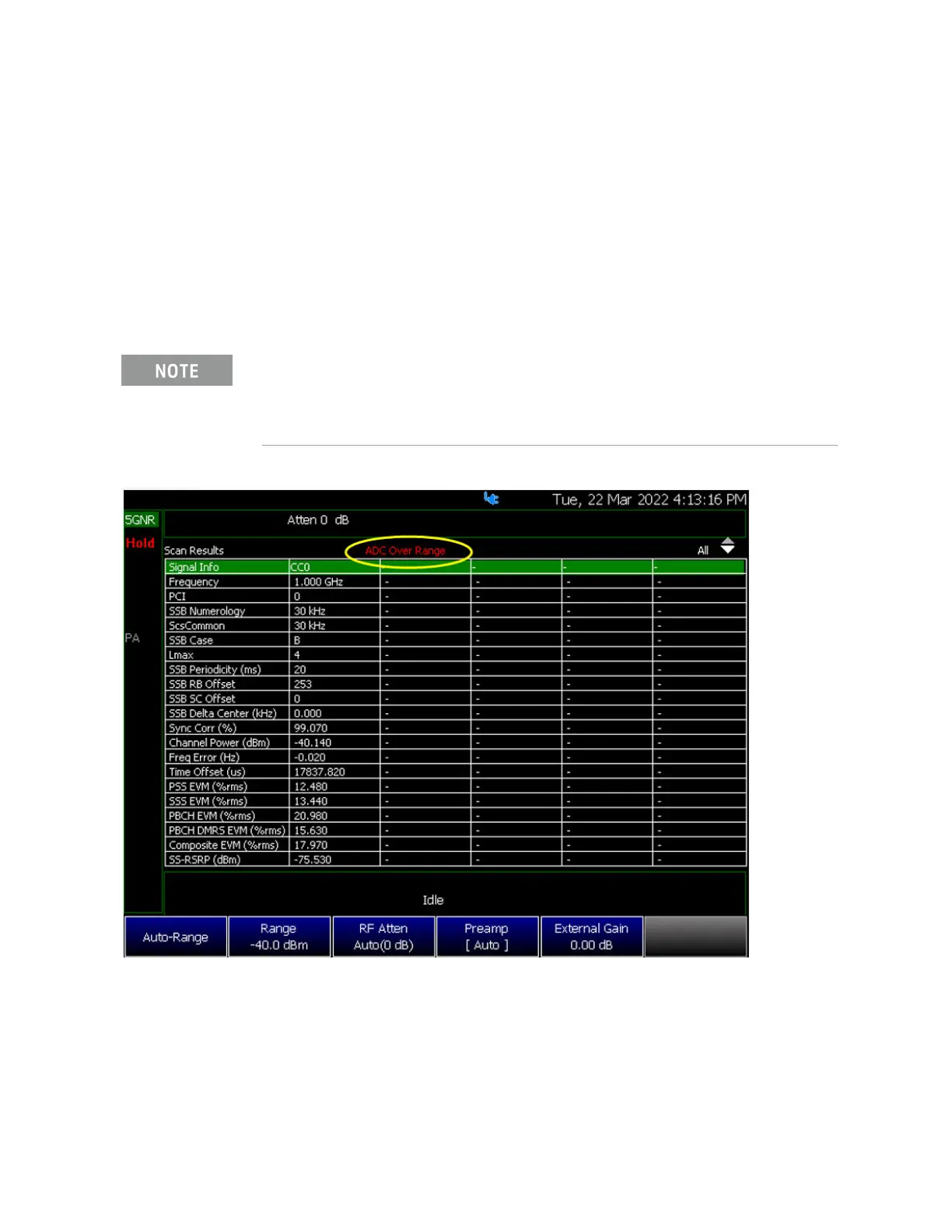
Figure 13-34 OTA 5G NR Signal Before Auto-Range – Table
Executing an auto-range sets the Range, RF Attenuator, and Preamp
settings.
Executing an auto-range does NOT change any of the display settings (Ref
Level, Scale or Ref Pos).













 To Next Page