Keysight N9915-90020 User’s Guide 589
Frequency Offset Using Power Sensor (FOPS) – Option 208
FOPS Settings
— Num Points or Freq Step Size Both settings control the number of power
sensor measurements between the Start and Stop frequencies. Enter one
setting and the other will be changed automatically. There must be at least
two data points.
—
Dwell /Point Specifies a settling time (in seconds) after the internal source
steps to the next frequency and before the power sensor makes a
measurement.
Amplitude Markers
Amplitude markers are horizontal dotted lines that you can move to any
amplitude level on the screen. The two amplitude markers can be set
independently or used as a pair of delta markers. Amplitude markers can be
used as a visual comparison aid with the data trace.
How to make Amplitude Marker settings
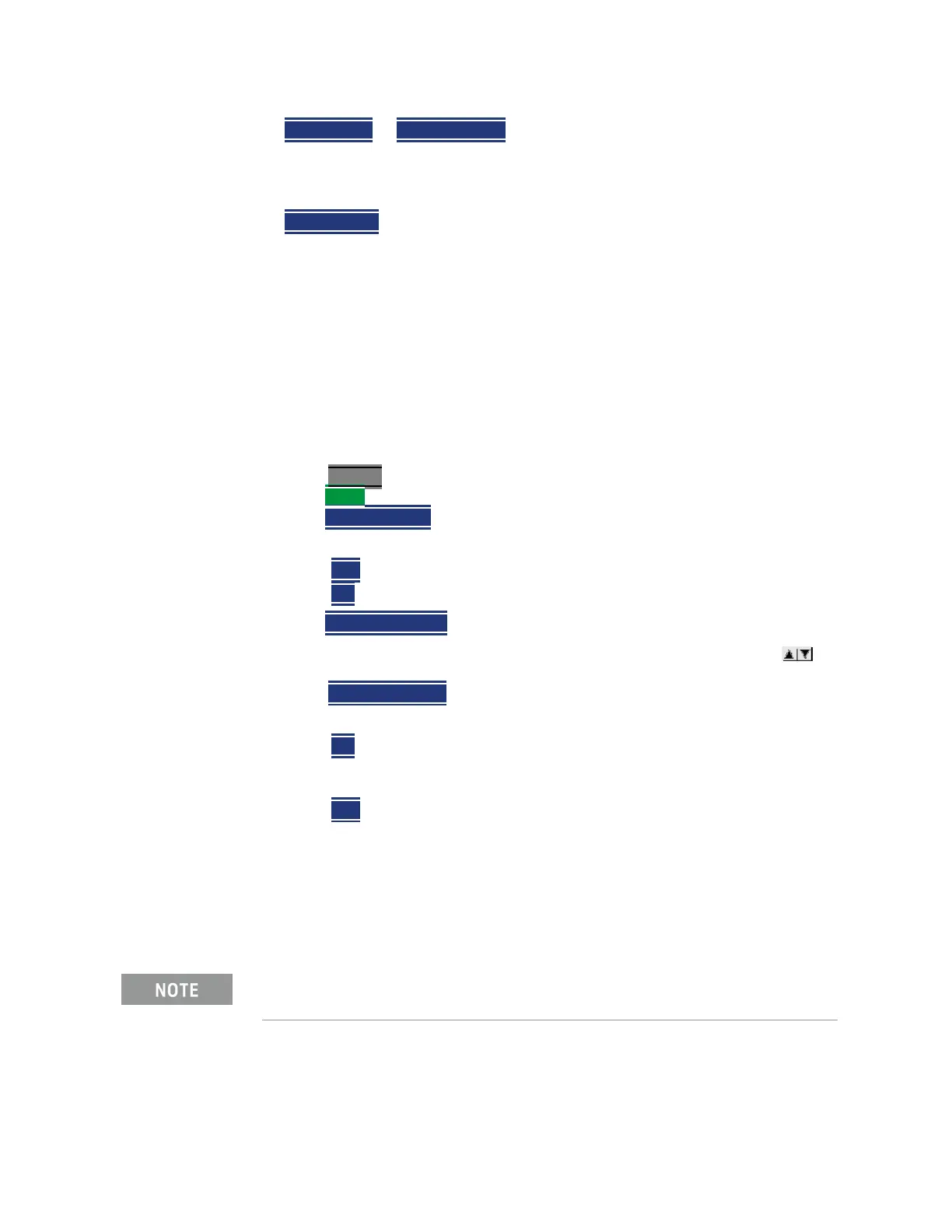
—Press Marker
—Then More
—Then
Ampl Markers
— Then choose from the following:
— OFF Amplitude markers are NOT displayed.
— ON Amplitude markers ARE displayed at their previous positions.
—Then
Ampl Mkr 1 or 2
— Enter a value in dBm for the marker using the numeric keypad, the
arrows, or the rotary knob.
—Press
Delta Ampl Mkr
— Then choose from the following:
— ON AmplMkr 2 value is relative to AmplMkr 1. When AmplMkr 1 is
moved, AmplMkr 2 also moves to maintain the AmplMkr 2 value
between them.
—
OFF The two amplitude markers move independent of one another.
Trace Math
Trace Math allows you to compare data traces and perform simple math. Learn
how to use Trace Math in
“All about Trace Math” on page 760. All Data and
Memory features work as documented EXCEPT for the following:
To Compare Src Power (Input) and Rx Power (Output):
1. Meas Rx Power
2. Store to memory
When Trace, then Data -> Mem is pressed, if a Src Power trace is active,
then RxPower is actually stored into memory.













 To Next Page