274 Keysight N9915-90020 User’s Guide
RTSA (Real-time Spectrum Analyzer) Mode—Option 350
RTSA Mode Settings
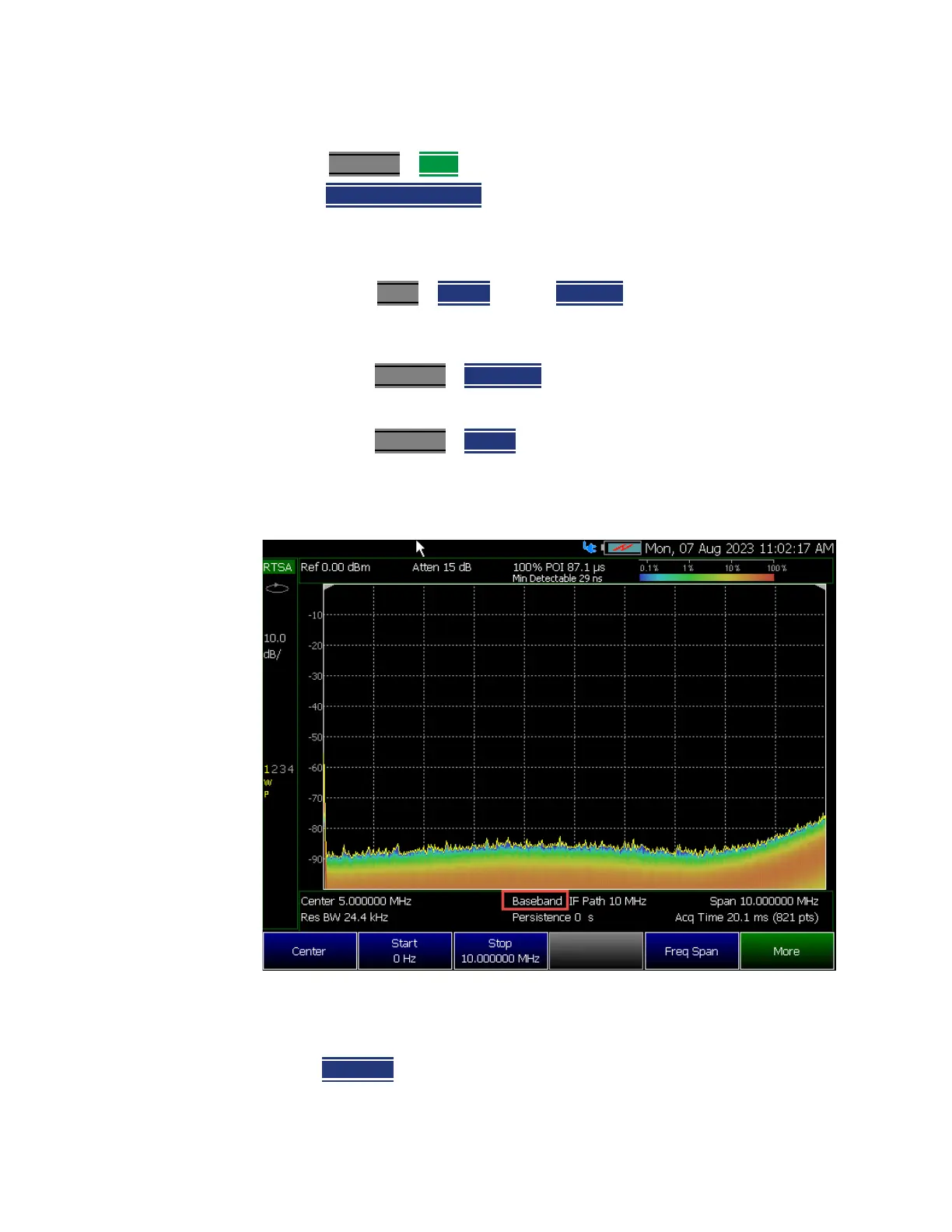
How to select Baseband
1. Press Freq/Dist
> More
2. Then
Baseband [Disabled] Press to Enabled (Default == Disabled).
3. To complete the Baseband enabling (activation) process:
— The IF path must be Narrow 10 MHz.
—Verify BW 2 > IF Path is set to [Narrow].
— The RF frequency range span (between start and stop frequencies) must
include a spectrum that is ≤10 MHz.
—Press Freq/Dist
> Freq Span 10 MHz.
— The Center Frequency must be ≤6.5 MHz
—Press Freq/Dist > Center 6.5 MHz.
Figure 10-7 Baseband Display Annotation When Enabled (RTSA Mode)
Acq Time
Use the Acq Time setting to adjust acquisition time interval for each trace
update in Density or Real-time Spectrum measurements.













 To Next Page