Keysight N9915-90020 User’s Guide 797
System SettingsFUTURE
Discrete Colors Softkey Menu
Discrete Colors Softkey Menu
The discrete colors softkey menu can be used to increase the choice of colors
displayed from two to up to six colors, for easier measurement readings. Refer
to
Figure 31-7.
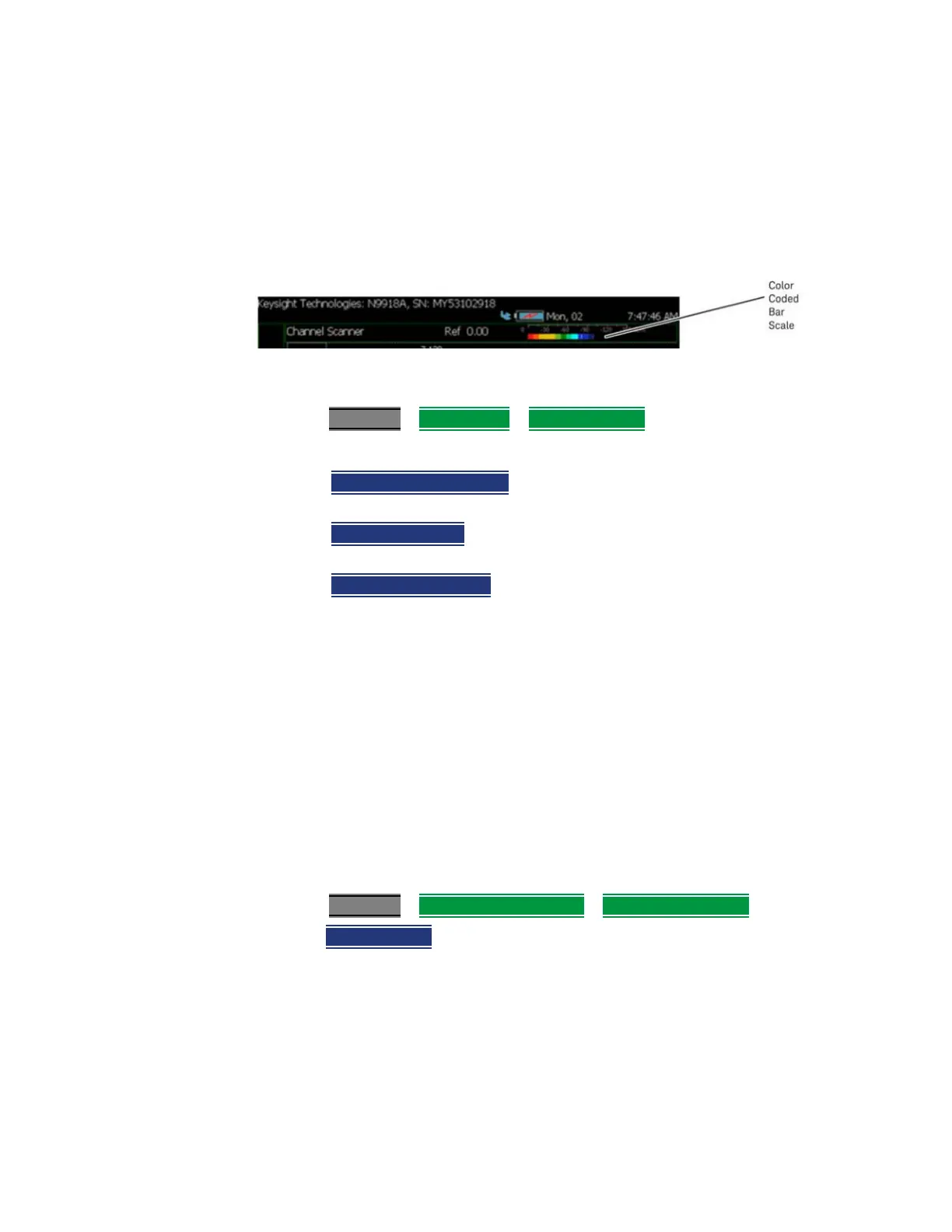
Figure 31-9 Display Example: Color Coded Bar Scale (x6 Colors)
Using the Discrete Colors Softkey Menu
1. Press System 7 > Preferences > Discrete Colors
2. Choose from the following:
—
Discrete Colors ON OFF
– to enable/disable the discrete colors
greater than 2.
— Number of Colors
– choose up to 6 discrete colors (Minimum
(default) = 2, red and blue).
— High Power Red Blue
– choose red or blue to choose the color to
indicate the highest power levels (default = Red).
System Configuration
Options (Licensing)
You can view and install options on your FieldFox. To see a comprehensive list
of the options that are available, view the Configuration Guide at:
https://www.keysight.com/us/en/assets/7018-06515/configuration-guides/
5992-3701.pdf
(5992-3701EN).
How to view the Installed Options
1. Press System 7
> System Configuration > Options (Licensing)
2. Then Show Options
The currently installed options are listed.
How to Install Options (License File)
A license file (*.lic file) must already be on a USB Flash Drive. To learn how to
obtain a. license file (*lic file), visit:
https://www.keysight.com/us/en/lib/resources/service-manuals/keysight-fi
eldfox-library-help-and-manuals-2153870.html
.













 To Next Page