Data Analysis FeaturesDELETE_IF
All about Scale Settings
Keysight N9915-90020 User’s Guide 763
All about Scale Settings
How to Use Scale Settings
Adjust the Y-axis scale to see the relevant portions of the data trace. The Y-axis is divided into 10
graticules.
This setting can be changed at any time without affecting calibration accuracy.
How to set Scale
1. Press Scale / Amptd
.
2. Then choose from the following three methods:
— Autoscale Automatically adjusts the Y-axis to comfortably fit the Minimum and
Maximum amplitude of the trace on the screen.
— Set Scale, acquisition, and Reference Position:
—
Scale Manually enter a scale per division to view specific areas of the trace
—
Ref Level Manually set the value of the reference line. Enter a negative value
by pressing Run/Hold (+/-)
either before or after typing a value
—
Ref Pos Manually set the position of the reference line. Values must be
between 0 (TOP line) and 10 (BOTTOM line)
— Range Manually set the absolute power (dBm).
— Set Top and Bottom graticule values. The scale per division is calculated.
—
Top to set the value of the Top graticule.
—
Bottom to set the value of the Bottom graticule.
— Enter a negative value by pressing Run/Hold (+/-)
either before or after typing
a value.
IMPORTANT! Some of the scale settings do not apply to all of the modes.
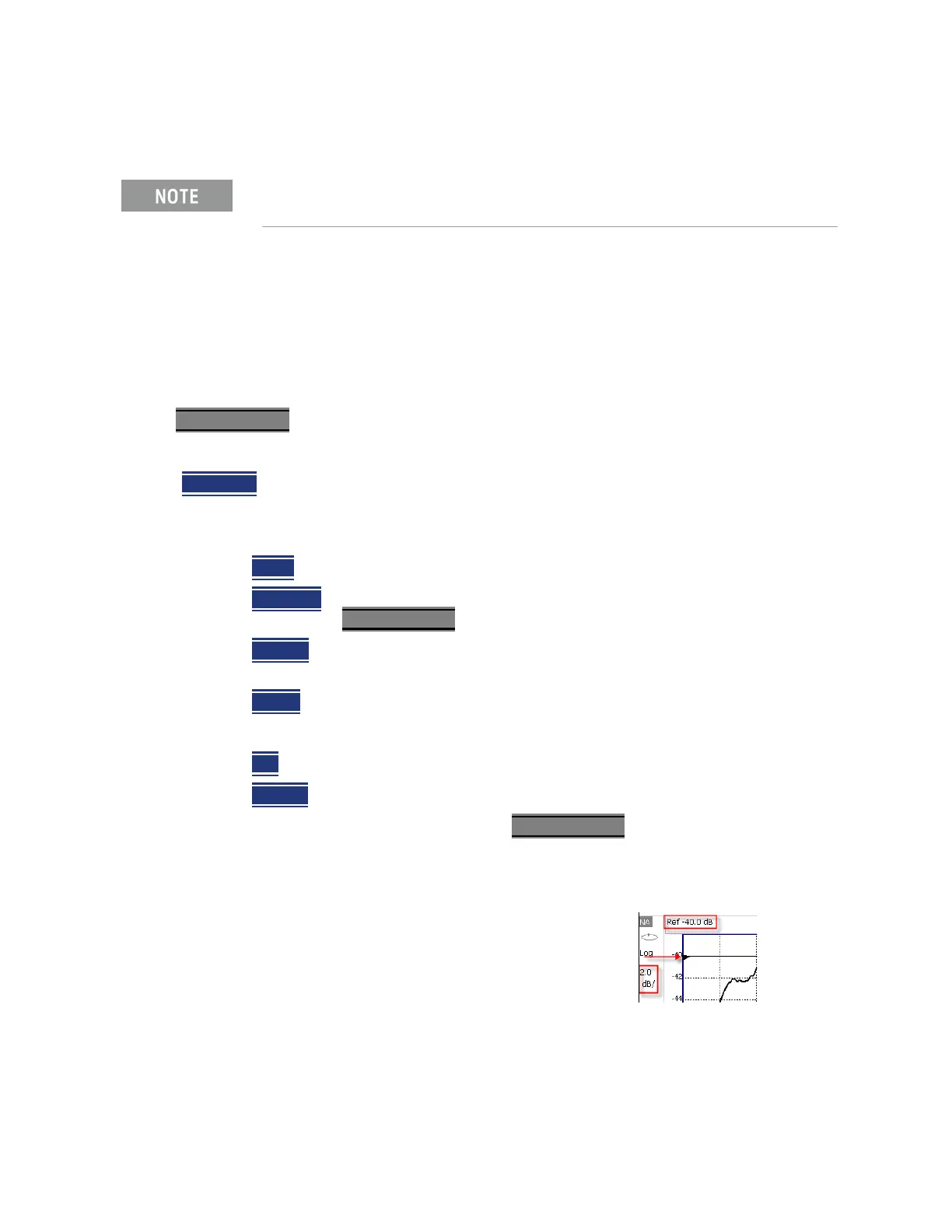
Scale annotation on the FieldFox screen
Reference Line = red arrow
Ref Level = –40 dB
Ref Position = 1
Scale = 2 dB per division













 To Next Page