68 Keysight N9915-90015 User’s Guide
DTF (Distance to Fault) Measurements
DTF Measurement Settings
Typically, you will set the frequency range of the measurement to the passband
of the filter. However, you may also want to test the ability of the filter to reject
unwanted frequencies. In this case, set the frequency range to include those
frequencies which the filter may not be adequately rejecting.
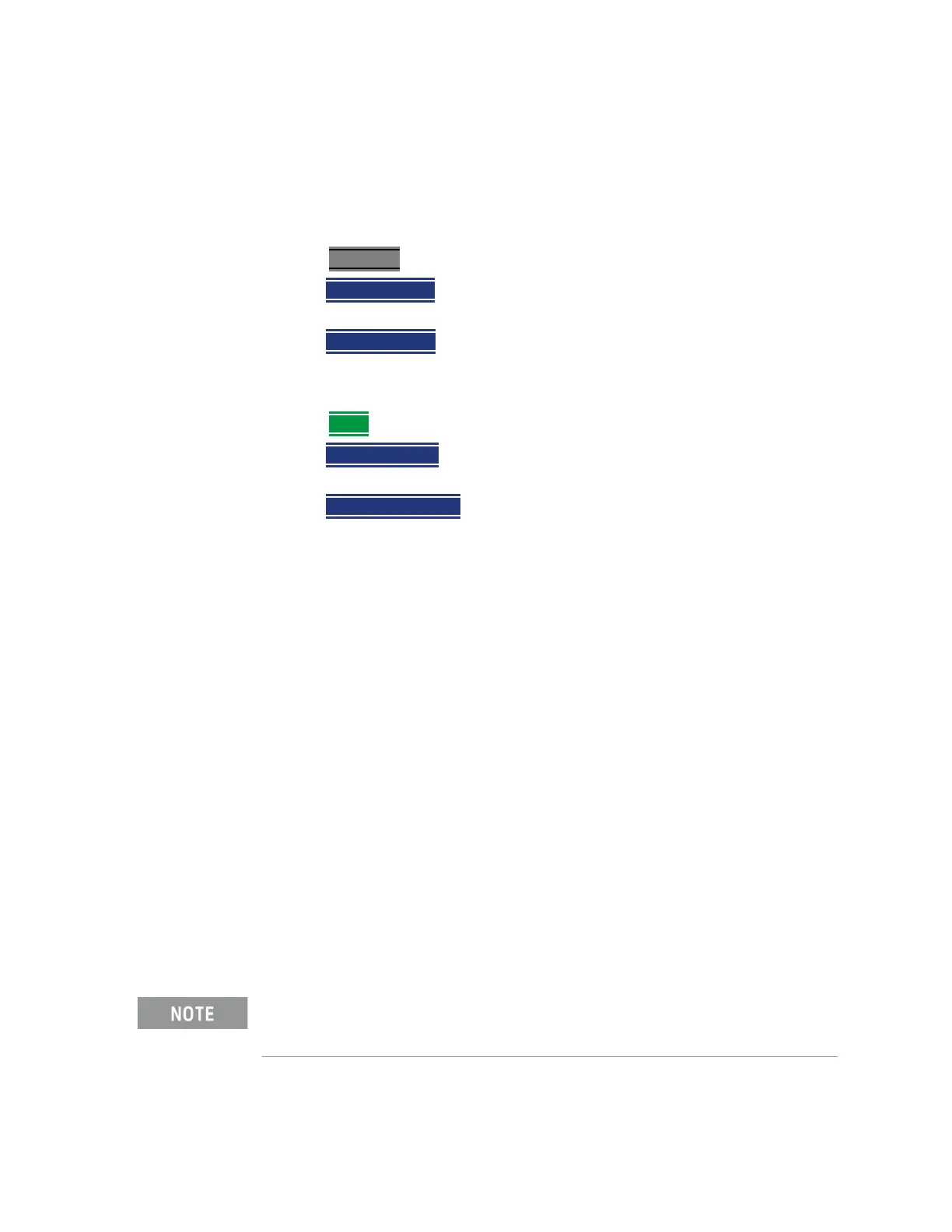
How to manually set Frequencies in Bandpass Mode
1. Press Freq/Dist
2. Then
Min Start Freq and type the start frequency to use for the DTF
measurement.
3. Then Max Stop Freq and type the stop frequency to use for the DTF
measurement.
OR
1. Press
More
2. Then Max Freq Span and type the frequency range to use for the DTF
measurement.
3. Then
Center Frequency and type the center frequency of the range to use
for the DTF measurement.
When the DTF frequencies are set manually, they may not be the optimum
frequencies for measuring the distance to fault. The distance may no longer be
alias-free. Learn more about alias-free range on
page 73.
These settings specify the minimum and maximum frequencies to be used for
the DTF measurement. These exact frequencies may not be used, but a
narrower frequency range may be used that will still pass through the
bandpass filter.
Coupled Frequency
When a Return Loss & DTF measurement is present, this setting allows you to
have different frequency ranges for each measurement. Learn more in
“Coupled Frequency” on page 58.
Cable (Correction) Specifications
By default, the FieldFox does NOT correct DTF measurements to account for
the inherent loss of a cable. However, to make more accurate DTF
measurements, the Cable Loss and Velocity Factor values should be
considered.
The following describes Coax Media type. However, you can create or edit
Waveguide Media Standards. Learn how in
“Waveguide Calibrations” on
page 140
.













 To Next Page